








Ask anything with no-code surveys
Install with AI in a single prompt
Paste into your terminal or code editor and make AI do the work.
What does it do?
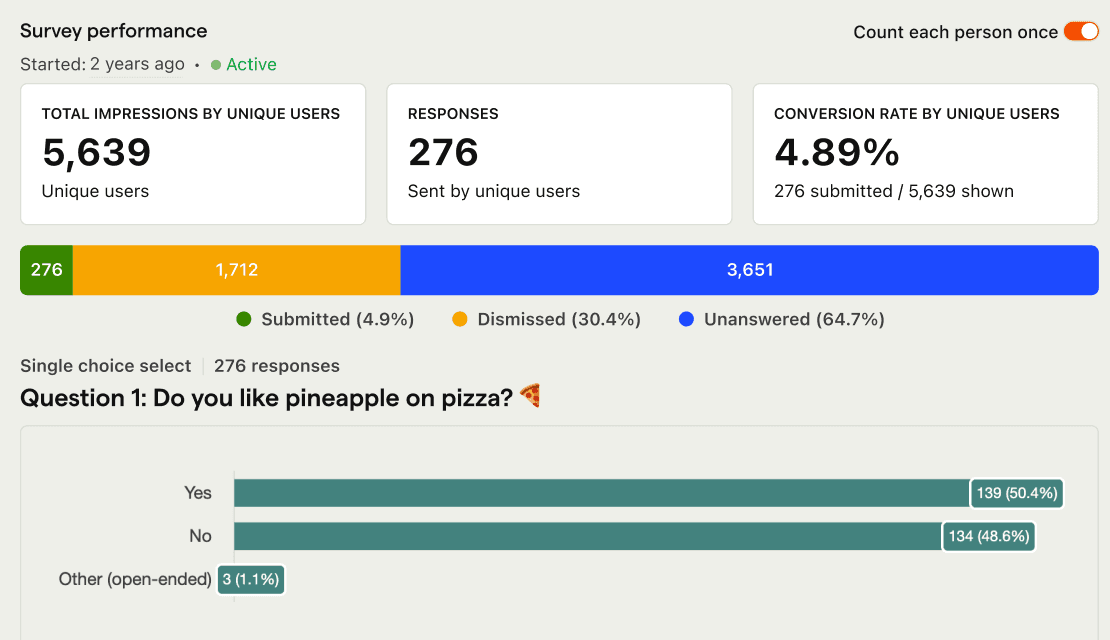
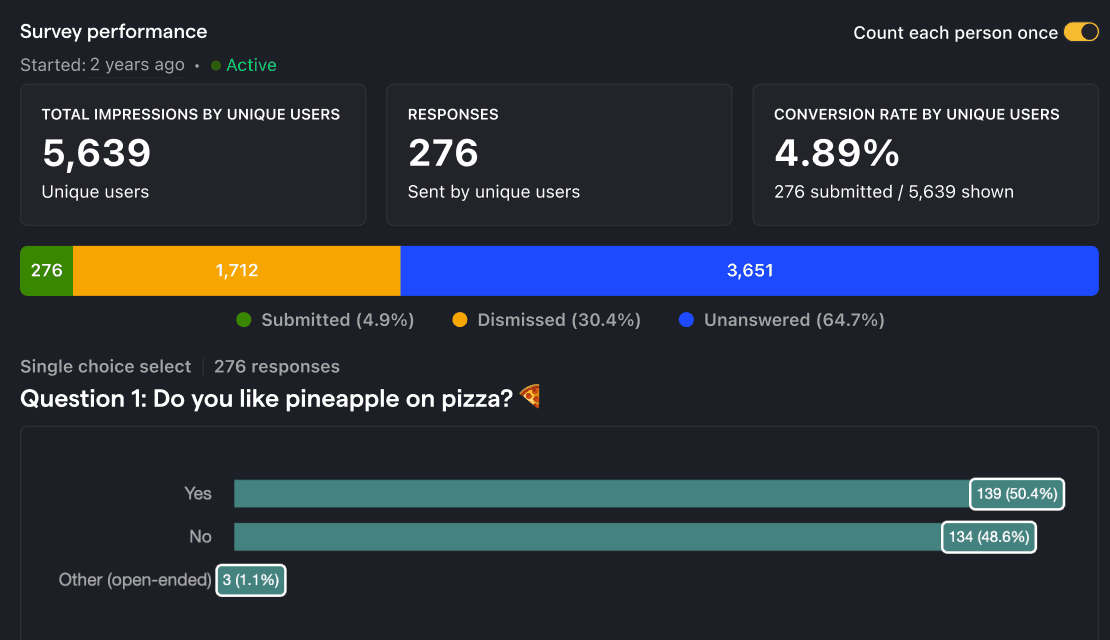
Surveys let you ask users anything right inside your product – freeform text, multiple choice, NPS, ratings, emoji reactions – as a no-code popup or via the API. Target by URL, person properties, events, or Feature Flags so you ask the right people at the right moment. Responses connect to Product Analytics and Session Replay, so you can see who answered and what they were doing.
Who is it for?

How do I use it?
Manage surveys from your editor
Create, update, and analyze surveys from Cursor, Claude Code, VS Code, or any MCP-compatible agent.
Top features

Question types
Multiple choice, multi-select, numerical rating, emoji reaction, embedded links
AI prompts
Ask PostHog AI to create surveys, refine targeting, and summarize responses. Works in PostHog AI (in-app chat), PostHog Desktop (our AI code editor), and in your product editor (using the MCP). Already signed in? Click a prompt to try it.
Createsurvey-create
- “Create an NPS survey for my mobile app users”
- “Build a product satisfaction survey with rating questions”
- “Help me create a survey to understand why users churn”
- “Generate a post-purchase feedback survey”
- “Launch the Sean Ellis PMF survey to engaged users and report the score”
- “Launch a one-question poll asking if the new layout is better”
Update targetingsurvey-update
Check statssurvey-stats
Summarizesurveys-summarize-responses-create
Install
SDKs for web and mobile – or build a custom UI with the Surveys API.
Web frameworks
Popular



All




















Feature comparison
Questions?
Answers
There are a few ways you can get answers to specific questions about Surveys.
- Check the docs
We have an entire
Wizard & Docs Team
- Search the community forums
There's a good chance your answer is already answered!
- Ask PostHog AI
It's an incredibly useful AI chat that understands the product, docs, community questions, our codebase, GitHub issues, and industry knowledge.
- Talk to a human
Dedicated humans are standing by and ready to assist. Best for questions about volume pricing, terms, and sexy legal stuff.
Works with other PostHog tools
Use Surveys with these other PostHog apps to maximize shareholder value.
Get started – free
No credit card required. You get the first 1,500 survey responses free every month, then pricing starts at $0.10/survey response and reduces with volume.