







How to use PostHog in a web worker

Contents
Web workers enable you to run computationally expensive tasks or scripts in background threads. This prevents the main webpage thread from slowing down or being blocked.
Because the web worker runs on a background thread, it can't access the DOM, browser APIs, or window object methods. Instead, it communicates with the main thread through a messaging system.
This means PostHog requires a different setup for a web worker than a normal web implementation. This tutorial helps you with this different setup by building a basic app with a web worker script and then setting up PostHog to work with it.
Creating our basic app with a web worker
To start, we'll create our worker.js file. This will receive a message from the main thread, do some "heavy" math work, and then return the results back.
Next, we create an index.html file in the same folder to trigger the web worker and display the results:
Finally, we need to run a basic server because web workers can only be loaded from proper web servers, not from local files. We use Python's built-in server to do this:
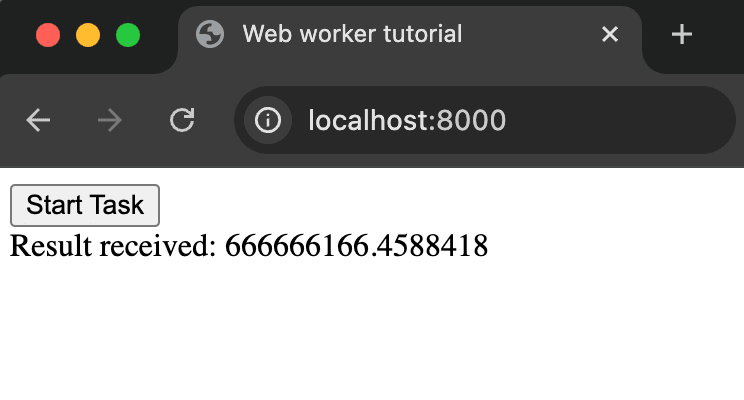
Once you run that script, we can go to http://localhost:8000 and click Start Task to see our web worker in action.
Adding PostHog to our app
Because of the limitation of web workers, we can't simply add PostHog to the worker.js file. Instead, we start by adding the script snippet to the index.html file. This requires your project token and host, both of which you can get in your project settings.
Our updated index.html file will look like this:
Note: We disable
advanced_disable_flagsas it causes a CORS error on our local server. This isn't the case in production so you shouldn't do this for a production-ready app.
Making PostHog work with the web worker
To make PostHog work with a web worker, we can set up a new posthog_event message in worker.js that includes the event name and properties.
We can then handle update the handleWorkerMessages function to handle the posthog_event message in index.html with our web PostHog initialization.
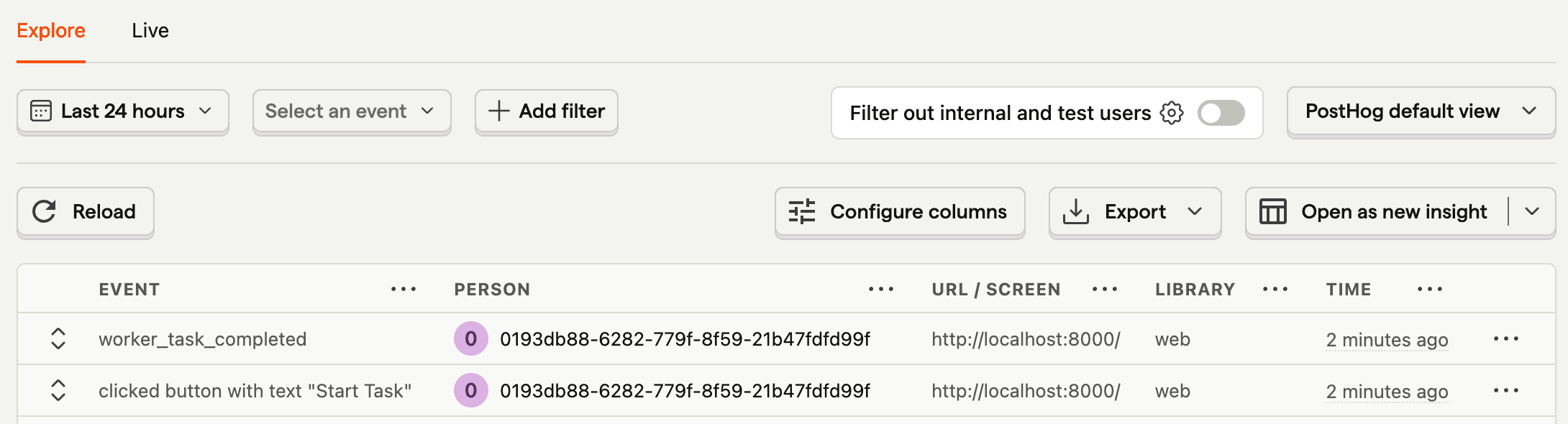
Now, when we run our task, we'll also see a worker_task_completed event captured in PostHog.
You can use this strategy of posting messages back and forth to use any of PostHog's functionality like feature flags or A/B testing.
Further reading
PostHog is your product's context layer. With a full suite of developer tools – AI observability, product analytics, session replay, feature flags, experiments, error tracking, logs, and more – PostHog ingests and stores all the data agents need to diagnose problems, uncover opportunities, and ship fixes. A data warehouse and CDP tie it all together, unifying that context into one source agents can read across. You can steer it all from Slack, the web app, the desktop (PostHog Desktop), or your own editor via the MCP.