







Getting started with Product Analytics
Capture your first event
To get started with Product Analytics, the first step is to install the PostHog SDK to start capturing events within your application.
Autocapture is on by default. Pageviews, clicks, form submissions, and session data are tracked automatically.
Call posthog.capture() to capture custom events and properties.






























For a customized setup, run the AI wizard with one command to automatically set up autocapture, custom events, and more.
Create insights and dashboards
With PostHog connected, your app automatically sends events.
Query the full event stream to analyze product data and user behavior. You can combine related events into actions to create any kind of metric you need.
Create insights and dashboards to visualize trends, funnels, and retention.
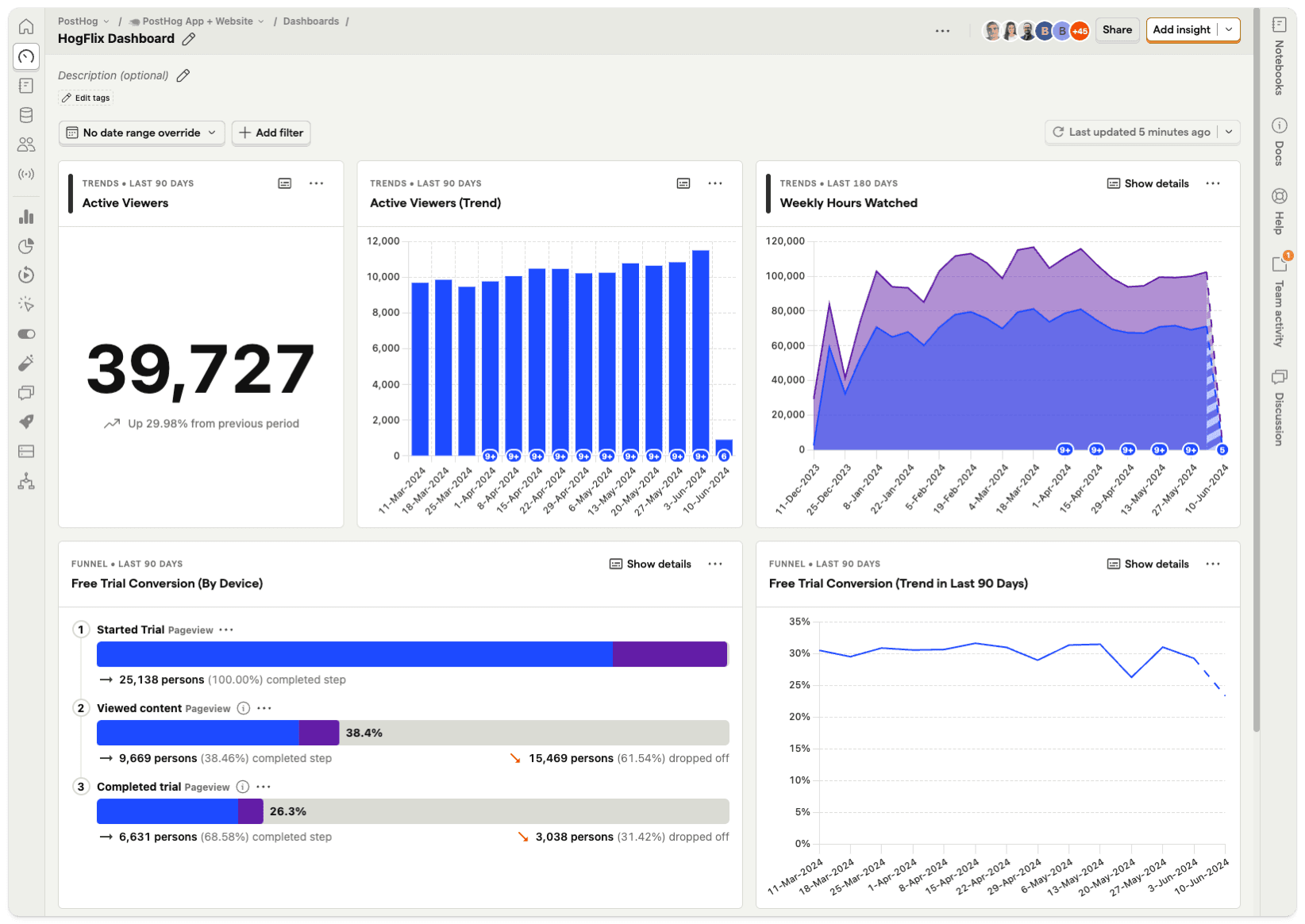
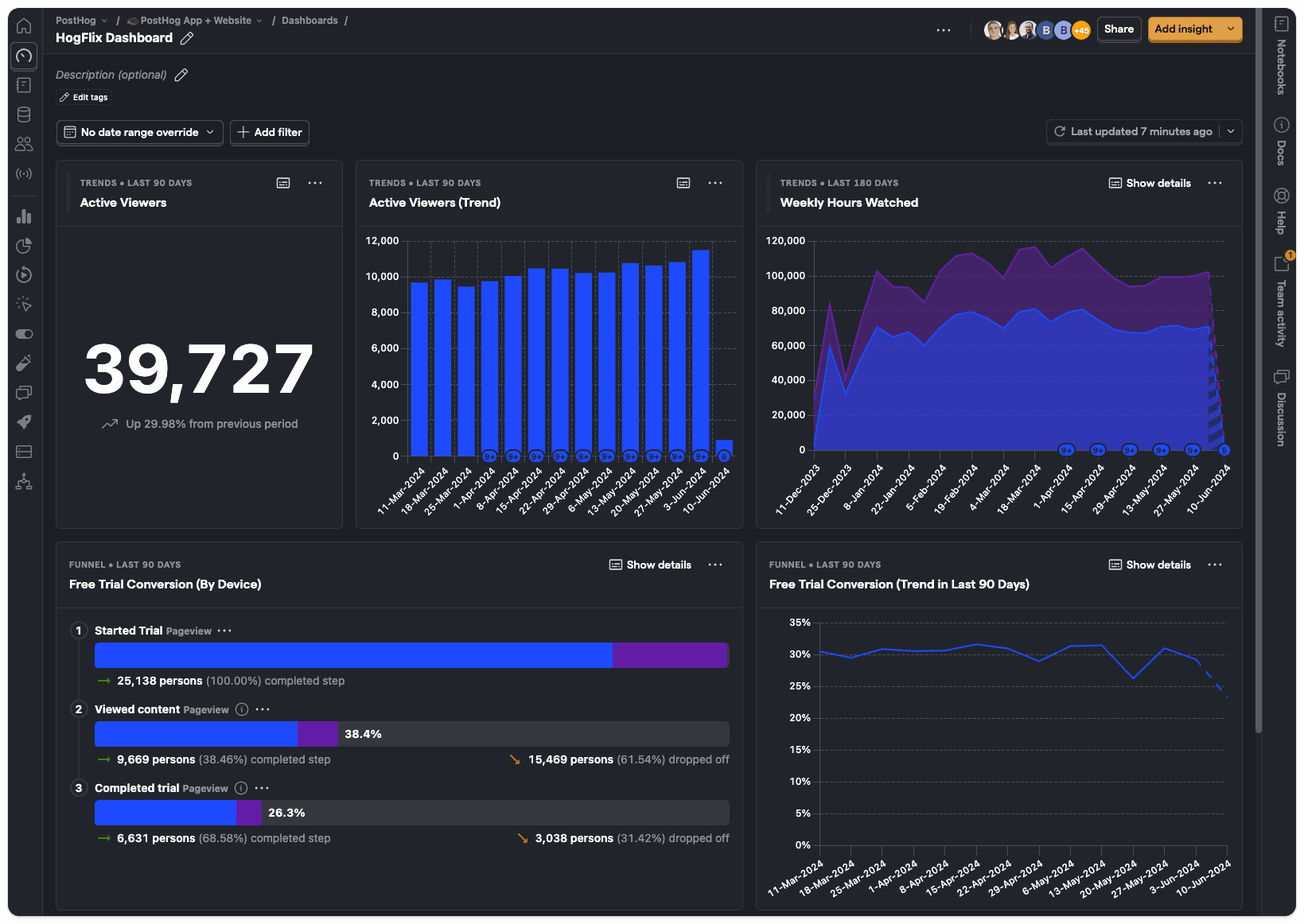
You can also query your event data with SQL if you need more flexibility.
Identify users and groups
Linking events to specific users enables you to build a full picture of how they're using your product across different sessions, devices, and platforms.
You can also aggregate events into groups to track organization behavior at the company, team, or project level.
Anaylze data with MCP and AI
Use AI to investigate and conduct data analysis for you.
Connect the PostHog MCP server to let agents query your data and run analysis.
You can also ask PostHog AI to answer questions, create insights, and build dashboards for you.


Try these prompts:
Create an insight showing daily active users for the past weekBuild a dashboard for onboarding retentionWhat changed across my product this week?
Integrate your tech stack
Session Replay
Click any data point in your funnels, retention charts, or user paths and land directly in a playlist of session recordings for the users behind that number.
Session Replay runs on the same events you've already captured.
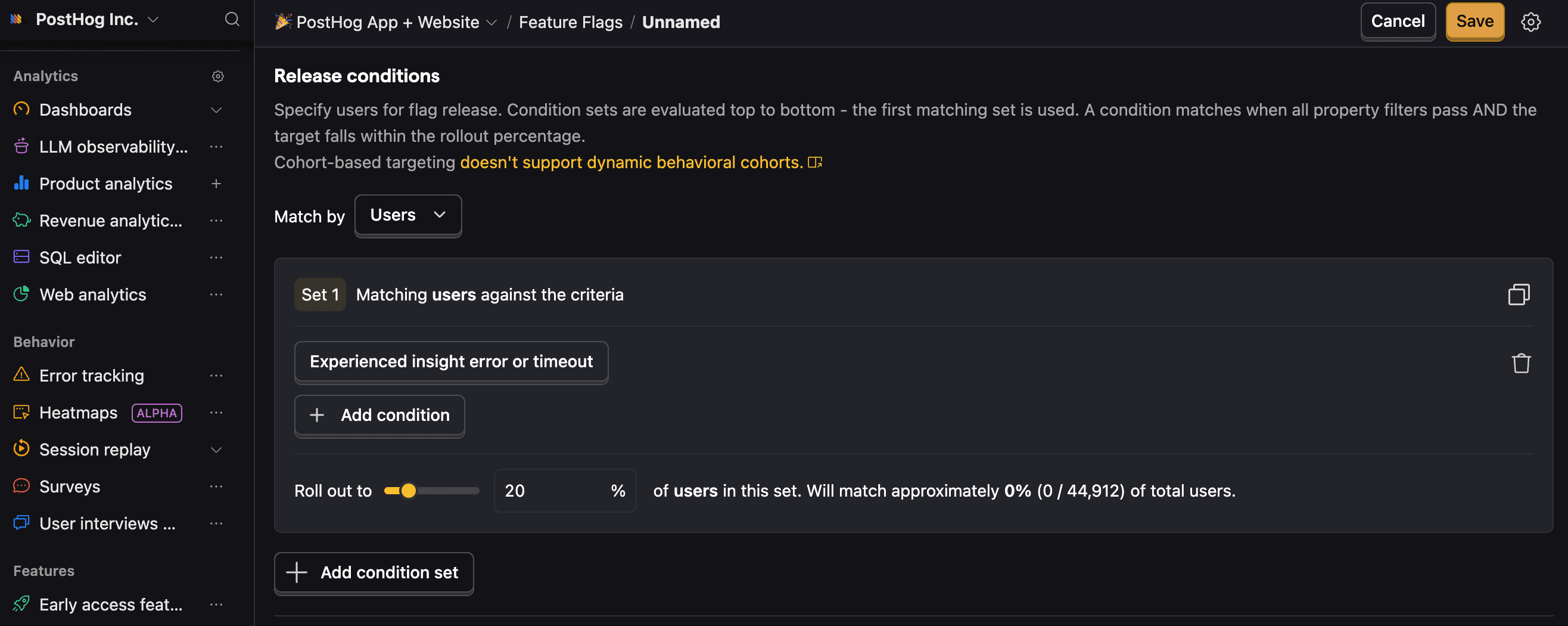
Feature Flags
Roll out or revert code updates with Feature Flags using product events as release conditions.

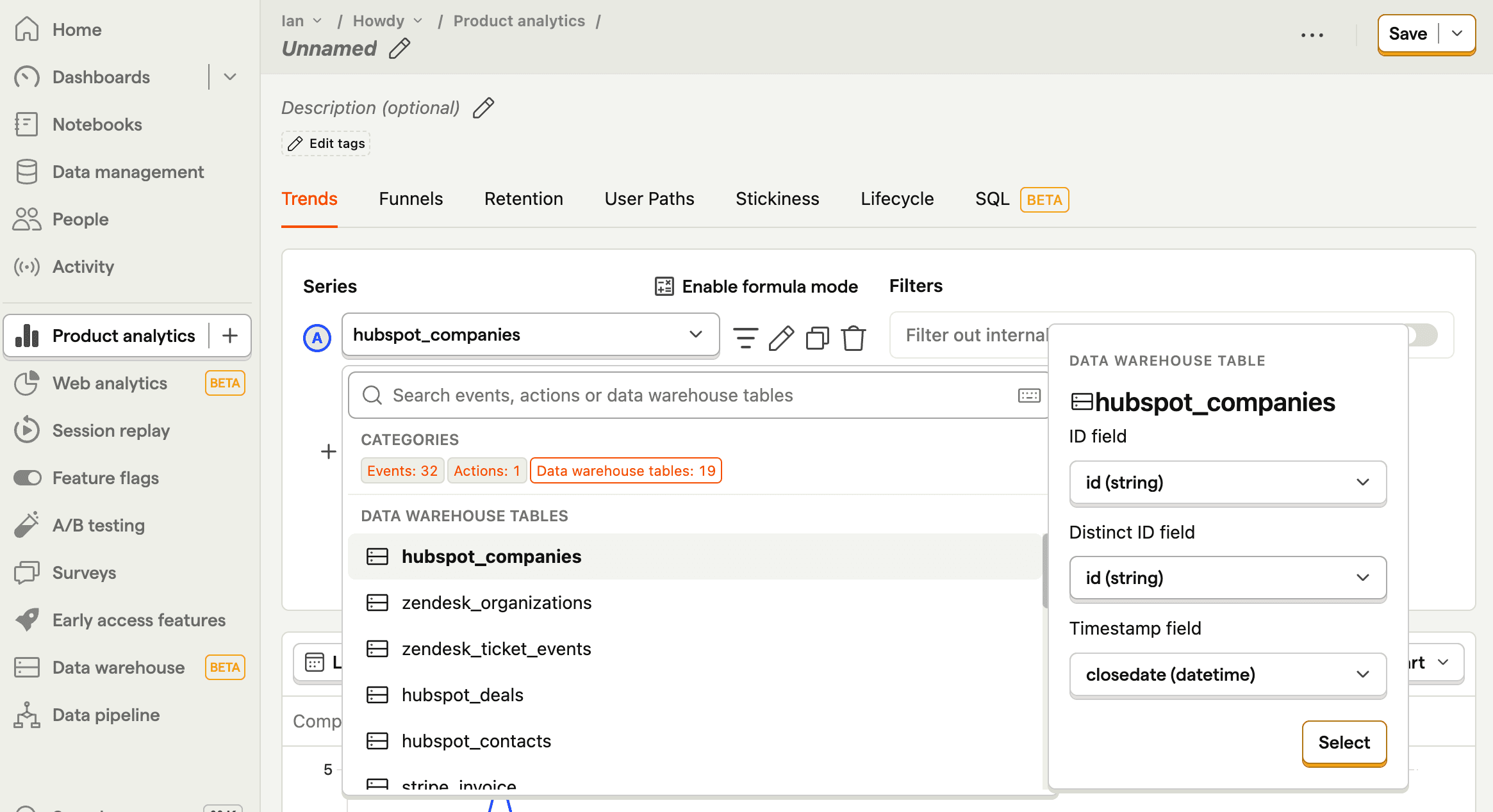
Data Warehouse
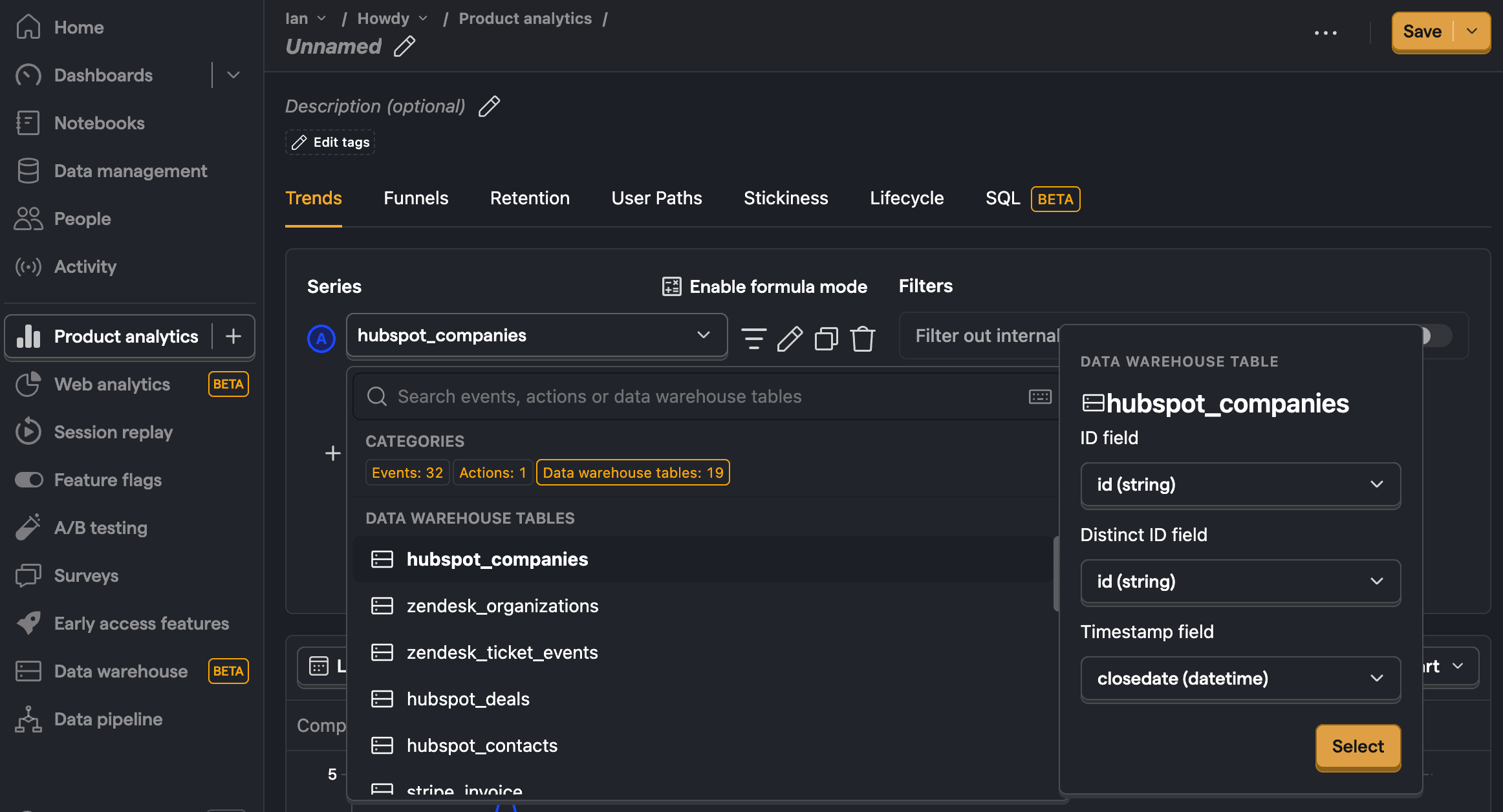
Use the Data Warehouse as a single source of truth for your customer data. Sync your product data with external sources like Stripe, HubSpot, Zendesk, and more.
Use for free
PostHog's Product Analytics is built to be cost-effective by default, with a generous free tier and transparent usage-based pricing. Since we don't charge per seat, more than 90% of companies use PostHog for free.
TL;DR 💸
- No credit card required to start
- First 1 million events per month are free
- Above 1 million we have usage-based pricing at $0.000015/event with discounts
- Set billing limits to avoid surprise charges
- See our pricing page for more up-to-date details
And if that's still not enough, we wrote a whole page on how to cut costs.
That's it! You're ready to start integrating.