





What if your product
built itself?
You have a new pull request ready for review. (Yep, really.)
While you slept, PostHog dug through your product data, found what was worth fixing, and had agents do the work. All you need to do is hit merge.
PostHog instruments your codebase, then combines that context with product data like analytics events, errors, and recordings to understand problems and propose fixes.
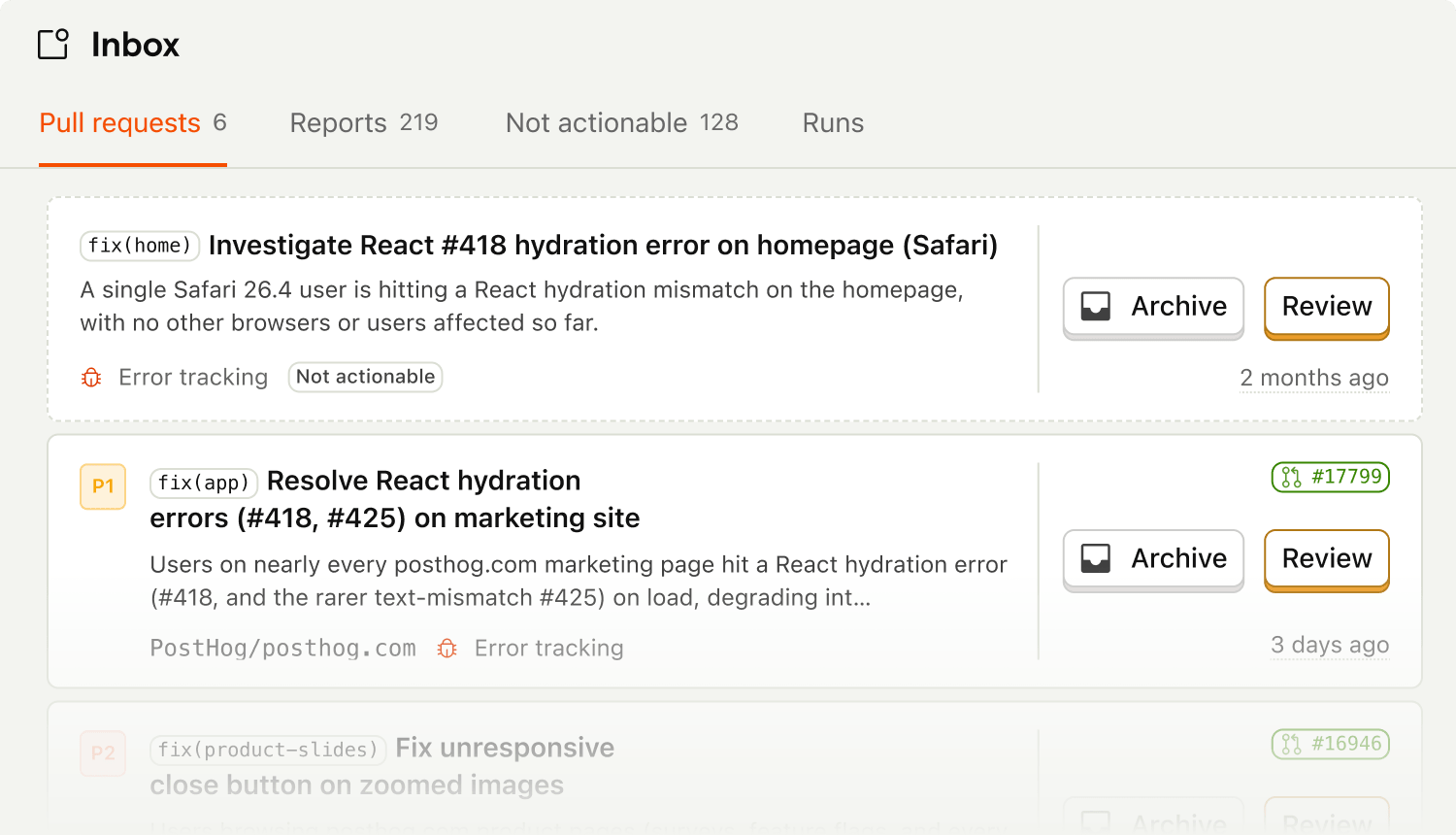
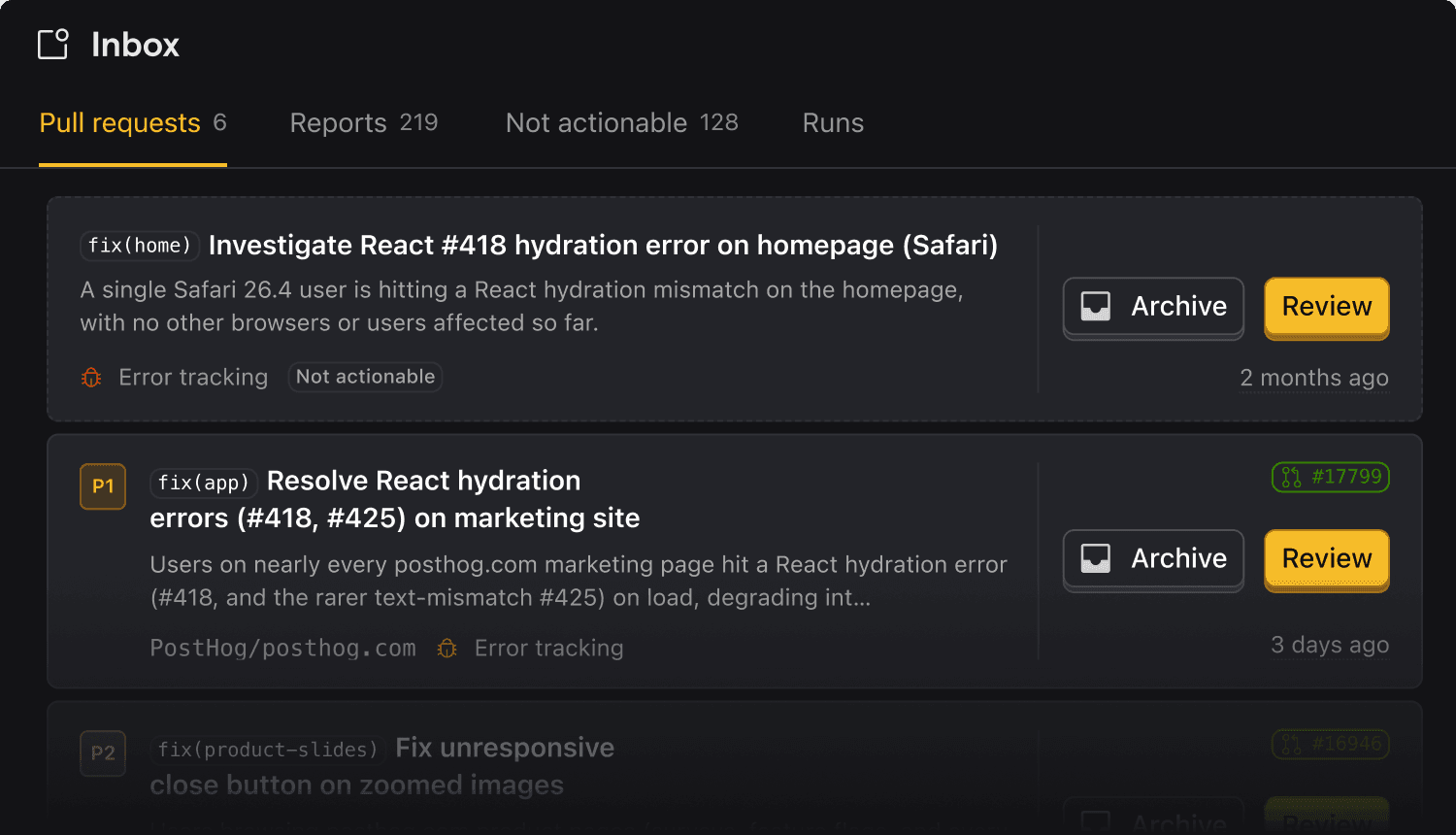

How PostHog makes your product self-driving
Notable things happening in your product
A signal is a single observation about your product.
Exceptions and stack traces grouped into issues
Dead clicks, quick backs, long stalls
Tickets and conversations from your users
Zendesk, Linear, GitHub issues
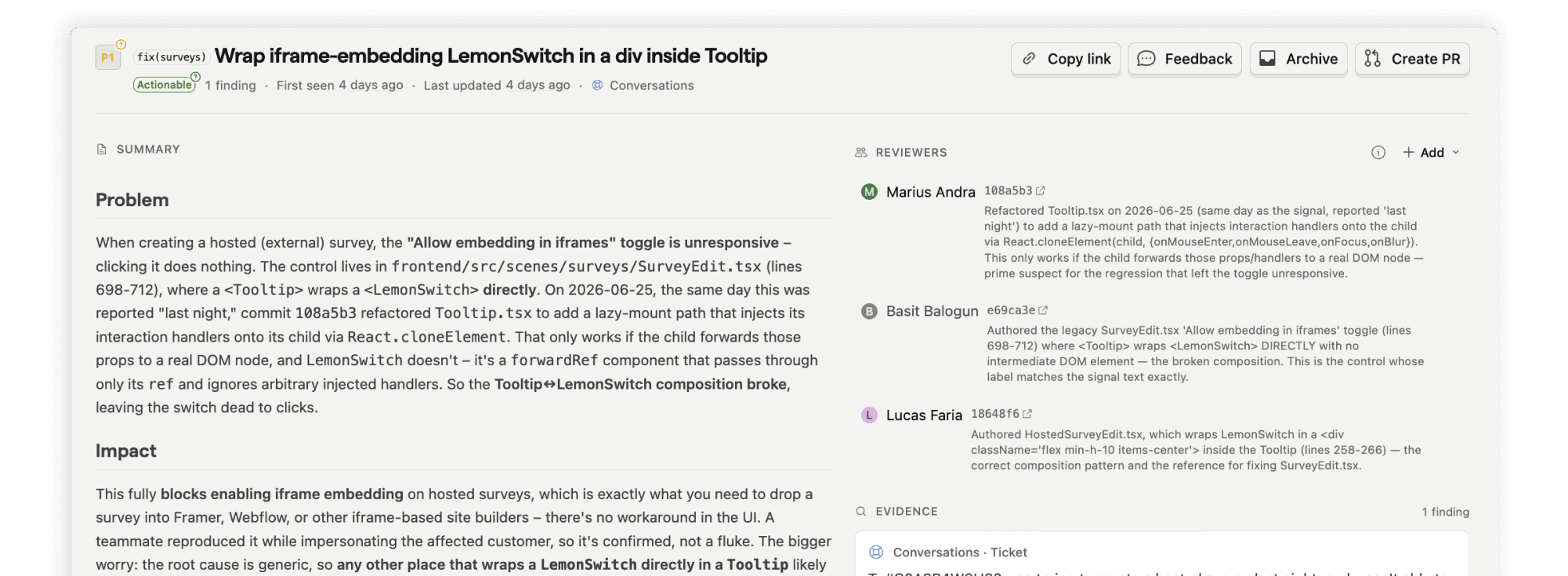
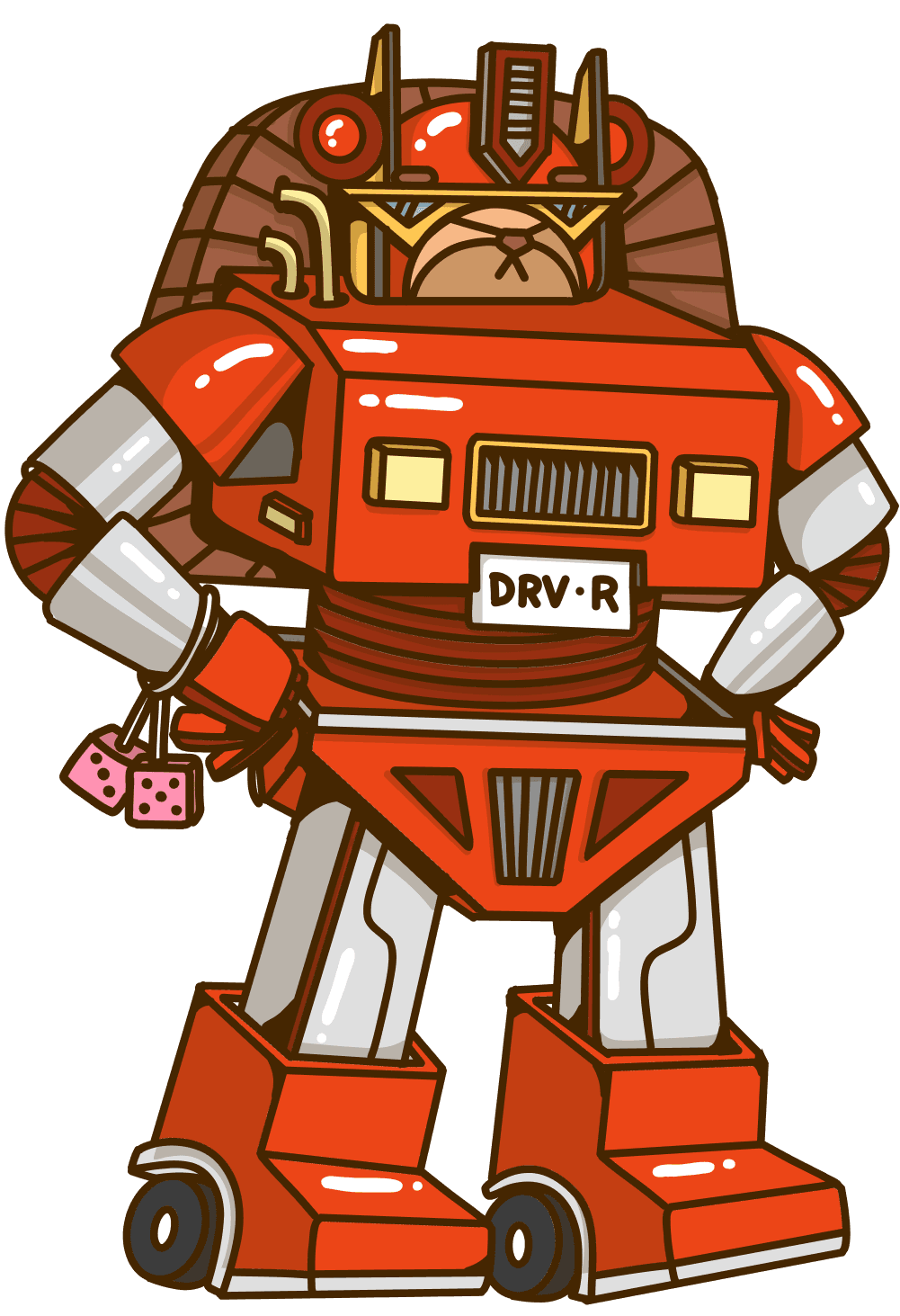
PostHog agents run on their own, but don't run wild
Self-driving is autonomy from instruction, not from you. Agents work in the background without you prompting them to make progress, but nothing ships on autopilot.
- It's stuck in a sandbox. Work happens in the cloud, nowhere near your repo. Agents follow your branch protections, CI, and review rules.
- The work can't merge itself. Nothing reaches production until a human clicks merge. Robots don't touch the big green button.
- PRs > Issues. Raw signals are deduped and clustered into reports. Actionable ones become PRs. You only pay for real work completed.
- Your secrets are safe. Literally, and so is your code. Private repos stay private, and so does your data. (We're training AI models, but not on your code.)
See how it works
Works in your workflow
The same Inbox and agents show up wherever your team works.
PostHog DesktopBeta
A desktop app for driving parallel agents to edit your product. The same Inbox and reports live here.
PostHog Web
The full product in your browser. Explore your data, review proposed work, and dig into the evidence.
@PostHog brings reports, data answers, and agent work into the channels each team already watches.
Pull self-driving context into other tools, and pull context from your other tools into PostHog.
Self-driving from your terminal. Query your data and drive agents right where you already work, and wire it into your scripts and CI.
Give your agents the tools they need
PostHog gives your product the context it needs to become self-driving: usage, errors, replays, flags, experiments, feedback, logs, and the tools agents use to act on what they learn.
Everything lives in your context warehouse
Use PostHog as the full context layer for your product, or mix and match with your own tools.
Data Sources
Data pipelines
Sync data in from your tools and databases, transform events as they arrive, and send data to the rest of your stack.
Warehouse
Store, query, and join your product and business data in one place without maintaining any infrastructure.
Data Modeling
Models
Define your metrics to keep them consistent across PostHog products, update them on a schedule.
Endpoints
Take any insight or SQL query and expose it as a stable API endpoint.
Data Tools
PostHog AI
Ask questions about your data in plain English. Generates SQL, builds dashboards, and surfaces insights.
SQL Editor
Write and run HogQL or standard SQL directly against your data. For when you know exactly what you want and just need to ask for it properly.
Notebooks
Combine insights, replays, flags, experiment results, and SQL into a single document. For when your analysis has a story and a dashboard isn't the right way to tell it.
Business Intelligence
Visualize your data with interactive dashboards and ad-hoc analyses right in PostHog.
Learn it by use case
So, what's left for you?
Work lands while you sleep. You wake up to diffs and reports waiting for review. Then what?
You're (still) the driver
Like a Waymo, a self-driving product doesn't decide where you're going (it just makes getting there easier). You choose where the product goes next.

Skip to the good part
Somebody's gotta clean up around here. Turns out it doesn't have to be you. Bug fixes and maintenance work land in your inbox. Hit merge and move on with your day.

Outship everyone
Product capability used to scale with headcount. Now it's handled (without adding any). A small team with self-driving can outship companies 10x the size.

Questions?
Answers
There are a few ways you can get answers to specific questions about self-driving products.
- Check the docs
Read how Inbox, signal sources, scouts, reports, and pull requests fit together.
- Read a pocket guide
Use case books that walk through real scouts – each one ends in a one-click way to add it to your product.
- Ask PostHog AI
Ask about the product, docs, examples, or how this fits your own workflow.
- Talk to a human
Useful for questions about setup, terms, volume, or whether self-driving fits your team.