







Missing web vitals
Contents
The missing web vitals check fires when your project sends $pageview events but no $web_vitals events, which means Core Web Vitals won't show up in your analytics.

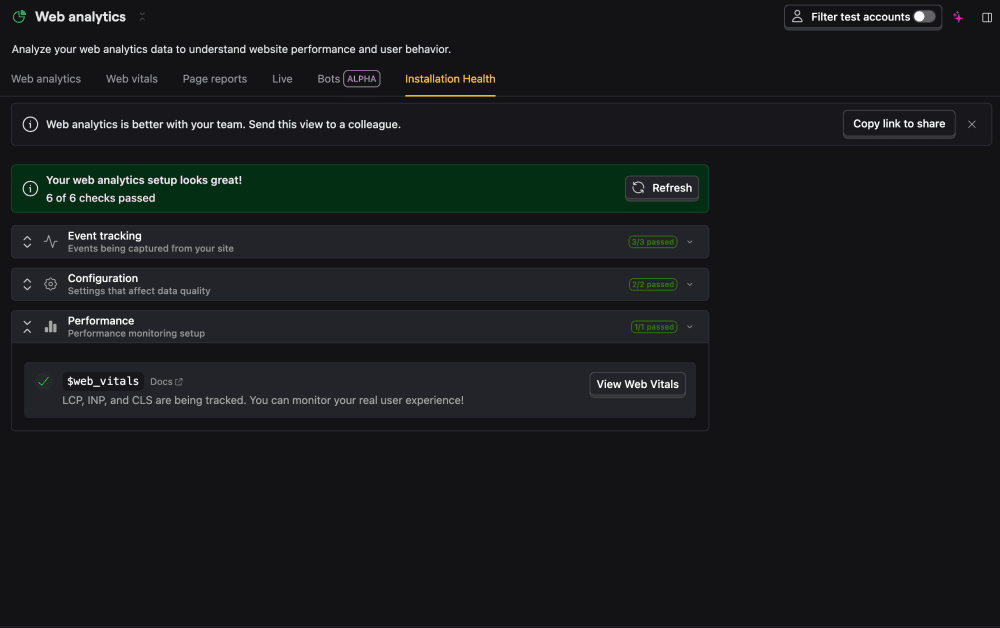
What this check looks for
Once a day, the check looks back over the last 30 days. If it sees $pageview events but zero $web_vitals events, it raises a warning.
Why it matters
Without $web_vitals events, Core Web Vitals (LCP, CLS, INP, FCP) won't appear in web analytics, so you lose visibility into how your pages actually perform for users. It usually means performance capture is disabled in the SDK.
Fix it manually
- Open the Web analytics health page.
- Make sure you're on a recent
posthog-js. - Confirm
capture_performance(web vitals) hasn't been turned off in yourposthog.initconfig.
See web vitals for the full configuration.
Fix it automatically with the Inbox and PostHog Desktop
With the Inbox and health checks enabled as a signal source, the agent will:
- Confirm no
$web_vitalsevents are arriving. - Bump
posthog-jsto a recent version. - Enable web vitals in your
posthog.initconfig (thecapture_performance: { web_vitals: true }option). - Open a PR.
The issue resolves on the next run once $web_vitals events start arriving.