





Scroll-depth tracking disabled
Contents
The scroll-depth check fires when your $pageleave events arrive without scroll-depth metadata, which leaves scroll-depth reports in web analytics empty.
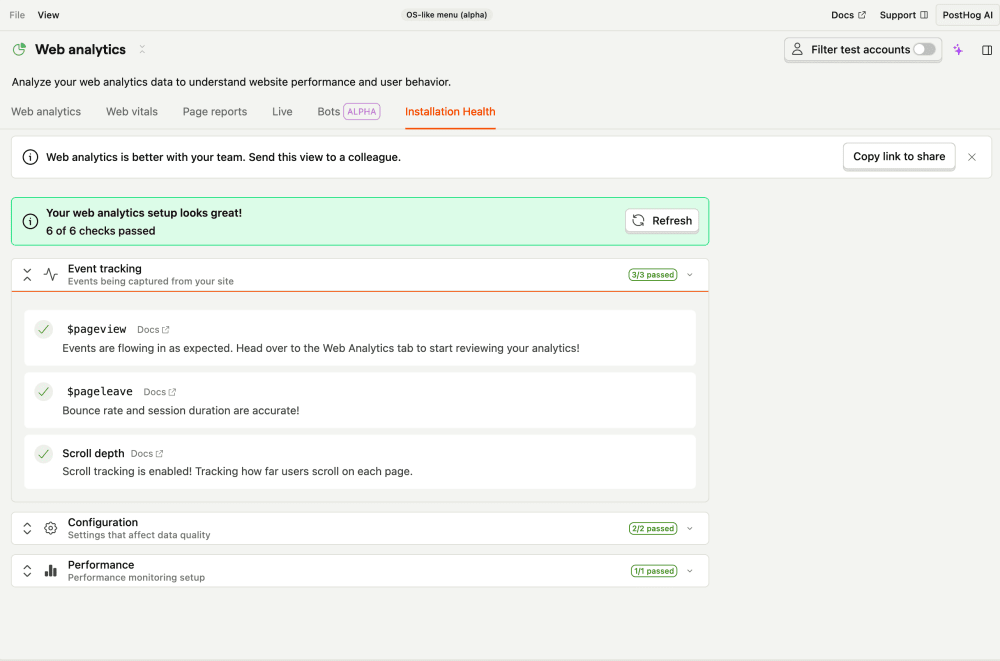

What this check looks for
Once a day, the check looks back over the last 30 days at your $pageleave events and checks whether they include the scroll-depth property ($prev_pageview_max_content_percentage). If none of them do, it raises a warning.
Why it matters
Scroll depth tells you how far down a page people actually read. Without it, scroll-depth reports are empty and you lose a useful engagement signal. It usually means scroll-depth autocapture is disabled in the SDK.
Fix it manually
Scroll depth is collected automatically by posthog-js as part of $pageleave when autocapture is enabled, so the usual fix is:
- Open the Web analytics health page.
- Update to a recent
posthog-jsversion. - Make sure autocapture (and DOM / scroll tracking) hasn't been disabled in your
posthog.initconfig.
Fix it automatically with the Inbox and PostHog Desktop
With the Inbox and health checks enabled as a signal source, the agent will:
- Inspect a recent
$pageleaveevent and confirm the scroll fields are missing. - Bump
posthog-jsand check that yourposthog.initconfig doesn't disable autocapture or DOM / scroll tracking. - Open a PR.
The issue clears on the next run once posthog-js starts sending scroll metadata.