







No authorized URLs
Contents
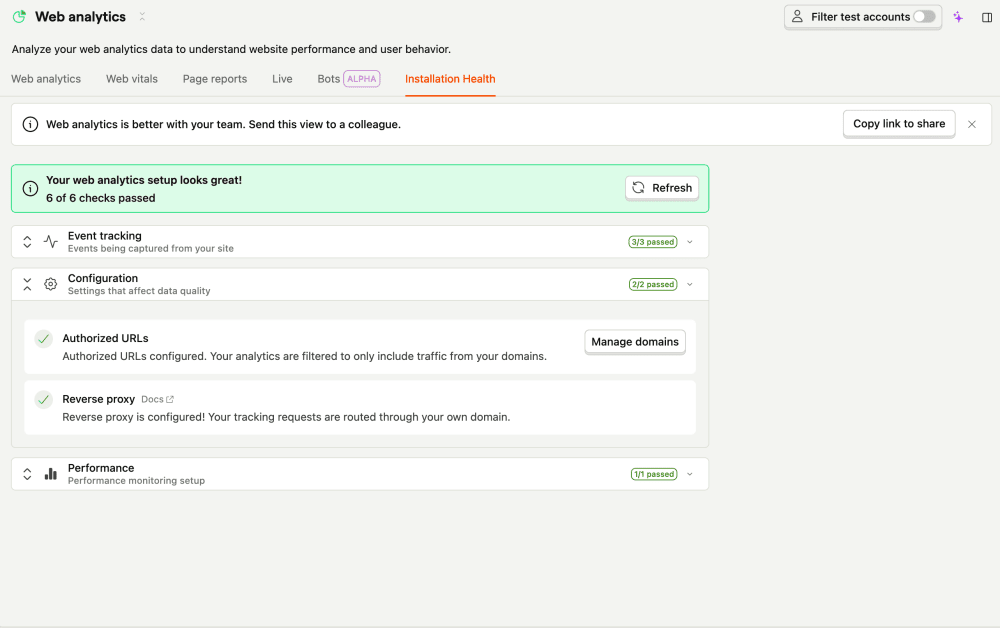
The authorized URLs check fires when your project has no authorized URLs (also called app URLs) configured. Authorized URLs tell PostHog which domains your product runs on.

What this check looks for
Once a day, the check inspects your project settings and raises a warning if the list of authorized URLs is empty.
Why it matters
Without authorized URLs, the toolbar can't launch on your site, and some web analytics filters won't work correctly. Authorized URLs are also a security boundary – they're the allowlist the toolbar uses to decide which domains it may redirect to, so they should only ever contain domains you actually own.
Fix it manually
- Go to Project settings → Authorized URLs (also reachable from the Web analytics health page).
- Add each domain you run on, including staging and any subdomains – for example
https://example.comandhttps://app.example.com. - Use wildcards for dynamic subdomains where needed.
Fix it automatically with the Inbox and PostHog Desktop
Because authorized URLs are a security boundary, PostHog Desktop handles this one carefully and never adds a domain unattended. With health checks enabled as a signal source, the agent will:
- Discover candidate domains from your recent
$pageviewevents (a domain appearing in events is not proof you own it – anyone with your public project token can send spoofed events). - Present the discovered domains and ask you to confirm which you actually own.
- Append only the confirmed domains to your project settings, without clobbering existing entries.
The issue resolves once at least one authorized URL is set.