







No reverse proxy
Contents
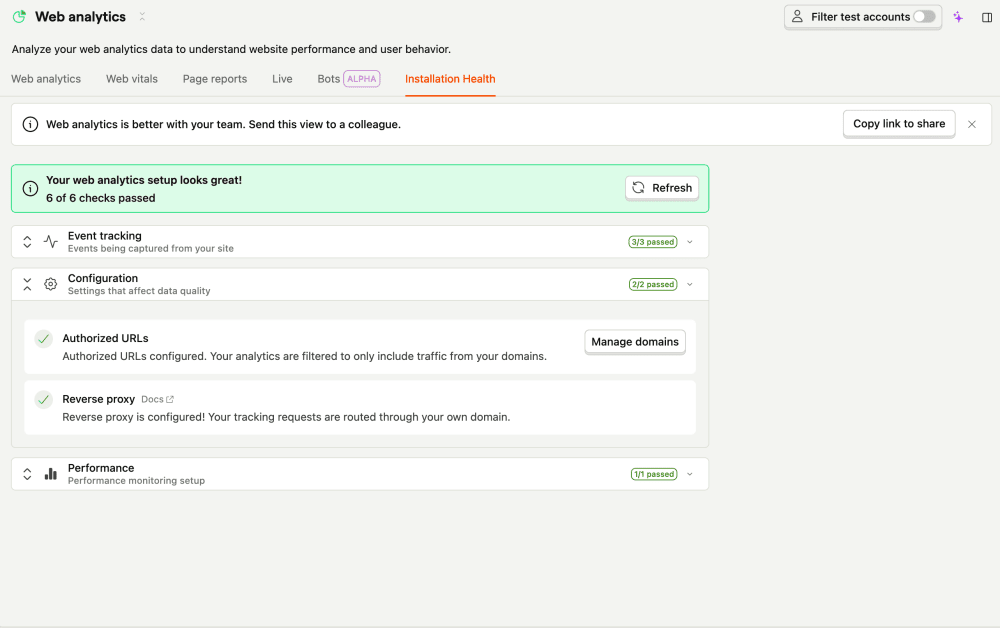
The no reverse proxy check fires when none of your traffic is being sent through a reverse proxy. A reverse proxy serves PostHog from your own domain, which keeps ad blockers from silently dropping your data.

What this check looks for
Once a day, the check looks at recent $pageview / $screen events and checks whether any of them were sent through a custom API host (the $lib_custom_api_host property). If none were, it raises a warning.
Why it matters
Without a reverse proxy, ad blockers can silently drop a meaningful share of your $pageview / $screen events. That undercounts traffic and skews every Web Analytics metric – and because it's silent, it's often mistaken for a real drop in visitors.
Fix it manually
- Set up a reverse proxy that forwards a path on your own domain (for example
https://ph.example.comorhttps://example.com/ingest) to PostHog. There are several options: a managed reverse proxy, Cloudflare, Vercel, AWS CloudFront, NGINX, and more. - Point your SDK's
api_hostat the proxy URL and redeploy.
See the reverse proxy guide for setup instructions for each platform.
Fix it automatically with the Inbox and PostHog Desktop
With the Inbox and health checks enabled as a signal source, the agent will either:
- Stand up a PostHog-managed reverse proxy and give you the DNS record to add, or
- Implement a proxy in your codebase – a
rewritesentry innext.config.js, avercel.jsonroute, an NGINXlocationblock, or a Cloudflare worker, depending on your stack.
Either way, it sets api_host (and ui_host) in your posthog.init call to the proxied URL and opens a PR. The issue resolves once proxied events arrive.