







Missing pageleave events
Contents
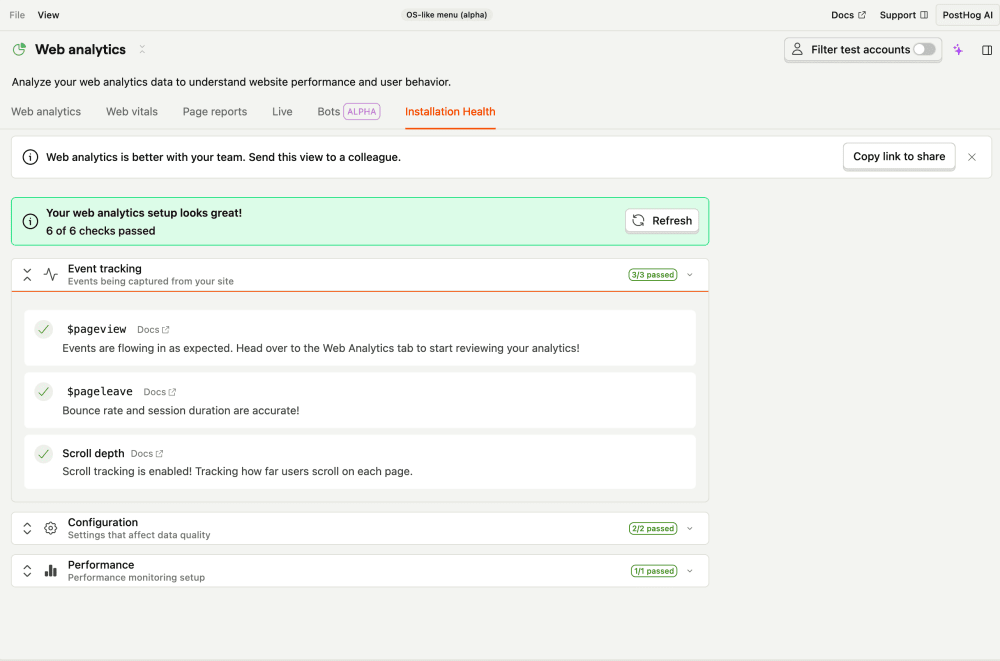
The missing pageleave events check fires when your project sends $pageview events but no $pageleave events. PostHog uses the pair to measure how long people stay on a page.

What this check looks for
Once a day, the check looks back over the last 30 days. If it sees $pageview events but zero $pageleave events, it raises a warning.
Why it matters
Missing $pageleave breaks bounce rate, session duration, and scroll-depth metrics in web analytics. It usually means pageleave capture is disabled in the SDK, so these reports will be empty or wrong even though pageviews look fine.
Fix it manually
The fix is almost always on the SDK side:
- Open the Web analytics health page.
- Make sure you're on a recent
posthog-jswith pageview autocapture enabled – it emits$pageleaveautomatically when someone navigates away. - If you capture pageviews manually (
capture_pageview: false), add a matching$pageleavecapture on route changes and page unload.
Fix it automatically with the Inbox and PostHog Desktop
With the Inbox and health checks enabled as a signal source, the agent will:
- Confirm the gap in your data (
$pageviewevents present,$pageleaveabsent). - Locate your
posthog.initcall and ensure pageview autocapture is enabled. - If pageviews are captured manually, add a matching
$pageleavecapture on navigation. - Open a PR.
The issue resolves on the next run once $pageleave events arrive.