







No live events
Contents
The no live events check fires when your project hasn't received any $pageview or $screen events for a sustained period. It's the most serious Web Analytics check, because it usually means PostHog isn't receiving data at all.
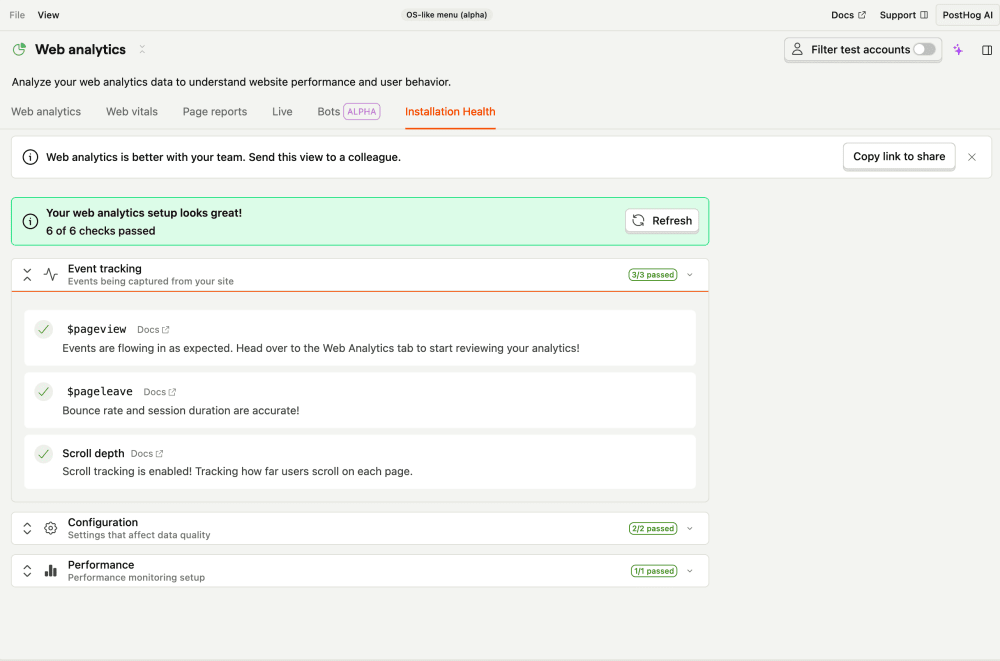

What this check looks for
Once a day, the check looks back over the last 30 days for any $pageview or $screen events. If it finds none, it raises a critical issue.
Why it matters
Web Analytics and Product Analytics stay completely empty until capture is restored. This almost always means the PostHog snippet or SDK isn't installed, was removed during a deploy, or is misconfigured (for example, pointing at the wrong project token).
Fix it manually
- Open the Web analytics health page.
- Confirm the PostHog snippet or SDK is installed and initialized on your site or app, and that you're using the correct project token (Project settings → Web snippet / Project token).
- Load a page on your site, then check Activity → Live events to see whether events arrive in real time.
Fix it automatically with the Inbox and PostHog Desktop
With the Inbox and health checks enabled as a signal source, the agent will:
- Check whether any events are landing. Other events but no
$pageview/$screenpoints to autocapture being disabled; nothing at all points to the SDK not sending. - Find where PostHog is initialized in your codebase and make sure
posthog.initruns with the correct project token. - Ensure pageview autocapture is enabled (and if
capture_pageview: falseis set, re-enable it or add a manual$pageviewon navigation). - Open a PR with the fix.
The issue resolves once events start arriving again.