







Partial reverse-proxy coverage
Contents
The partial reverse-proxy coverage check fires when some of your hostnames send events through a reverse proxy but others don't. It's a more subtle cousin of the no reverse proxy check.
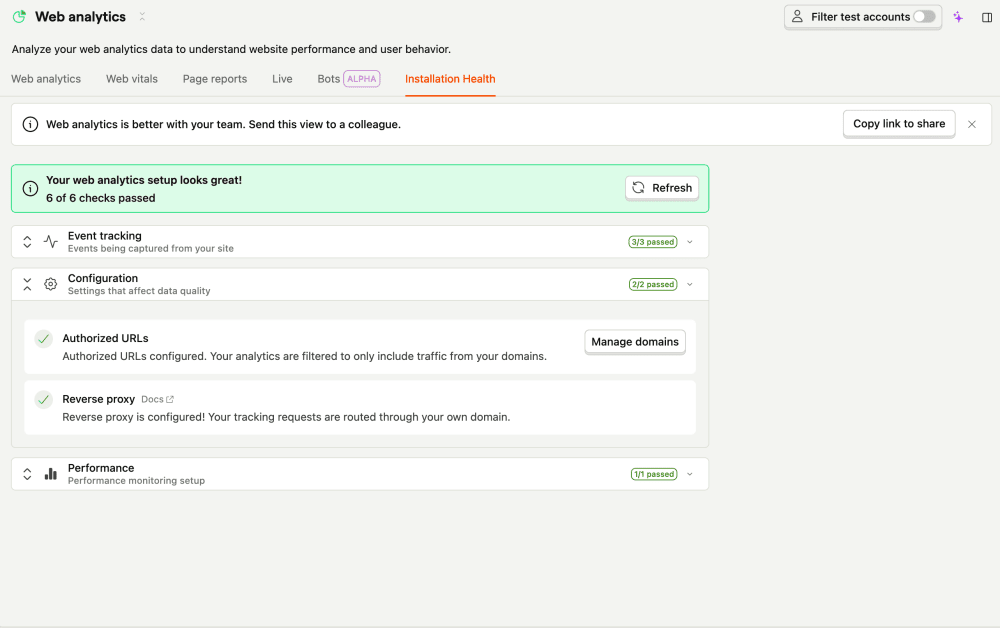

What this check looks for
Once a day, the check groups your recent $pageview / $screen events by hostname (looking only at hosts with at least 50 events over the last week) and checks, per host, whether traffic goes through a custom API host. If at least one host is proxied and at least one isn't, it raises a warning and lists the unproxied hosts in the issue.
Why it matters
Traffic from the unproxied hosts is more likely to be blocked by ad blockers and to have inaccurate geolocation. That makes your analytics inconsistent across domains – one site looks healthy while another silently undercounts – which is hard to spot without this check.
Fix it manually
- Open the Web analytics health page. It lists the hostnames that aren't going through a proxy.
- For each of those, point the SDK's
api_hostat your reverse proxy – the same proxy your other domains already use – and redeploy.
Fix it automatically with the Inbox and PostHog Desktop
With the Inbox and health checks enabled as a signal source, the agent will:
- Read the unproxied hosts from the issue and verify coverage per host in your data.
- Check your existing proxies and, for the deployments serving those hosts, set
api_hostto the existing reverse proxy URL (adding a route, or a new managed proxy, for any host that doesn't have one yet). - Open a PR.
The issue clears on the next run once every host is proxied.