





Error tracking that helps you ship faster
Install with the PostHog Wizard
PostHog Wizard analyzes your codebase and automatically sets up error tracking, exception autocapture, and dashboards tailored to your product. One command does it all:


Install PostHog with one command
Paste this into your terminal and make AI do all the work.

Catch errors automatically
Install the SDK and flip on exception autocapture. PostHog catches $exception events the moment they're thrown, client-side or server-side. Want more control? Call posthog.captureException() to send specific errors with custom properties.
Platforms





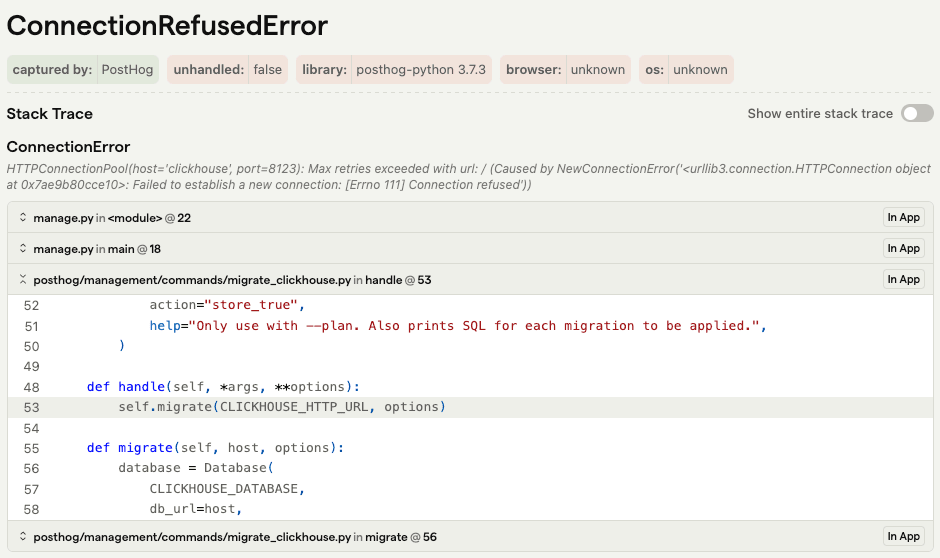
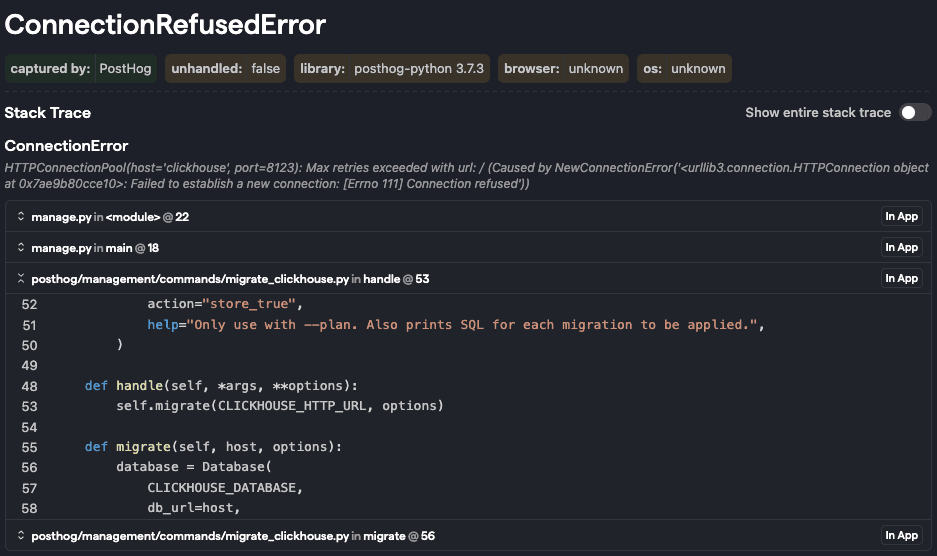
Stack traces that point to your code
PostHog maps exceptions back to your original source code with line numbers and file names. Just upload your source maps.
Stay on top of what matters
Exceptions get grouped into issues automatically. Assign them, resolve them, or set up alerts so Slack yells at you instead of your users.
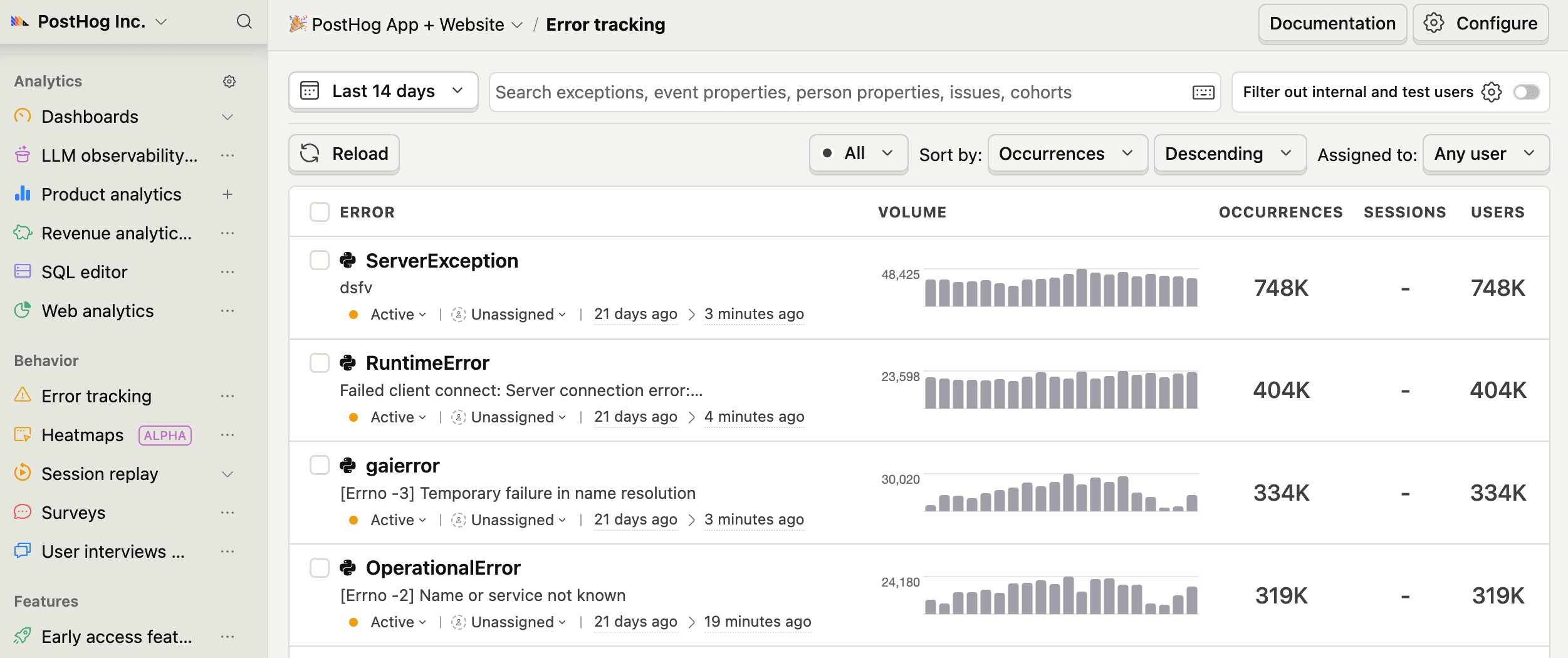
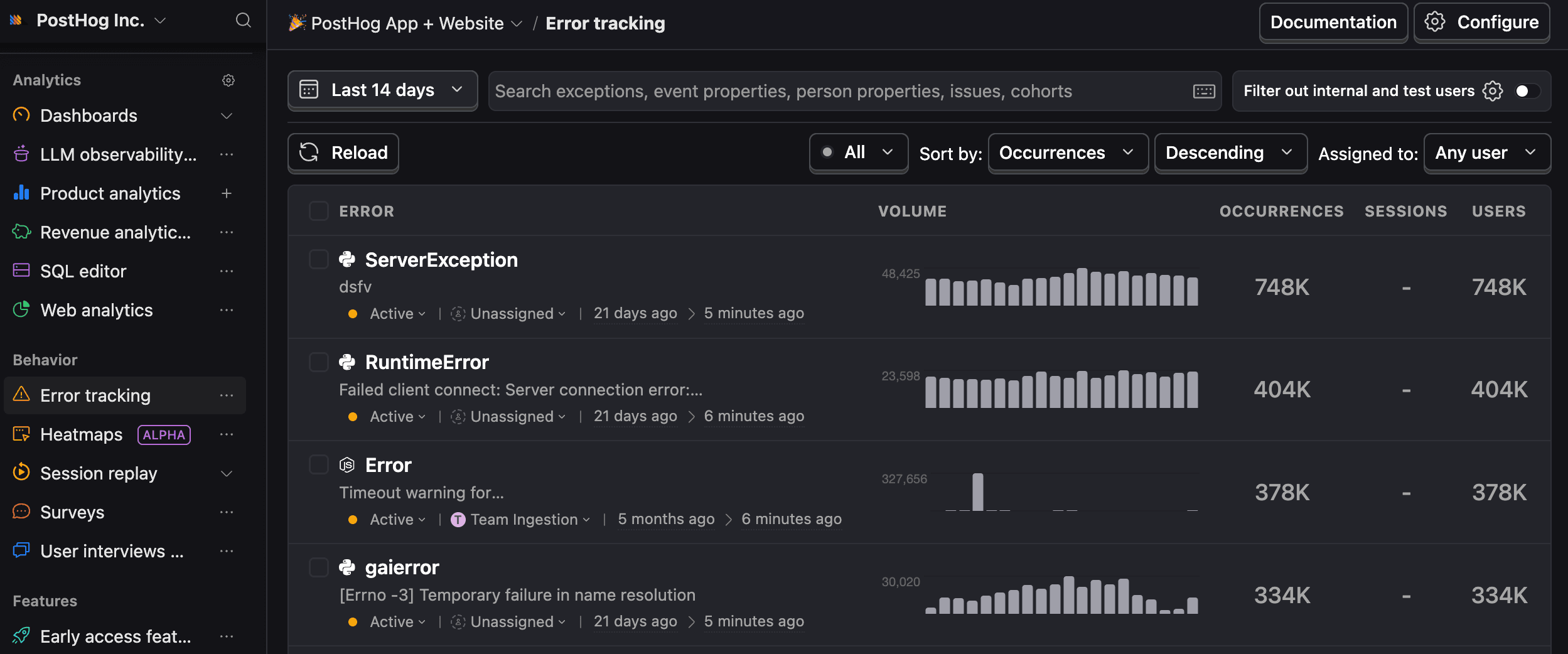
- Manage, resolve, and auto-assign issues to team members
- Customize issue grouping with rules
- Set up real-time alerts based on event triggers, filters, and trends
- Integrate with Slack, Discord, Teams, or an HTTP webhook
Let AI do the detective work
Connect the PostHog MCP server and let AI agents investigate errors for you. Or copy our premade AI prompts that include full stack traces and curated instructions so your AI actually knows what it's looking at.
See the full picture
Session replay
See exactly what users did before and after the error.
Product analytics
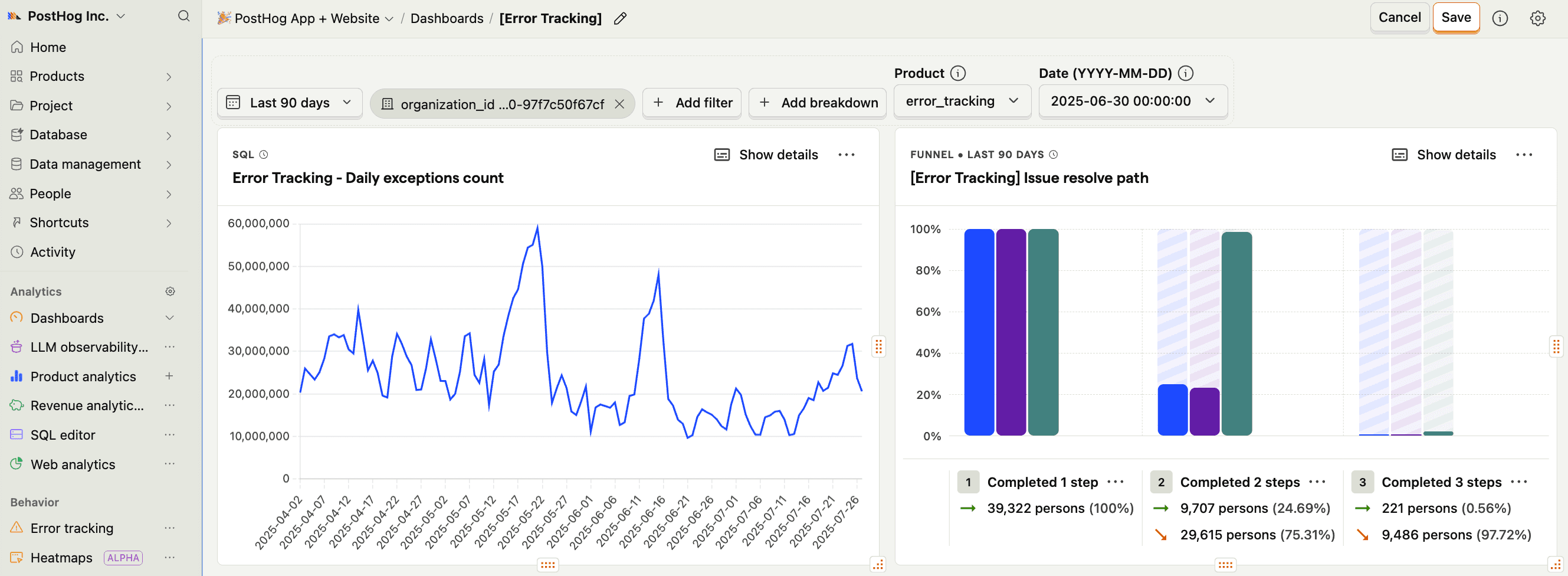
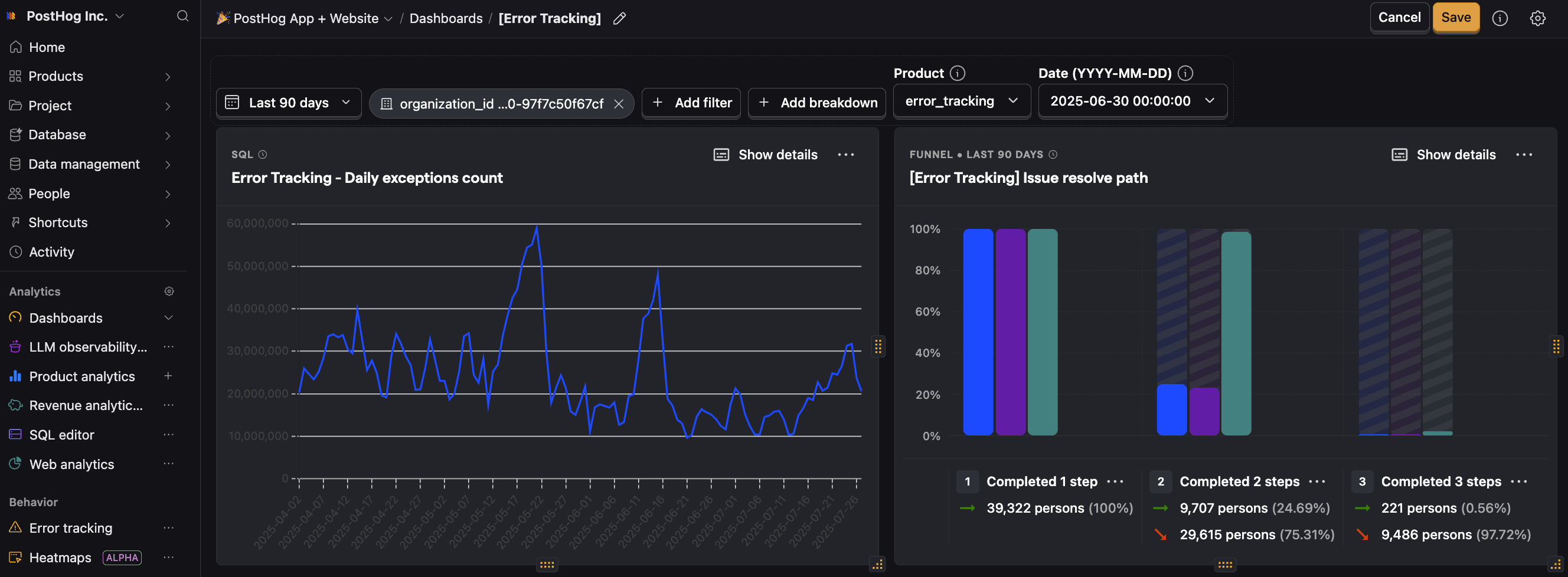
Use $exception events to create trends, funnels, or retention insights. Spot patterns, prioritize what's actually hurting users.
Feature flags
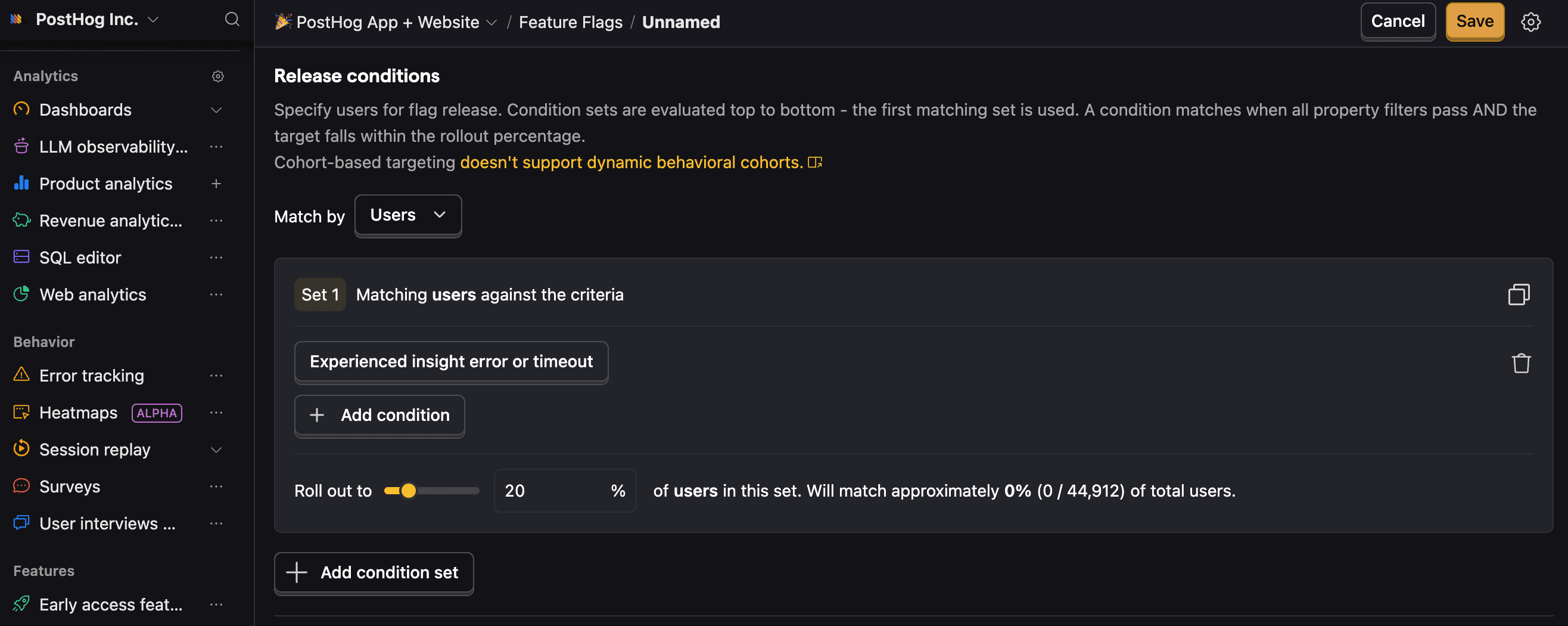
Roll out fixes to affected users first, or revert changes without a full deploy.

Use for free
PostHog's Error Tracking is built to be cost-effective by default, with a generous free tier and transparent usage-based pricing. Since we don't charge per seat, more than 90% of companies use PostHog for free.
TL;DR 💸
- No credit card required to start
- First 100K exceptions per month are free
- Above 100k we have usage-based pricing at $0.000370/exception with discounts
- Set billing limits to avoid surprise charges
- See our pricing page for more up-to-date details
That's it! You're ready to start integrating.