Integrations
Contents
Session replay integrates with issue tracking tools like Linear, GitHub, GitLab, and Jira. This enables you to create and link issues directly from a replay, making it easy to track bugs and share context with your team.
Setting up integrations
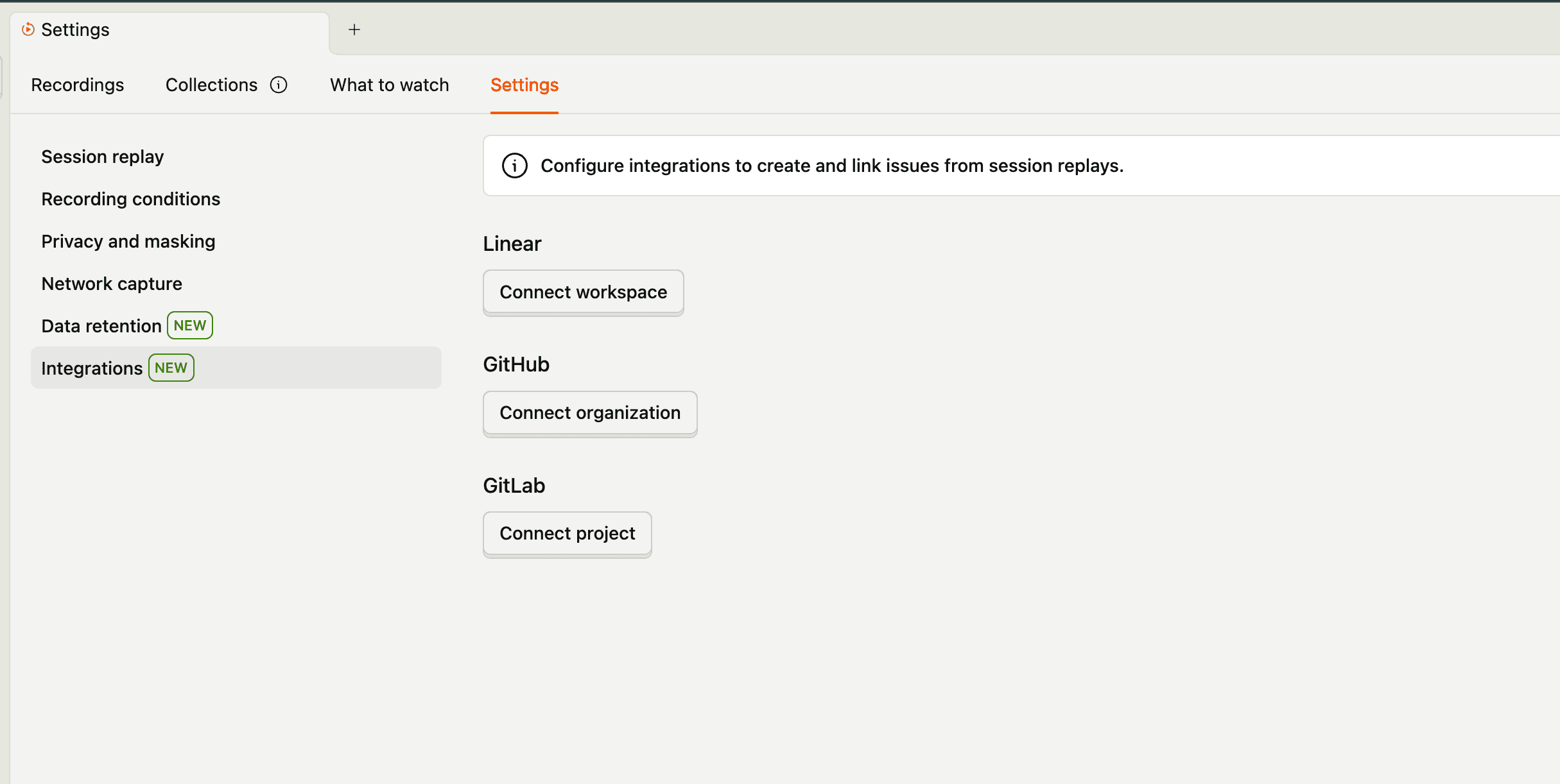
To enable integrations, go to your project settings and connect your Linear, GitHub, GitLab, or Jira account. Once connected, you can select which projects or repositories you want to link issues to.
Alternatively, use these direct links to connect integrations:
Creating issues from a replay
To create an issue when viewing a session replay:
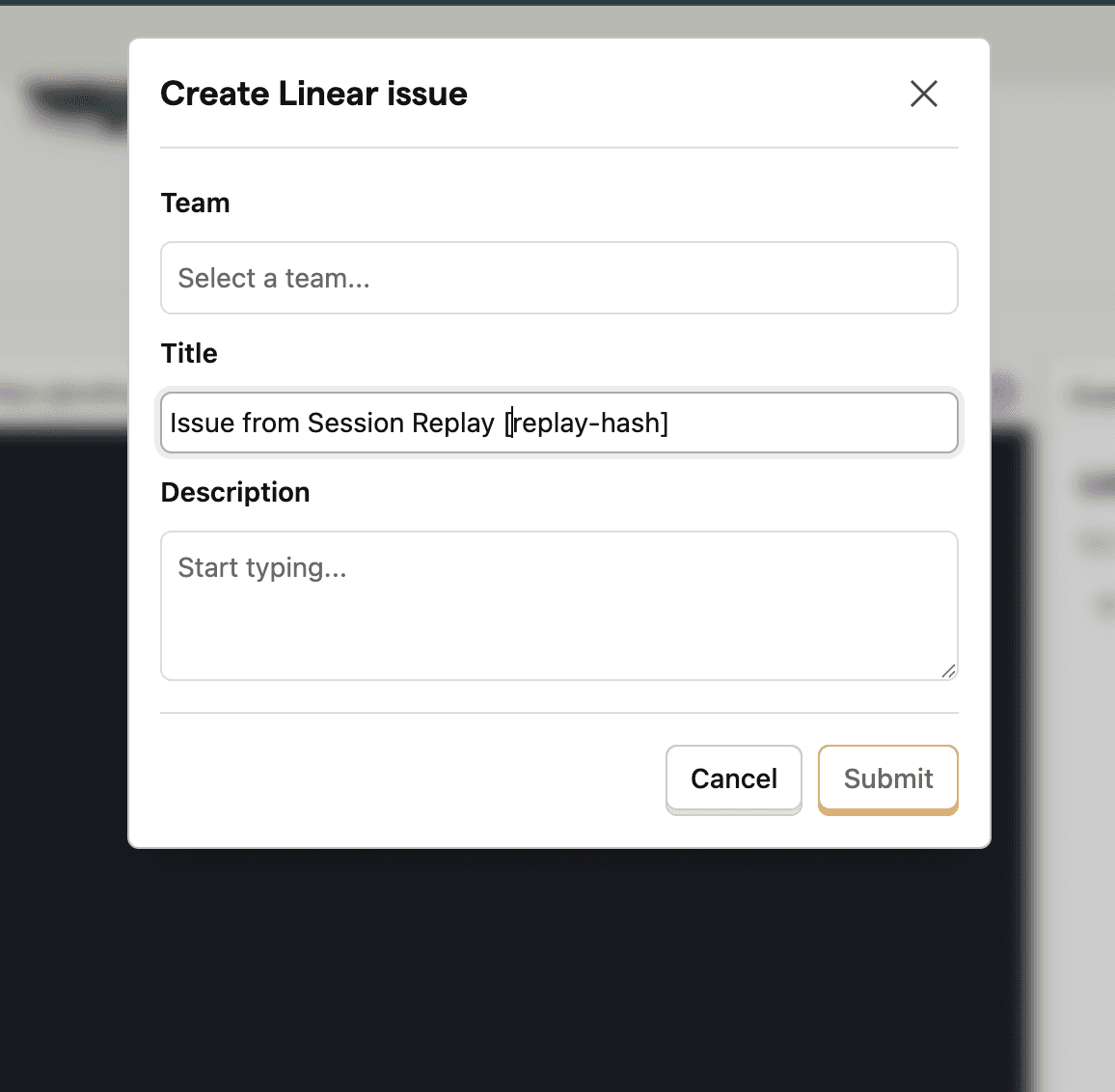
- In the replay sidebar, open the Linked issues tab and click Create issue. If you have more than one integration connected, select the integration to use.
- Choose the team (Linear), repository (GitHub), or project (Jira). GitLab doesn't need this step.
- Add a title and description.
- Click Submit.
The Linked issues tab only appears once you connect an integration.
The issue will automatically include a link back to the session replay, giving your team full context on what happened.
Viewing linked issues
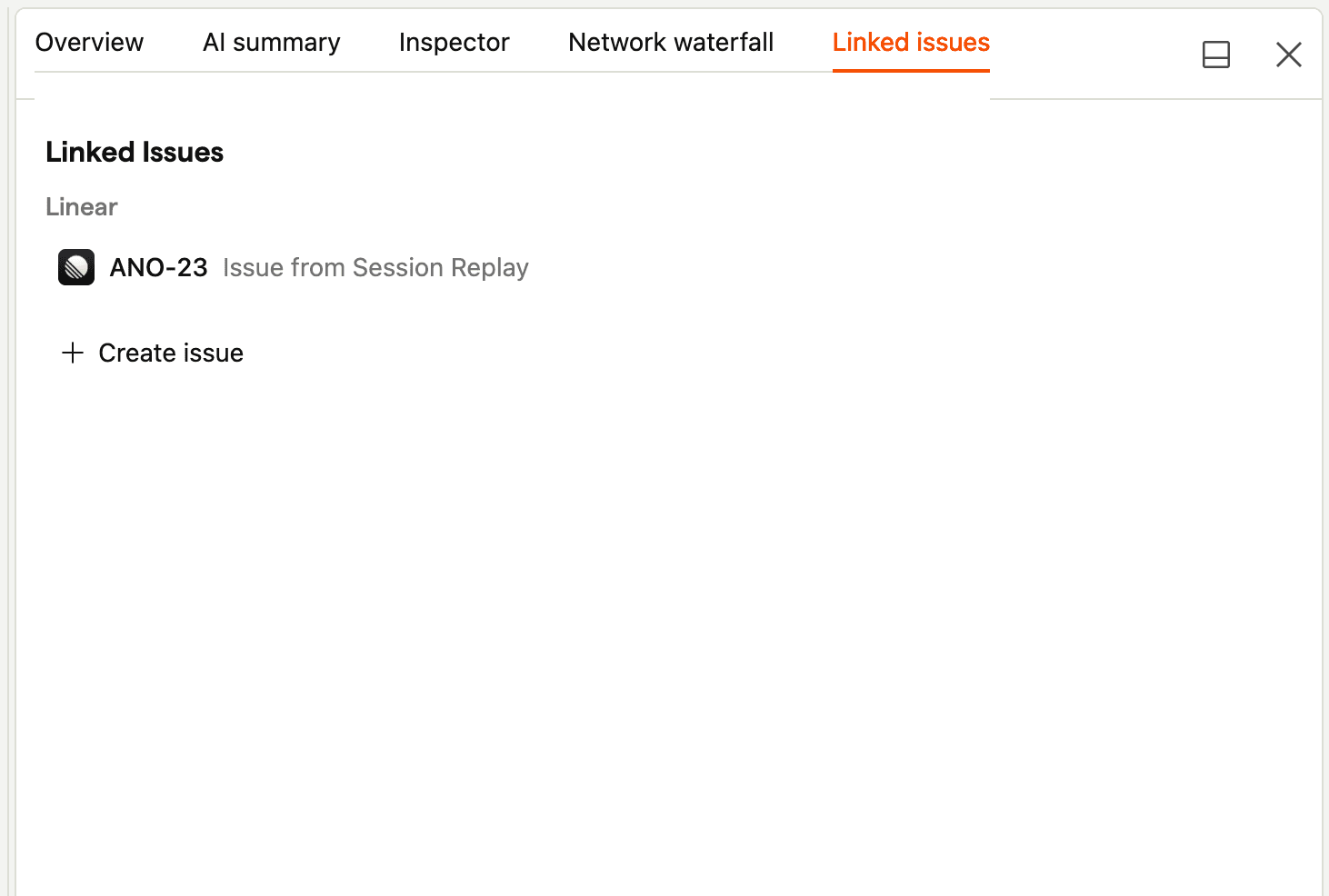
Once an issue is linked to a replay, it will appear in the replay sidebar. You can click on the issue to open it directly in Linear, GitHub, GitLab, or Jira.