







Warehouse access control
Contents
You can restrict who can query synced or self-managed warehouse tables, views, and materialized views. Denied tables and views are removed from the HogQL schema and can't be queried from any surface, including the SQL editor, PostHog AI, and MCP.
Access levels
Warehouse sources, tables, and views use the same four levels as other resources:
- No access – Hidden and can't be queried
- Viewer – Can query, but can't sync, delete, or reconfigure
- Editor – Can query, change source configuration, and edit table or view metadata
- Manager – Can change access controls
Restrict all sources, tables, or views
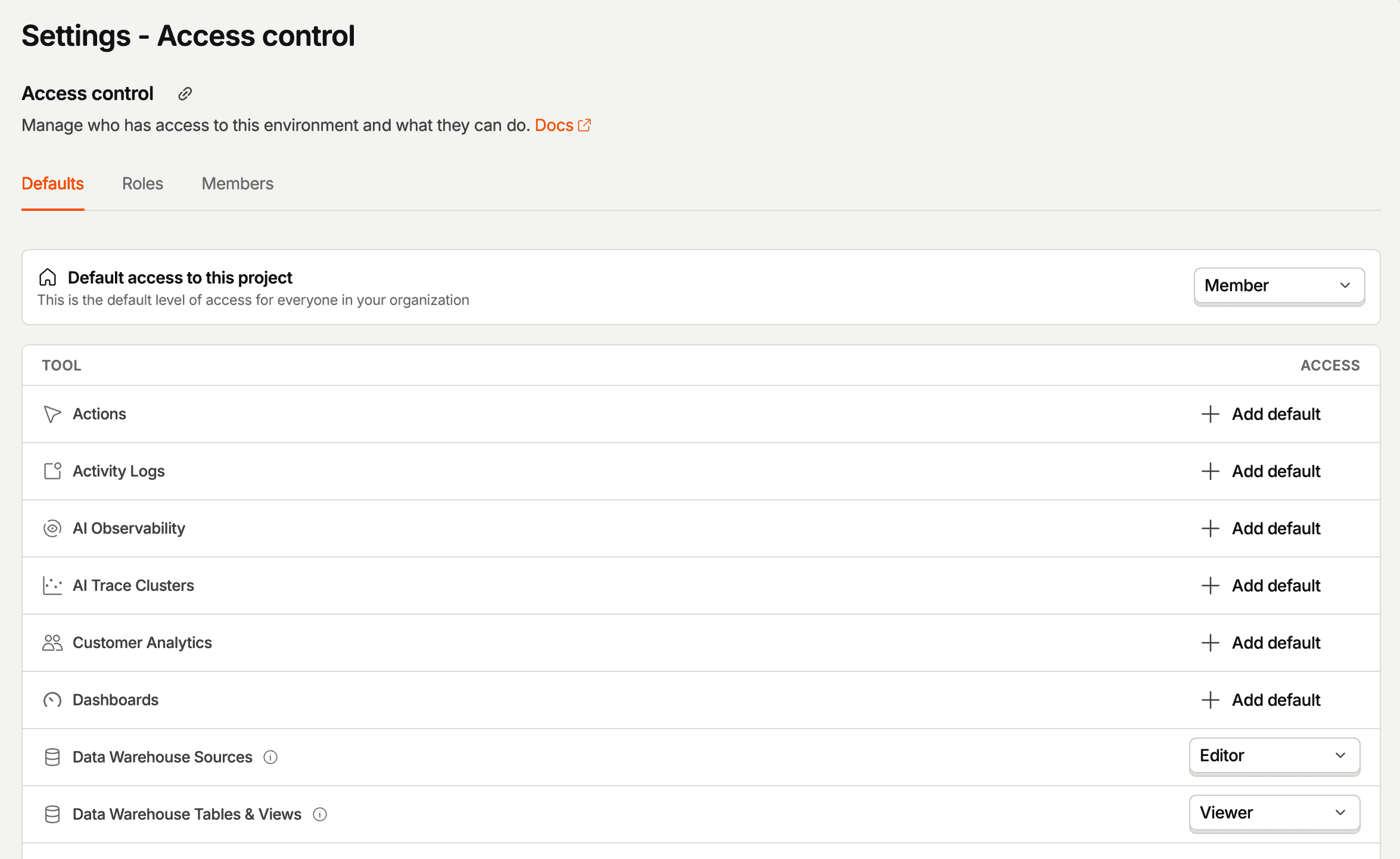
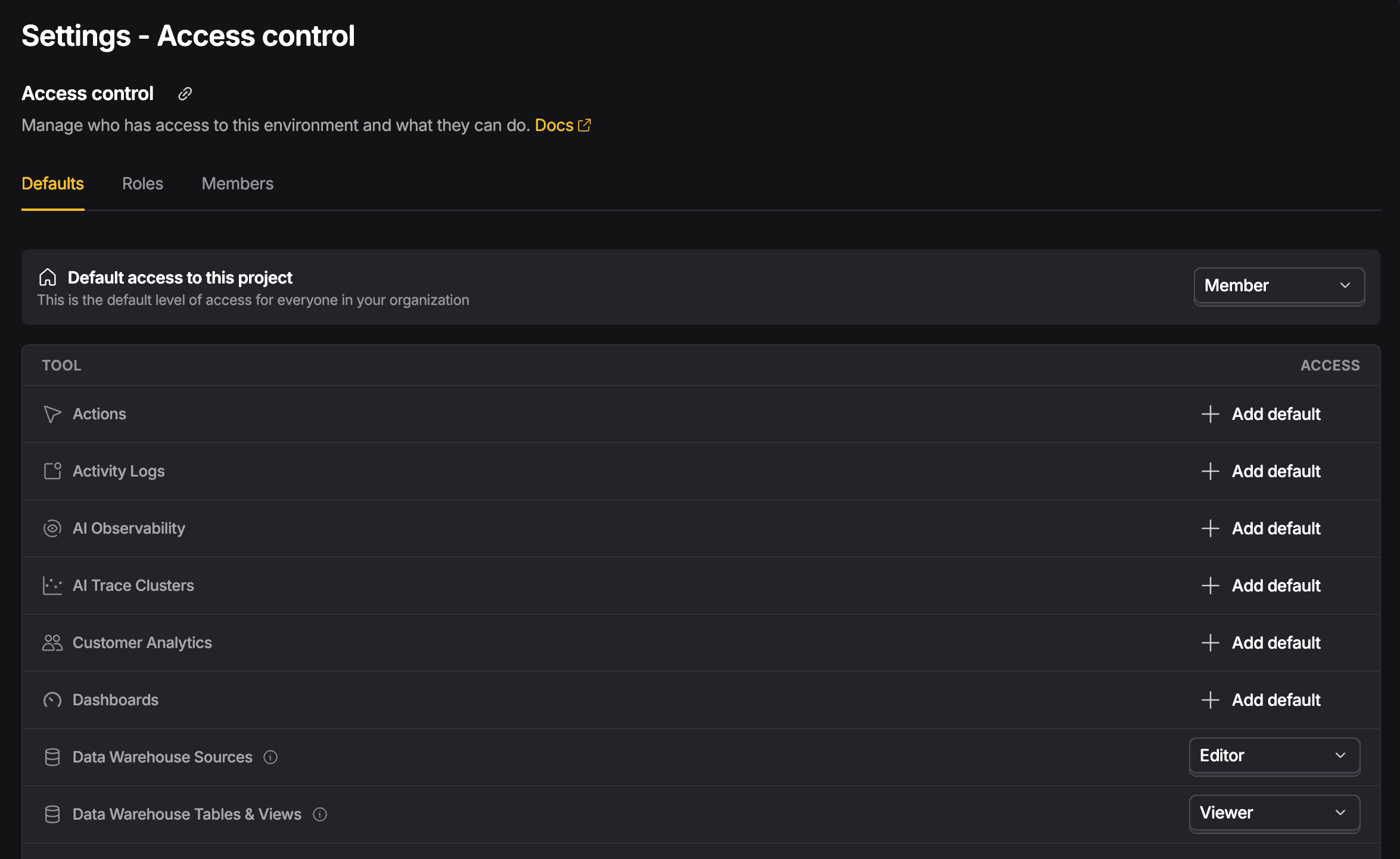
In project access control settings, you can restrict:
- Managed data warehouse sources – Applies to external sources and the tables they sync. It doesn't apply to self-managed tables.
- Data warehouse tables and views – Applies to all tables and views, including self-managed tables.
Restrict a specific source
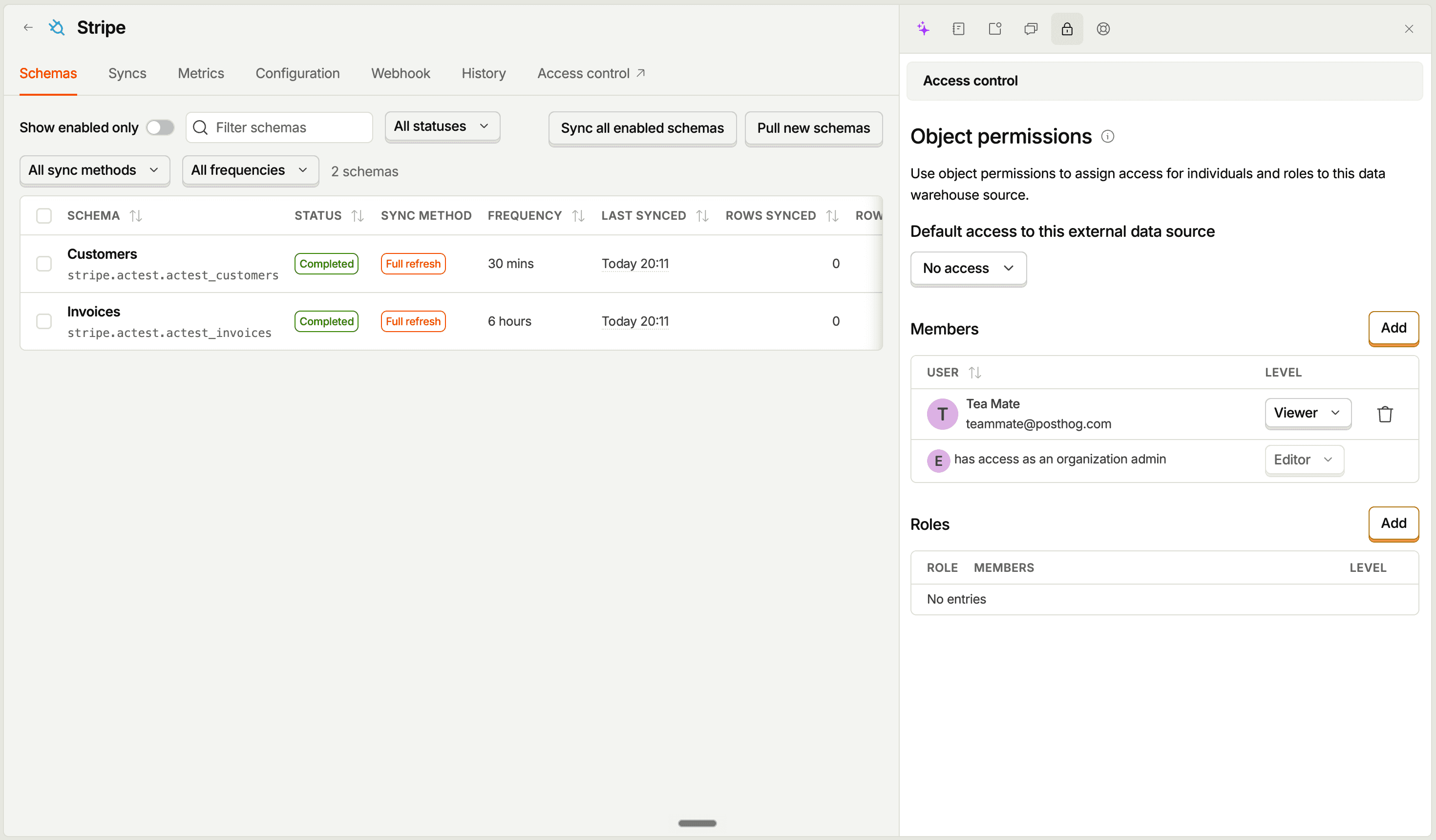
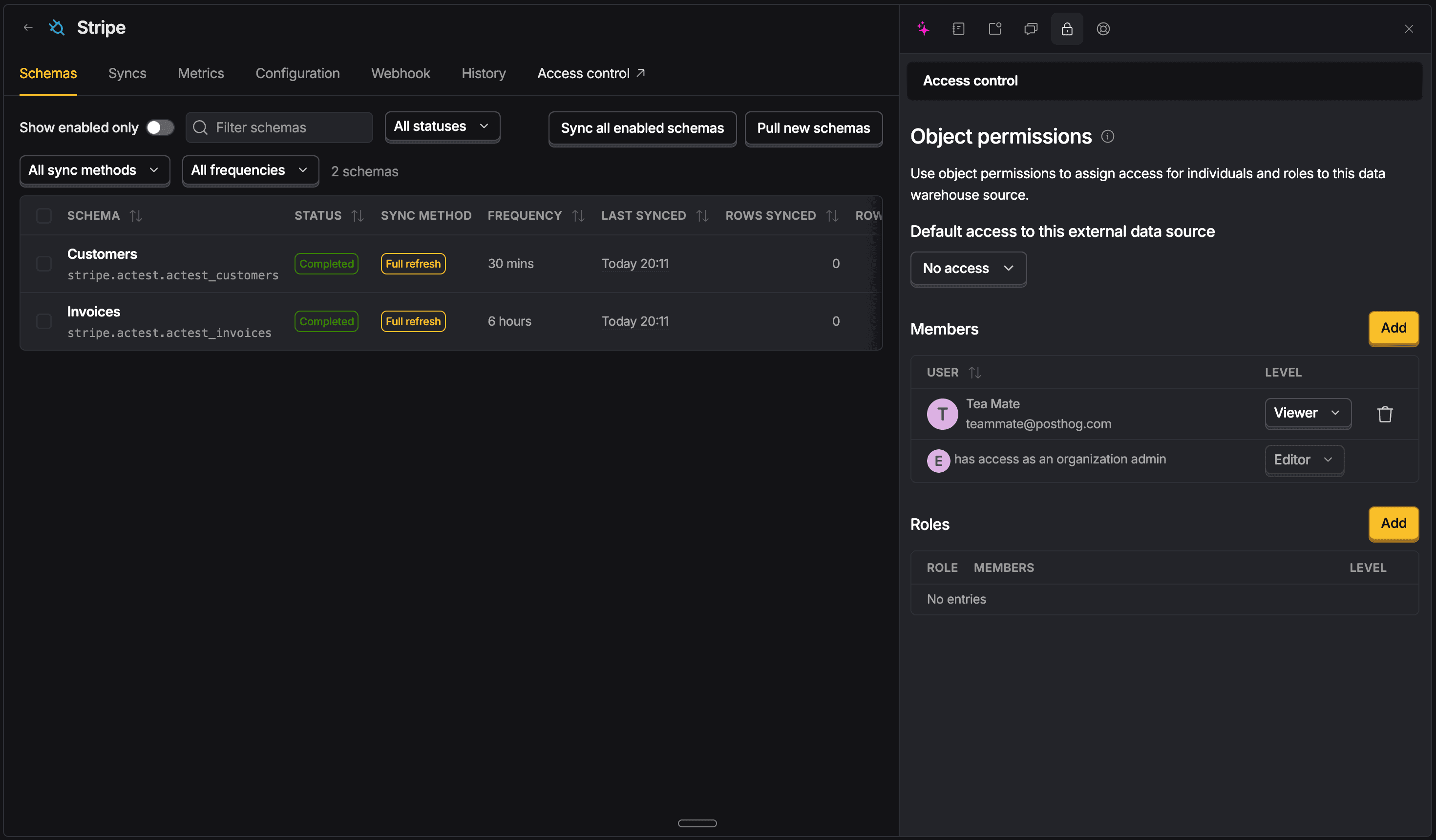
Open a source and select Access control to restrict the source and every table it syncs. A member or role override on a specific table can grant access to that table without granting access to the rest of the source.
Restrict a specific table or view
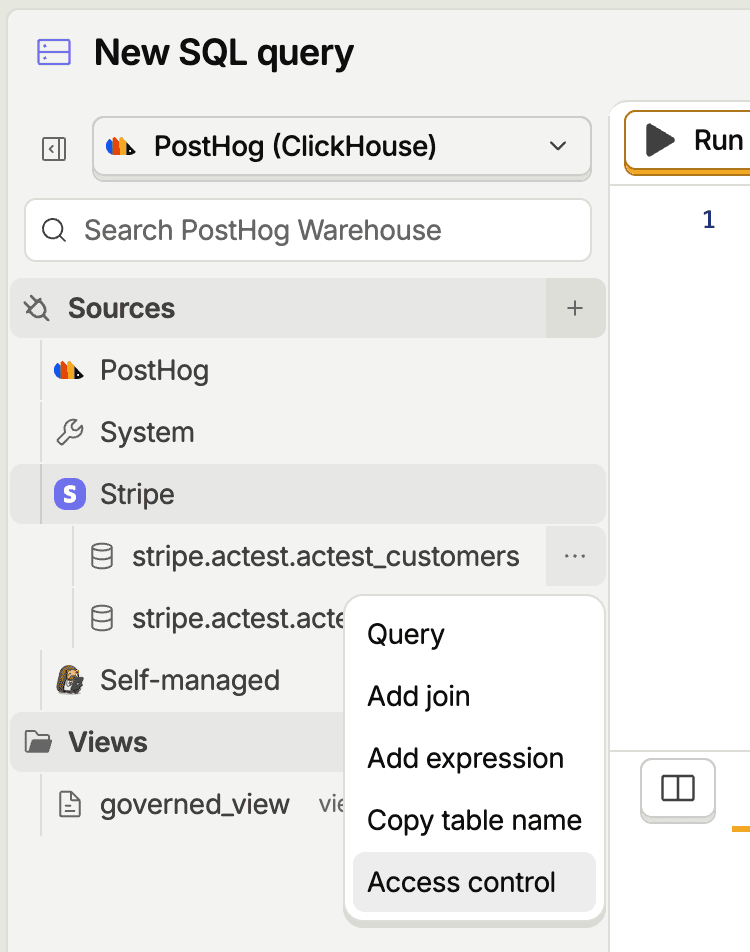
In the SQL editor, open the ... menu beside a table, view, or materialized view in the schema tree and select Access control. You can also configure access and review all rules in the project's access control settings.
How table access is resolved
For a table synced from a source, PostHog uses the most specific configured access rule in this order:
- Table override
- Source
- All data warehouse tables and views
- All managed data warehouse sources
This lets a source-level rule apply to every table it syncs while still allowing a member or role override on a specific table.
For example, you can set a Stripe source to No access, then give an analyst role Viewer access to stripe_customers. Analysts can query stripe_customers, but the rest of the Stripe tables stay hidden.
Source-level rules only apply to tables synced from external sources.
Give access to selected data with a materialized view
To share selected rows or columns without granting access to the entire table:
- Create a query that returns only the data you want to share
- Save it as a materialized view
- Grant access to the materialized view
- Restrict access to the source or table you want to hide
A regular view doesn't provide this isolation. Its SQL reads the underlying table at query time, so the query fails if the member can't access that table.
Feature availability
Warehouse access control is part of access control, available on the Boost, Scale, and Enterprise plans.