





Chapter 05
Finding the replay you need
A month of recording gives you thousands of sessions, and no obvious way in.
Scrolling the list is the worst place to start. You don't know which session matters until you've already found it. The faster routes start somewhere else and arrive at a replay.
From an insight
Every insight is data related to a set of people, and every person has recordings.
Click a point on a trend, or a step in a funnel Fig. 1, and you can watch the sessions behind it. The trend or funnel tells you what happened, and the replay tells you how it happened.
From an error
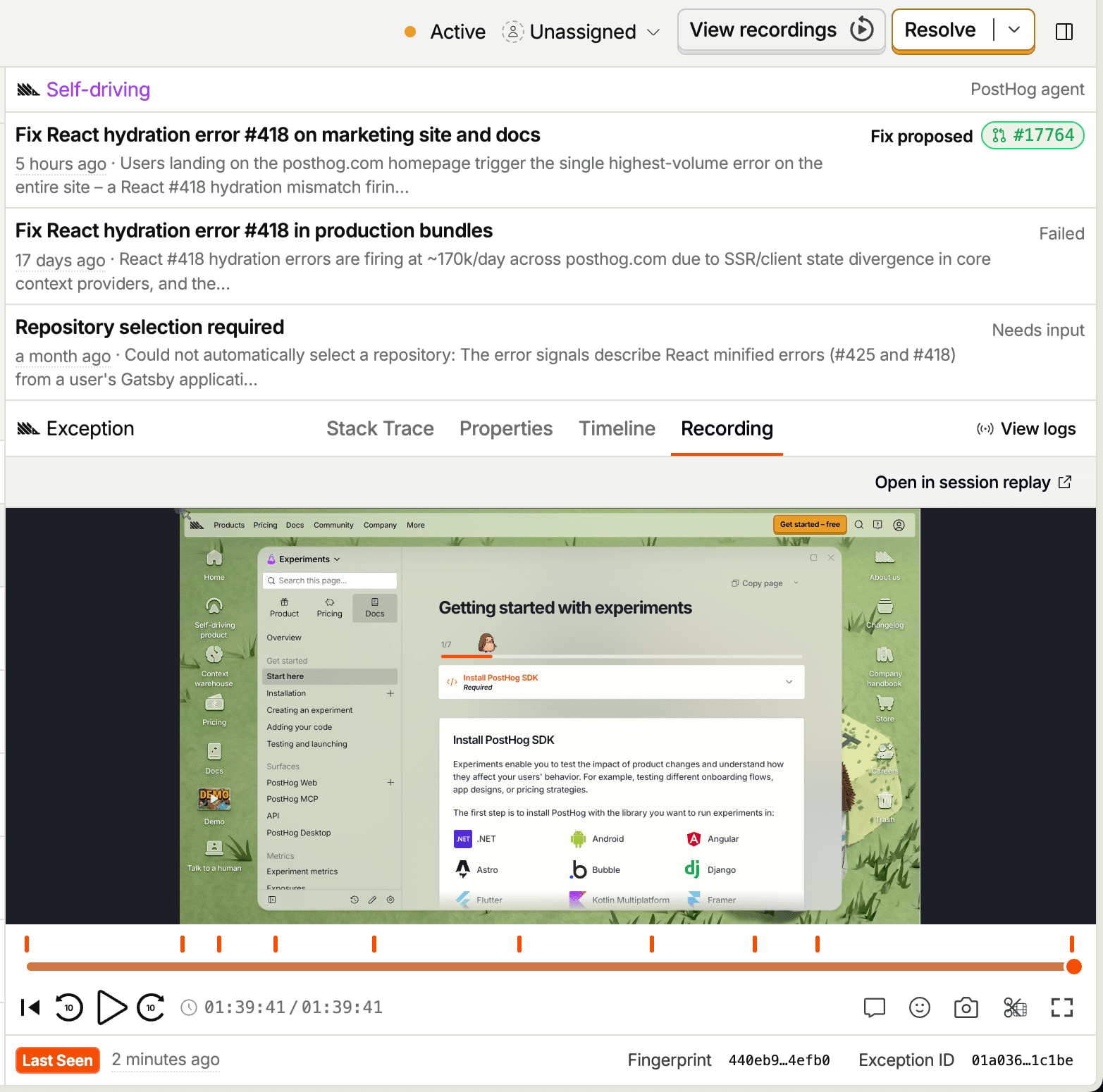
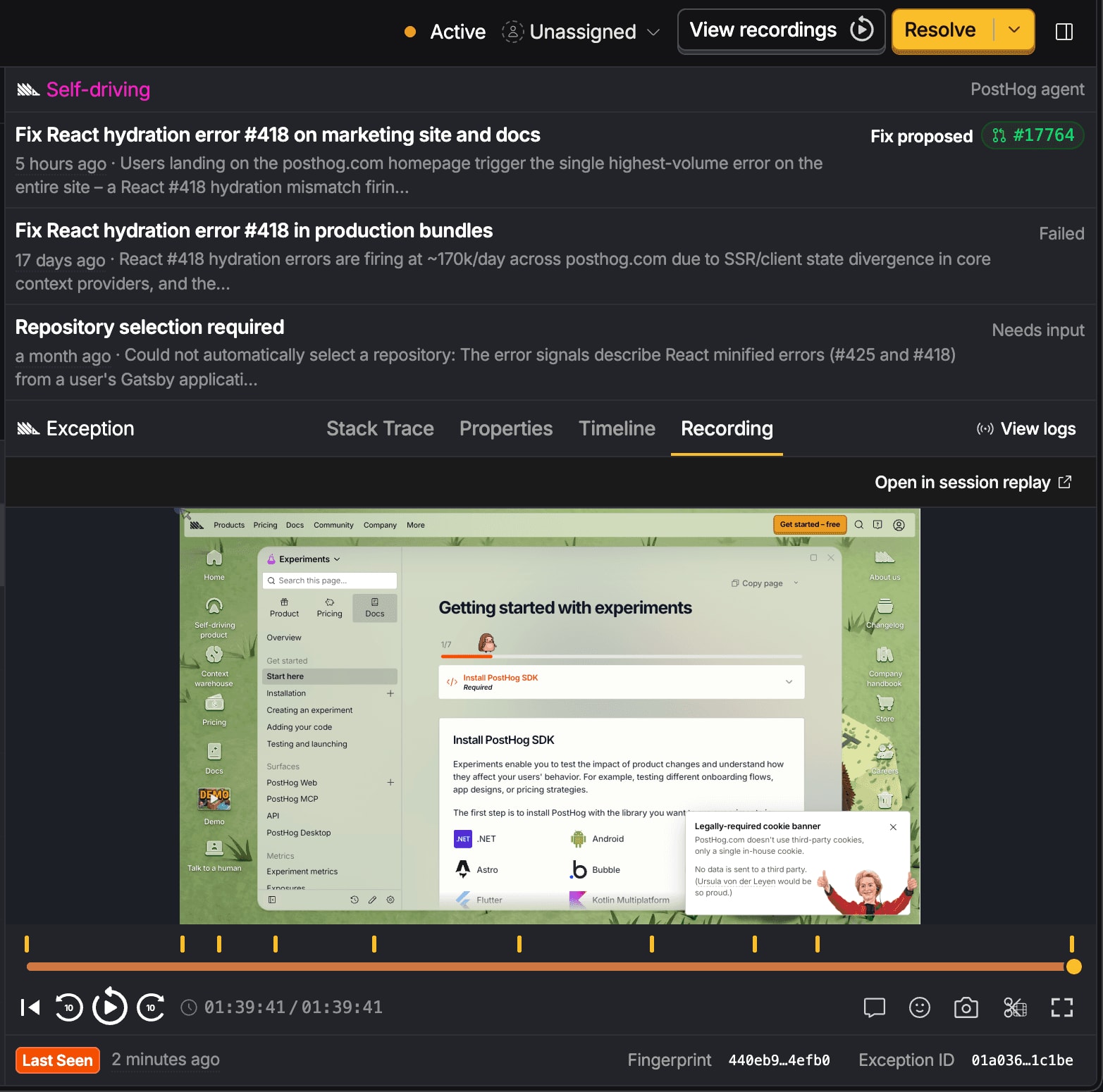
Sessions and Error Tracking issues are also linked by a person's session. You can see the errors that occur during a replay, and you can also find all replays containing a given error.
Just look for the View recordings button, or open the Recording tab on the exception you have selected Fig. 2.
Saved filters
A saved filter is a question you keep asking. If you're always filtering for users whose sessions include the user_checkout event and have signed up in the past week, save it as a filter. It live filters for the latest events.
Collections
A collection is a set of specific recordings you put there by hand. It doesn't change unless you change it. This is useful for keeping track of sessions you want to revisit or share with your team. Common failure patterns, UI papercuts, and evidence supporting your "I told you so, the button should be on the left side" argument can be saved as a collection.
Asking instead of filtering
You can also describe what you want and let PostHog AI assemble the filter. You don't have to know which field a thing lives under, which is most of the work.
You can try running any of these prompts in PostHog AI to get started:
- Users who rage clicked on the pricing page last week
- Sessions where someone hit an error during checkout
- Recordings from people who saw the new onboarding flag variant
- Mobile sessions that ended on the signup form without submitting
- Long sessions from first-time visitors who never reached the dashboard
- Sessions with dead clicks on the settings page this month
When there are too many to look at
PostHog can watch sessions for you and report on findings.
If you'd like summaries and reports, use session summaries and scouts. If you'd like to turn sessions into queryable data, use Replay Vision scanners.
We'll introduce all of them in the next section.