Google ADK observability installation


Let AI instrument your LLM calls for you
Skip the manual setup — run this in your project and the wizard installs the SDK and wires up AI Observability for you.

Contents
- 1
Install dependencies
RequiredFull working exampleSee the complete Node.js example on GitHub.
Install the PostHog SDK alongside the Google Agent Development Kit for TypeScript (
@google/adk). For the Python and Go ADKs, use the OpenTelemetry integration instead: they emitgen_ai.*spans that PostHog captures automatically. ADK Go sends message content as log records, so its generations arrive without prompts and responses. - 2
Add the PostHog plugin
RequiredCreate a PostHog client and register
PostHogADKPluginon your ADKRunner. The plugin hooks the run, agent, tool, and model callbacks and captures the full hierarchy: an$ai_traceper invocation,$ai_spanevents for agent runs and tool calls, and one$ai_generationper model call. It does not proxy your calls. - 3
Run your agent
RequiredRun your agent as normal. Each invocation becomes a trace, the ADK session ID becomes
$ai_session_id, and the run'suserIdbecomes the events' distinct ID. PassdistinctIdto the plugin to attribute events to a different PostHog person.The question above makes the agent call the tool, so this run captures:
- a trace for the invocation
- a span for the
assistantagent run - a span for the
get_weathertool call - a generation for each of the two model calls (the tool request, then the answer)
Call
await posthog.shutdown()before your process exits so batched events are flushed.You can expect captured
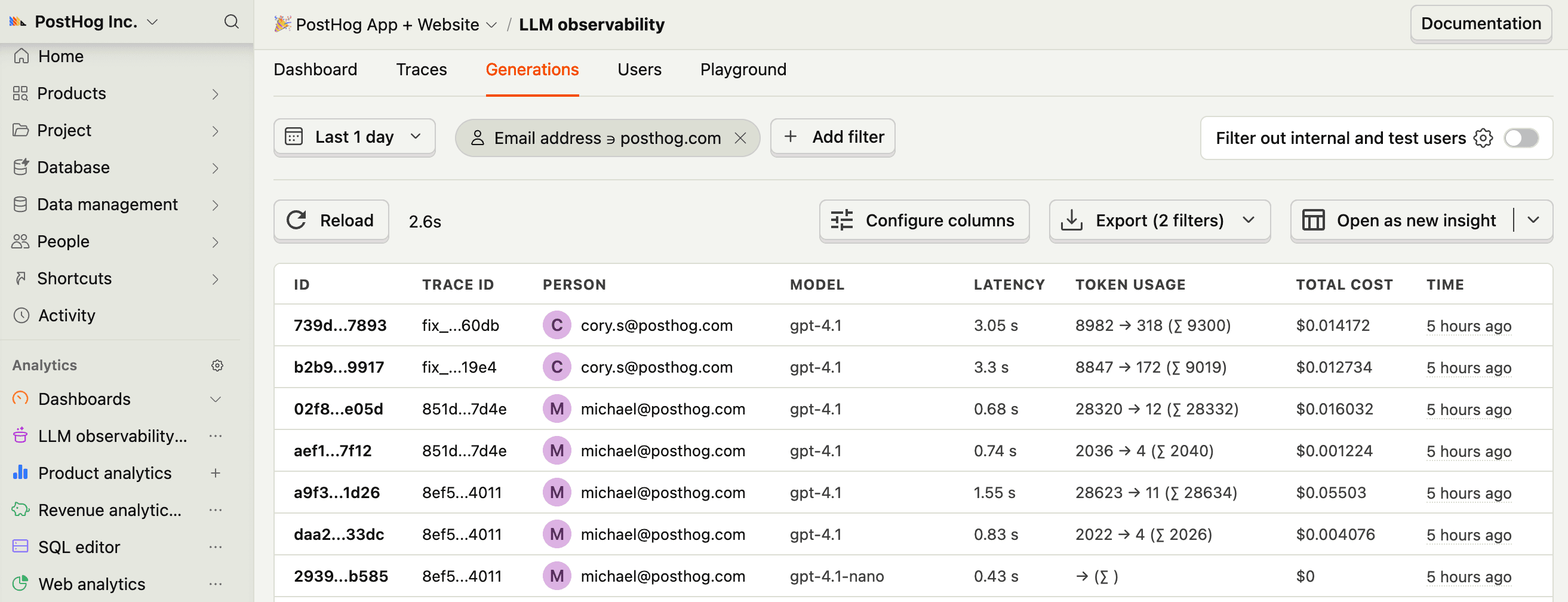
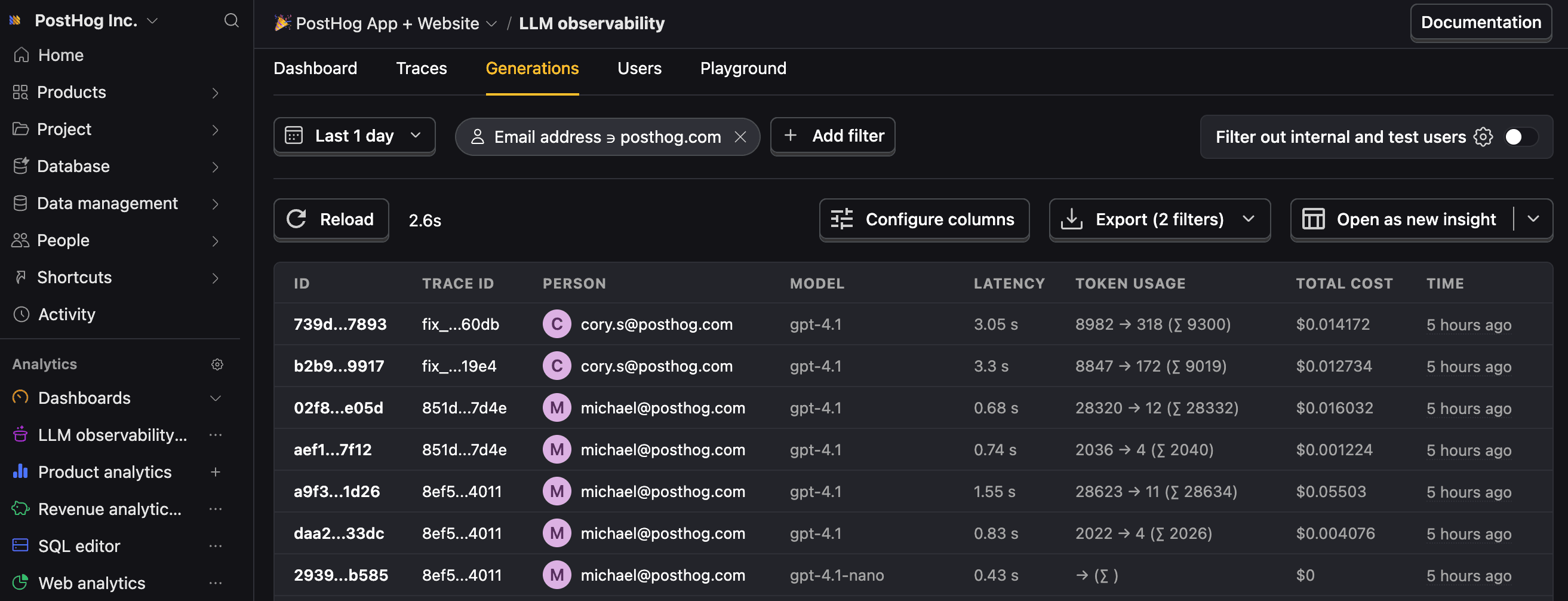
$ai_generationevents to have the following properties:Property Description $ai_modelThe specific model, like gpt-5-miniorclaude-4-sonnet$ai_latencyThe latency of the LLM call in seconds $ai_time_to_first_tokenTime to first token in seconds (streaming only) $ai_toolsTools and functions available to the LLM $ai_inputList of messages sent to the LLM $ai_input_tokensThe number of tokens in the input (often found in response.usage) $ai_output_choicesList of response choices from the LLM $ai_output_tokensThe number of tokens in the output (often found in response.usage)$ai_total_cost_usdThe total cost in USD (input + output) [...] See full list of properties - 4
Plugin options
OptionalPostHogADKPluginaccepts these options besidesclient:distinctId: a string, or a resolver(context) => stringcalled per model call. Defaults to the ADKuserId.provider: the$ai_providerlabel. Defaults togemini. Set it when routing ADK to another provider so costs are derived from the right model catalog.privacyMode: redacts captured input and output content.groups: group analytics attached to every event.properties: extra properties merged into every event.captureImmediate: awaits delivery per event instead of batching. Useful in serverless environments.onError: called when capturing an event fails. Capture errors never throw into the model flow.
- 5
Next steps
RecommendedNow that you're capturing AI conversations, continue with the resources below to learn what else AI Observability enables within the PostHog platform.
Resource Description Basics Learn the basics of how LLM calls become events in PostHog. Generations Read about the $ai_generationevent and its properties.Traces Explore the trace hierarchy and how to use it to debug LLM calls. Spans Review spans and their role in representing individual operations. Anaylze LLM performance Learn how to create dashboards to analyze LLM performance.