LangChain AI Observability installation


Let AI instrument your LLM calls for you
Skip the manual setup — run this in your project and the wizard installs the SDK and wires up AI Observability for you.

Contents
- 1
- 2
Configure PostHog
RequiredCreate a PostHog client once, then build a callback handler for each request or conversation.
distinct_idties each call to a user, and$ai_session_idgroups calls in one conversation.Note: If you want to capture LLM events anonymously, omit
distinct_id/distinctIdwhen constructing the handler. See our docs on anonymous vs identified events to learn more. - 3
Call LangChain
RequiredBuild your agent once and build the handler on each turn to track the relevant sessions. Traces, generations, and spans (tool calls) are automatically captured.
Using LangChain 0.x? LangChain built agents with
AgentExecutorbefore 1.0. Everything else on this page is the same on either version, including the handler and the properties it sets. See LangChain's migration guide to move tocreate_agent.PostHog automatically captures an
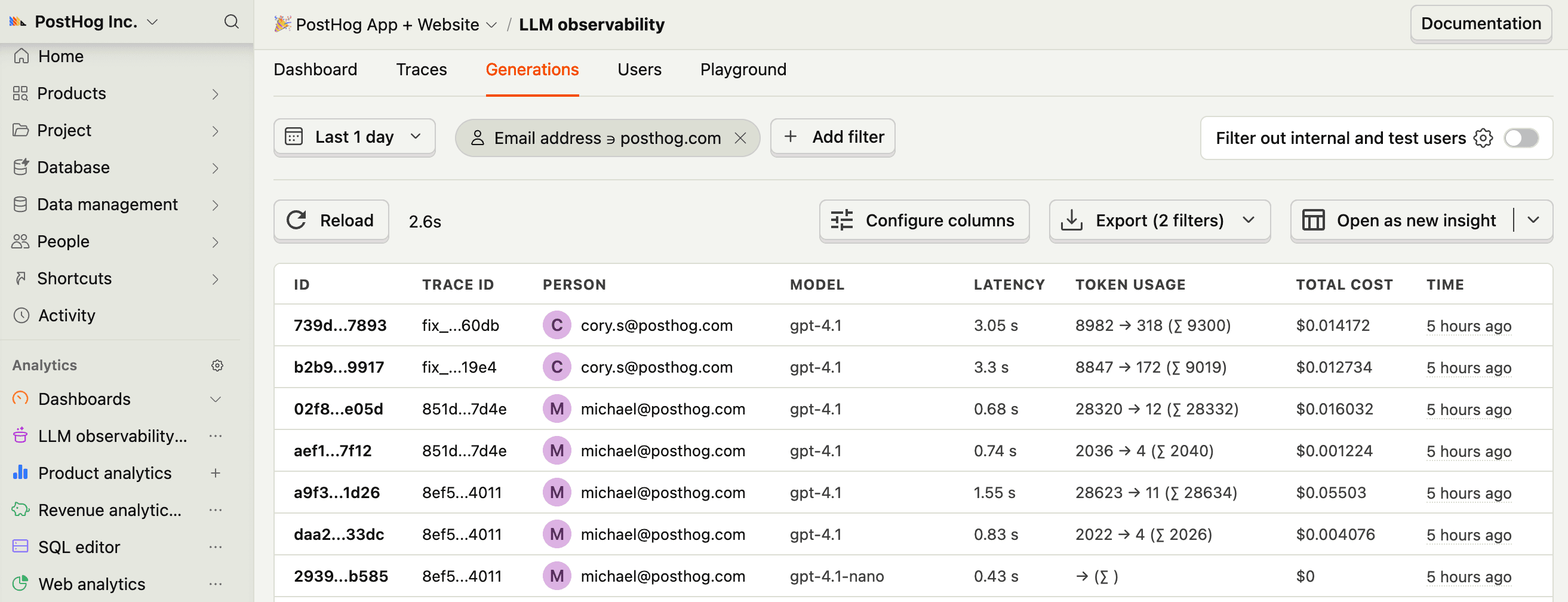
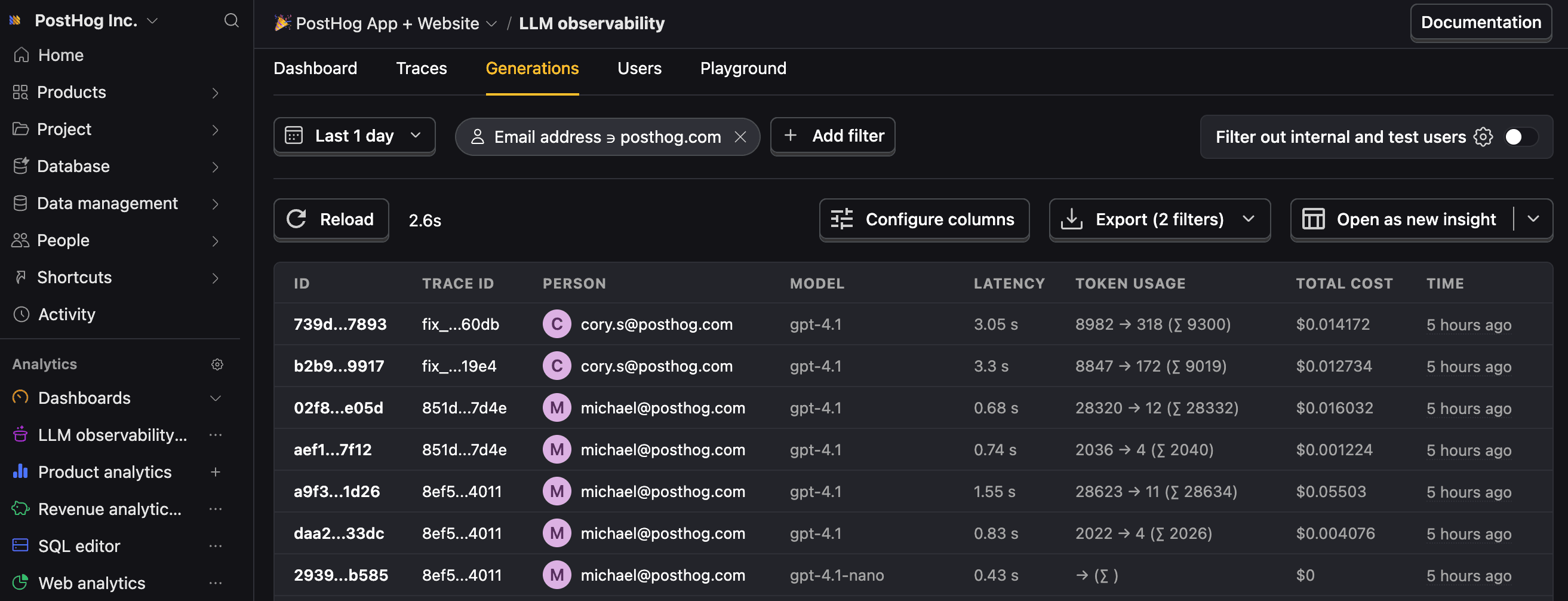
$ai_generationevent along with these properties:Property Description $ai_modelThe specific model, like gpt-5-miniorclaude-4-sonnet$ai_latencyThe latency of the LLM call in seconds $ai_time_to_first_tokenTime to first token in seconds (streaming only) $ai_toolsTools and functions available to the LLM $ai_inputList of messages sent to the LLM $ai_input_tokensThe number of tokens in the input (often found in response.usage) $ai_output_choicesList of response choices from the LLM $ai_output_tokensThe number of tokens in the output (often found in response.usage)$ai_total_cost_usdThe total cost in USD (input + output) [...] See full list of properties The handler also builds a trace hierarchy automatically based on how you structure your agent. Pass the same
$ai_session_idto every handler you construct for a conversation, to group its calls into one session. Passtrace_id/traceIdtoo, to control the top-level trace ID instead of letting PostHog generate one. - 4
Next steps
RecommendedNow that you're capturing AI conversations, continue with the resources below to learn what else AI Observability enables within the PostHog platform.
Resource Description Basics Learn the basics of how LLM calls become events in PostHog. Generations Read about the $ai_generationevent and its properties.Traces Explore the trace hierarchy and how to use it to debug LLM calls. Spans Review spans and their role in representing individual operations. Anaylze LLM performance Learn how to create dashboards to analyze LLM performance.