





Chapter 01
Exceptions and issues
In an app like Twig, guests browse stays, pick their dates, book a stay, and then check the trip from their account. The engineers want to know when any part of that funnel breaks.
When something breaks, Twig's code throws an exception, such as a TypeError. Its stack trace shows what led up to it.
To see them, the team uses PostHog Error Tracking. It captures each exception and its stack trace as a queryable event.
Autocapture exceptions
The engineers run the Error Tracking Wizard on Twig. It installs PostHog and sets up source map uploads for Twig's bundle. Then they switch on exception autocapture in the project settings.
Once the SDK loads, it captures uncaught exceptions in Twig.
For example, the Trip details button calls readTripHost without a try/catch. This error is uncaught, and the SDK catches it through window.onerror.
Click Trip details to see what it records:

Flamingo's Envy
Gold Coast, Queensland, Australia
$240 / night USD
On each platform, autocapture catches:
- Web: errors that reach
window.onerror, and unhandled promise rejections - Server: exceptions the process doesn't catch
- Mobile: uncaught exceptions and crashes
Exceptions are just events
Everything in PostHog is an event, including exceptions. The exception event sits alongside Twig's other PostHog events, so we can answer questions like these:
- Which customers are impacted?
- Does it impact conversion and retention?
- Can this error be tied to loss in revenue?
- Were they part of any feature flag or experiment rollouts?
- What's shown on the user's page before and after the exception is thrown?
See Querying exceptions.
Manual exception capture
Autocapture misses exceptions that Twig catches itself. Catching an exception keeps the app from crashing, but something still went wrong. The engineers want to know, so they send it with captureException.
In Trip details, they catch the error and add the stay that failed:
Some frameworks offer error boundaries as a last resort, to keep the app from visibly crashing. In these cases, capture the exception in the error boundary:
Click Try again in Twig:
Ooopsie :( something went wrong
Try to load details again.
Trip host name is missing
capture payload
properties {12}
$groups {1}
$exception_list [1]
0 {3}
mechanism {2}
$exception_types [1]
$exception_values [1]
Exceptions are grouped into issues
Individual exceptions are numerous and noisy, so PostHog groups similar ones into issues Fig. 1.
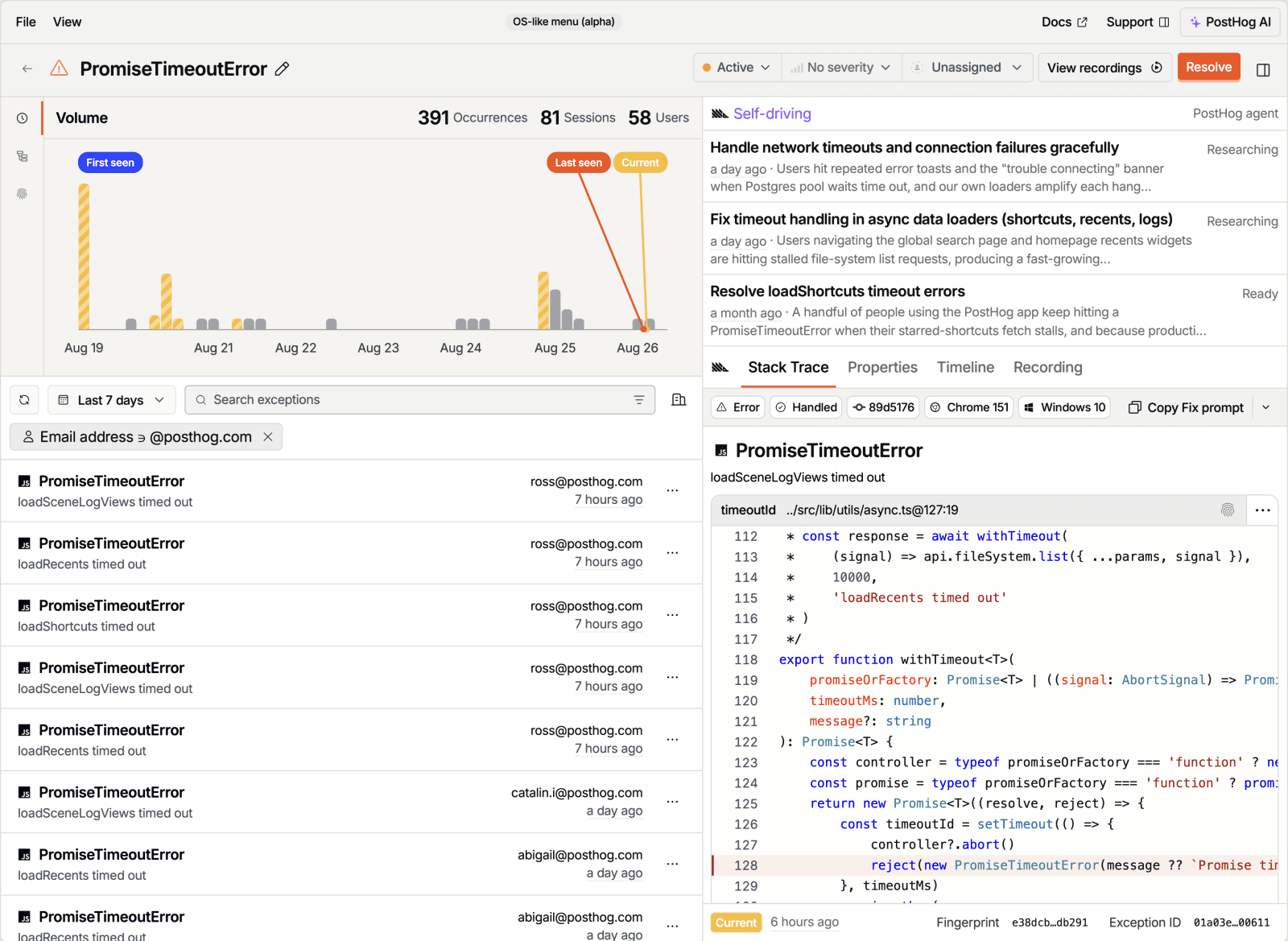
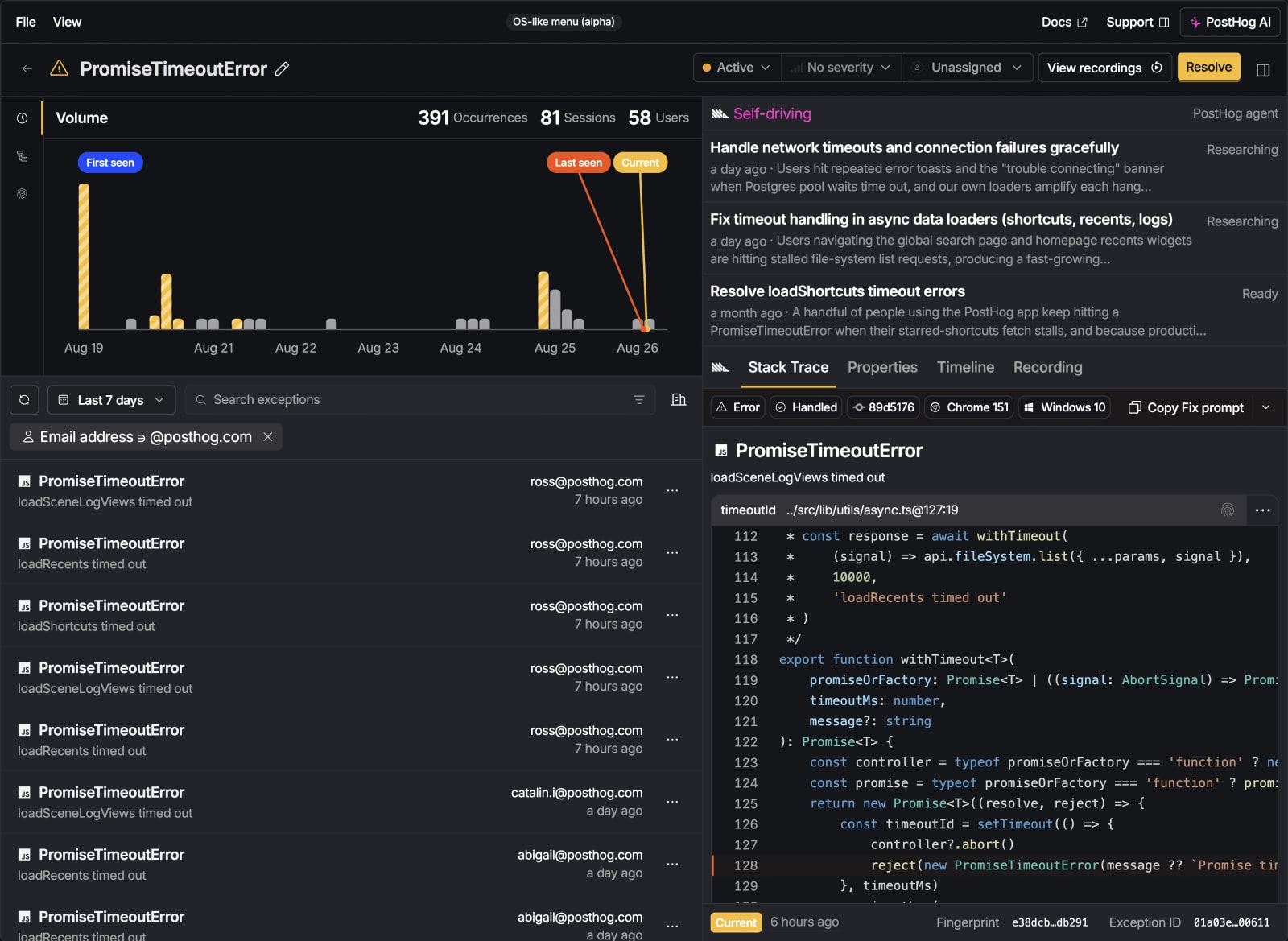
The Twig engineers work through these issues to diagnose, triage, assign, and fix them, not individual exceptions.
Every Try again on Trip details adds to the same issue.
To capture exceptions in your own app, run the Error Tracking Wizard, or install it yourself: