





Session replay that shows you exactly what happened
Automatic session capture, DevTools in every replay, and MCP for Claude Code, Cursor, or your editor.
With PostHog MCP, your AI agent can query session replays, summarize user behavior, and turn bug reports into PRs, all from Claude Code, Cursor, Zed, or Windsurf. Free for 5,000 web + 2,500 mobile recordings/month, no per-seat pricing, and we won't even ask for your credit card.


These are some of our paying customers.
(Yes they actually use us, no it's not just some random engineer who tried us out 2+ years ago.)
Install with the PostHog Wizard
PostHog Wizard analyzes your codebase and automatically sets up session replay, autocapture, and dashboards tailored to your product. One command does it all:


Install PostHog with one command
Paste this into your terminal and make AI do all the work.

Catch exactly what users do
Install PostHog and enable session replay in a couple lines of config. PostHog captures every click, scroll, input, and page change automatically (no manual event tagging). Recording starts the moment a user lands on your page.
Platforms







MCP: Debug without leaving your editor
MCP (Model Context Protocol) lets your AI coding agent query PostHog like it's part of your codebase. Point Claude Code, Cursor, Zed, Windsurf, or VS Code at the PostHog MCP server and ask it to find sessions, trace errors, and generate fixes without leaving your editor. Bug report to PR, no context switching.
Install in 30 seconds
Try prompts like
- "A user reported checkout is broken at 2pm. Find the session and tell me what component errored."
- "Generate a regression test from the failing session in replay 12345."
- "Find every session where the CheckoutButton component threw an error in the last 24h and summarize the pattern."
- "Show me replays from enterprise users who rage clicked in the last day."
- "Find the most recent session for user with email user@example.com and summarize what they tried to do."
Or use AI inside PostHog
Can't watch every recording? PostHog AI can. Use natural language to search sessions, or ask AI to summarize a batch of recordings and surface the patterns you'd otherwise miss.
Get DevTools context, inside the replay
A session replay in PostHog isn't just a video. Open the activity panel during any recording and you get the same context you'd have in DevTools, synced to the exact moment in the timeline.
Console logs, network requests, rage clicks, dead clicks, performance data, all of it. When a user says "it just broke," you no longer have to guess.
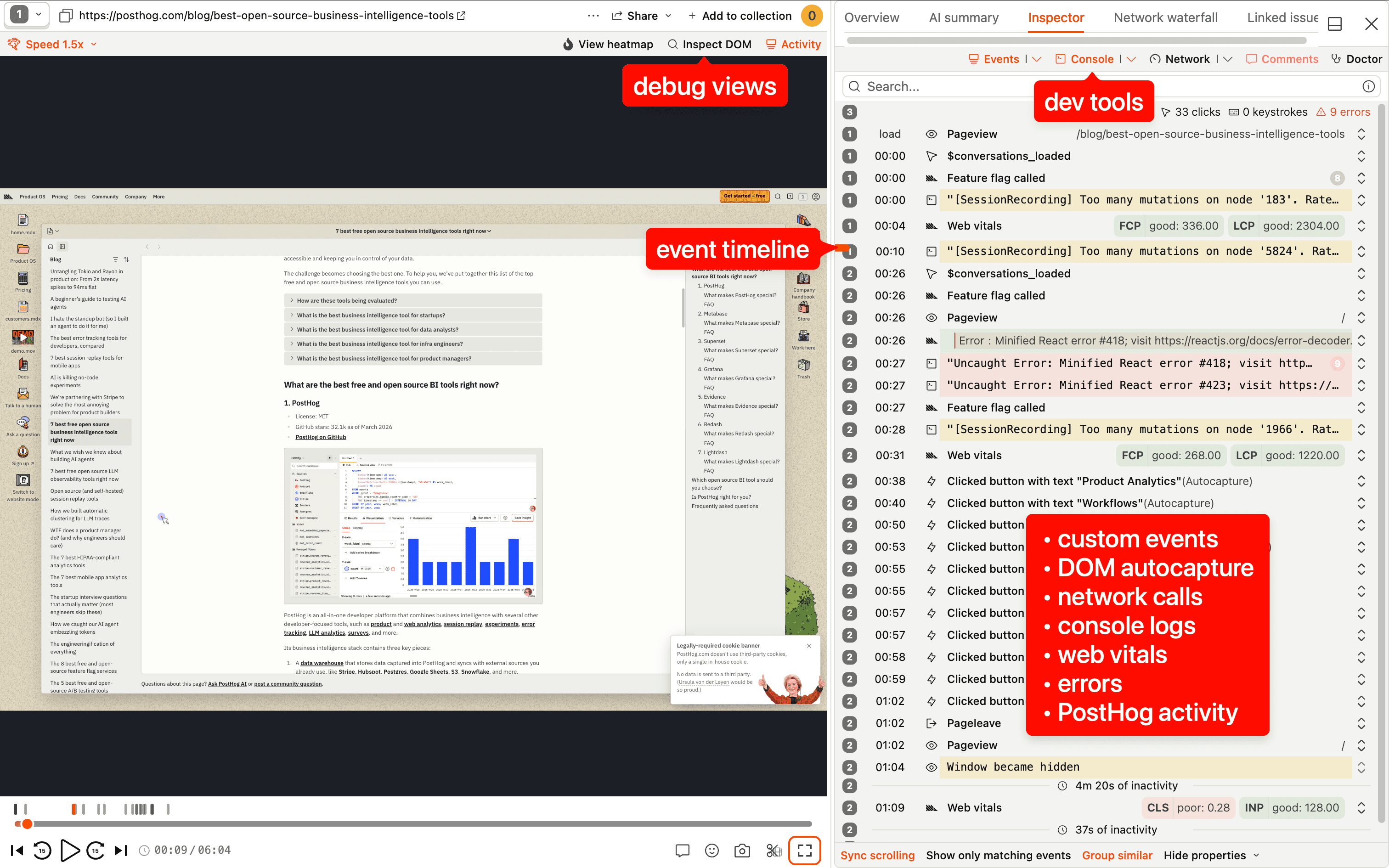
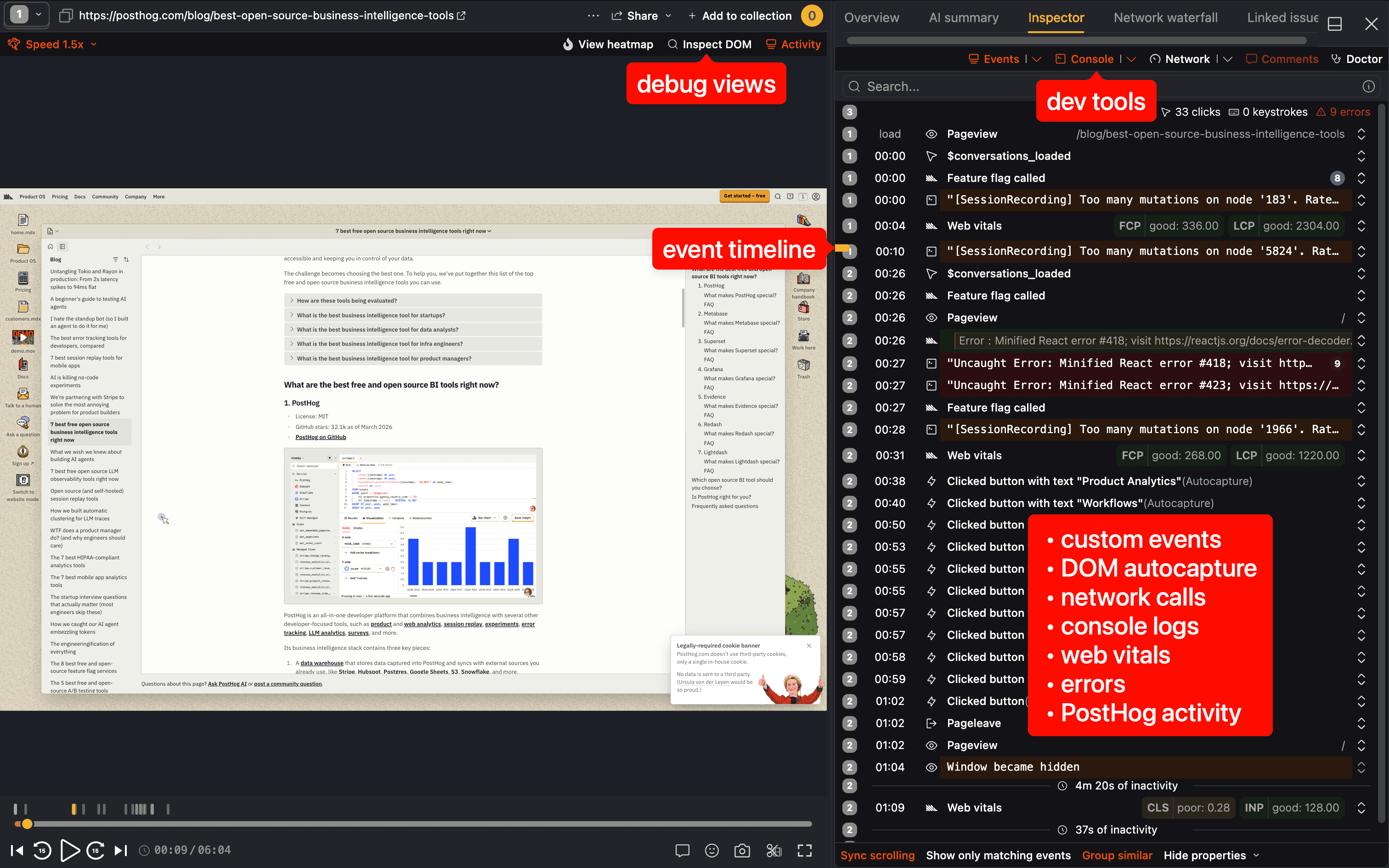
- Jump to any event in the timeline to skip straight to what matters
- See console errors and warnings as they fired, in exact context
- Inspect the network waterfall to find slow or failed API calls
- Spot rage clicks and dead clicks automatically (no tagging needed)
Stop watching random recordings
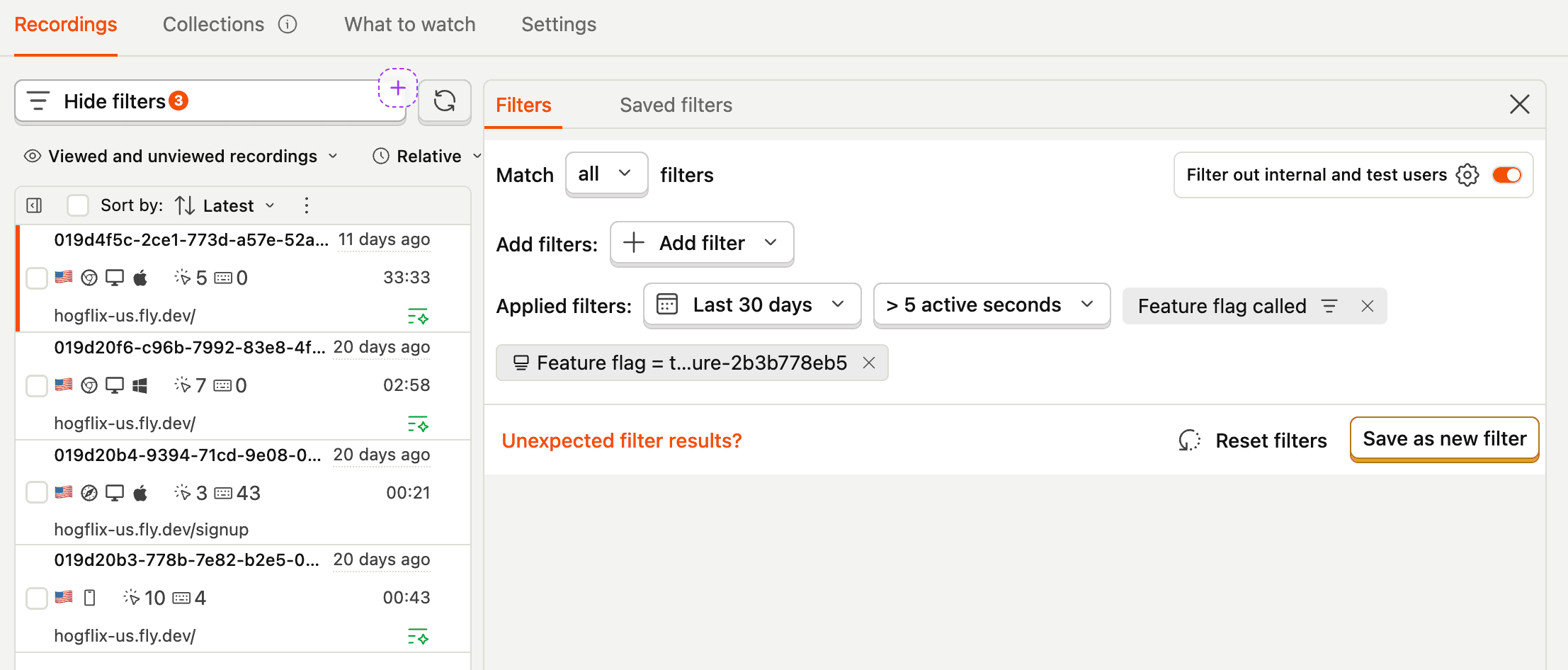
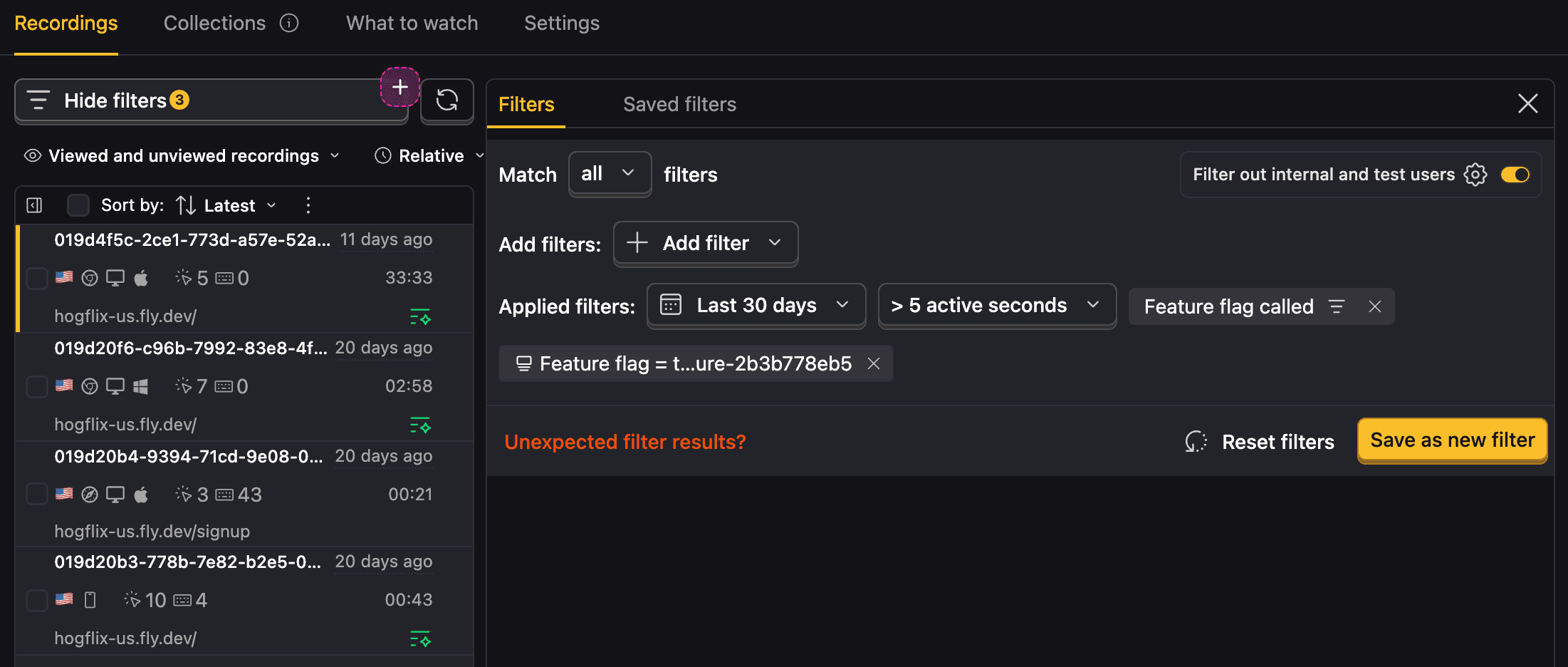
The sessions you need are in there. Find them by filtering on rage clicks, JavaScript errors, specific events, user properties, or feature flag variants. Save those filters as collections so your whole team can pull up the right recordings without rebuilding the query from scratch.
Or describe what you want (like "users who rage clicked after seeing variant B yesterday") and PostHog MCP returns the matching collection in your editor.


- Filter by rage clicks, dead clicks, errors, custom events, or user properties
- Filter by feature flag variant to see how users experienced version A vs. version B
- Save filters as named collections anyone on your team can access
- Built-in "Frustration signals" collection surfaces rage clicks and errors automatically
Go from insight to fix without switching tabs
Product analytics
Using Product Analytics and PostHog MCP, you can build funnels, retention charts, and user paths from your editor. Then drop straight into a playlist of session replays for the users behind any data point.
Feature flags
With Feature Flags, use the MCP to flip flags, target rollouts, and filter replays by variant from Claude Code or Cursor. Roll out fixes to affected users without a full deploy.
Error tracking
Error Tracking + PostHog MCP means your agent can pull the stack trace and session replay together, then write the fix. No reproduction needed, no tab switching.
Use for free
PostHog's Session Replay is built to be cost-effective by default, with a generous free tier and transparent usage-based pricing. Since we don't charge per seat, more than 90% of companies use PostHog for free.
TL;DR 💸
- No credit card required to start
- First 5,000 web recordings and 2,500 mobile recordings per month are free
- Above that we have usage-based pricing starting at $0.005/recording with discounts
- PostHog MCP is included (no enterprise plan required)
- Set billing limits to avoid surprise charges
- See our pricing page for more up-to-date details
That's it! You're ready to start integrating.