





Releasing new products and features
Contents
This guide walks you through the full lifecycle of releasing new products and features at PostHog, from initial planning to general availability.
For complete step-by-step checklists when creating a new product, use the new product RFC template.
Overview of the product lifecycle
New products at PostHog go through four phases:
- Setting up - Initial planning and alpha development behind a feature flag
- Alpha - Slowly adding customers you've spoken with to the feature flag
- Beta - Opening up to all users who want to opt-in
- General availability (GA) - Full release with pricing, and marketing launch
Please refer to the new product RFC for what the actual steps are. Duplicating them here would cause them to go out-of-sync extremely quickly. We'll simply explain the rationale behind each of the stages.
Early access features vs. feature previews
Two related concepts power most of the lifecycle below, and it's worth being precise about them because they're easy to confuse:
- Early access features are what you (the product team) create and manage in the Early Access Management tab. Each early access feature is linked to a feature flag and moves through stages —
draft→concept→alpha→beta→general availability— that control who gets the feature. This is the producer side. - Feature previews are the user-facing UI where people opt in to your early access features, in the feature previews section of their settings. It has two tabs: Previews, where users toggle active (
alpha/beta) features on or off to try them, and Coming soon, where they register interest inconcept-stage features so we can contact them with updates. This is the consumer side.
In short: you set a feature's stage in Early Access Management, and users act on it in feature previews. Both work at the user level only, not the org or project level.
Phase 1: Setting up a product
Create an early access feature in the concept stage early. Concept-stage features appear in the Coming soon tab of feature previews, and adding them early offers several advantages. It enables us to gauge interest in a new feature via sign-ups, equips our marketing teams with news they can promote to users, and ensures that betas can have sample users ready from the moment they launch.
When someone joins a coming soon waitlist (in-app or on posthog.com), a $feature_enrollment_update event with $feature_enrollment_stage: concept is sent to Customer.io through a data pipeline, and they immediately receive a simple confirmation that they're on the waitlist. See onboarding and lifecycle emails for the full flow.
Concept features can either be large or small, so use your judgement about what is of interest to users, but it should be something that you expect to work on in the next 3-6 months.
Phase 2: Alpha
During alpha, you're testing with a small group of customers you've specifically invited. It's fine to have bugs and your testers know that's the case. You're also actively working on fixing all known bugs before we can move this on to an opt-in scenario.
Phase 3: Beta
Beta is when you open up the product to all users who want to opt-in. Betas do not need to have been in concept stage first.
Moving a feature to beta
In Early Access Management, update the feature's stage from concept to beta (or alpha). This does two things:
- The feature moves from the Coming soon tab into the Previews tab of feature previews, so users can opt in to enable it.
- Users who registered interest during the
conceptstage are automatically opted in to the new stage, and auser moved feature preview stageevent fires for each of them — when thefromproperty isconceptand thetoproperty isalphaorbeta, this triggers an automatic email letting them know the feature is enabled and now available, and asking for feedback.
Make sure the linked feature flag includes a product_key on the payload field to give people access to the product in their sidebar. Check the new product RFC for more details.
To give customers a minimum amount of information and usability, set up the early access feature so that:
- It has a title and short description
- It has a 'Give feedback' button
- It has documentation (marked as beta) linked to it
- It has a feature owner
- It has a
product_key
Titles, descriptions, and links are all set on the early access feature in Early Access Management. Product teams are responsible for writing documentation, but the marketing can help, if needed.
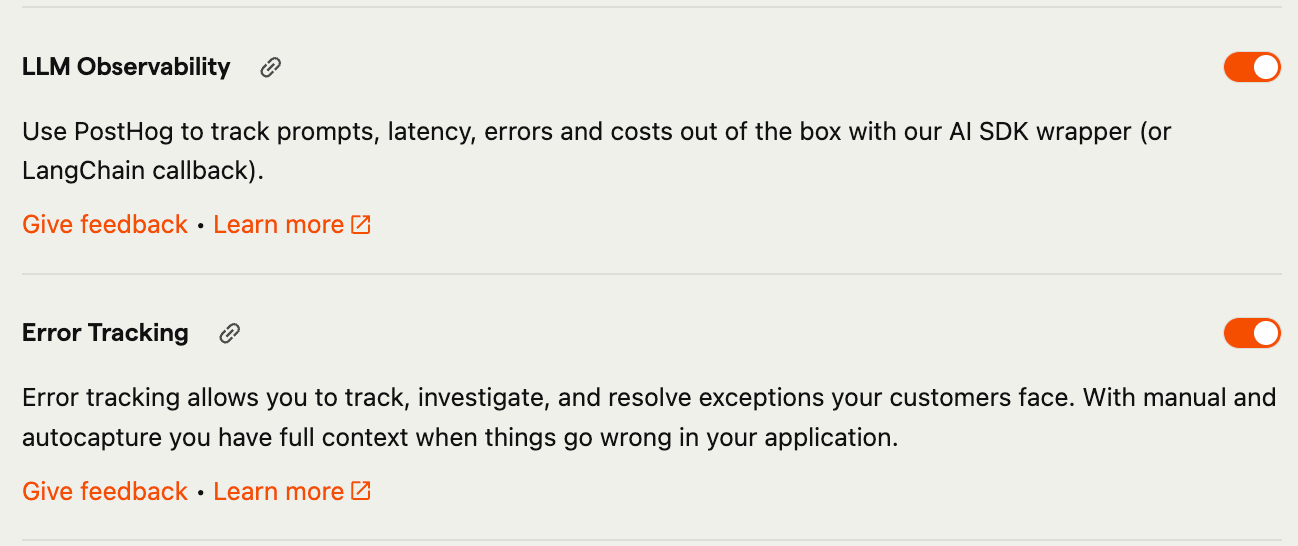
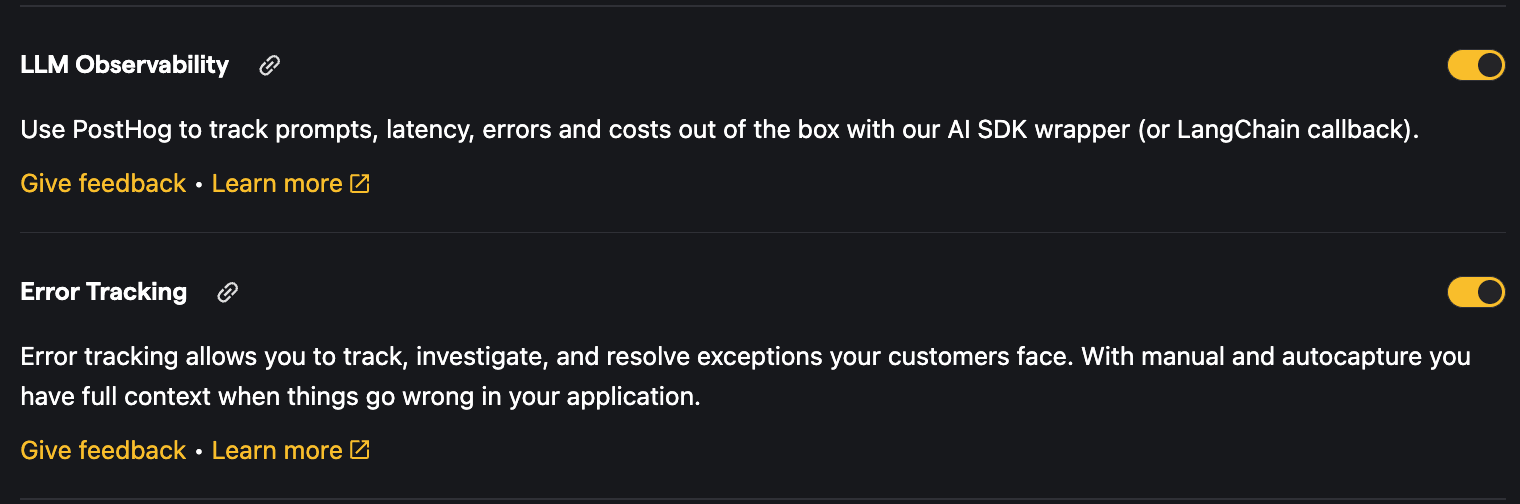
Beta requirements
A beta doesn't need to be perfect, but it should provide value to the user and have base elements of functionality. It doesn't need to be feature complete, but it should provide more than a mocked up front end. We aim not to leave items in beta unless they are in active development. All betas should be clearly documented.
Betas do not need to be performant for high-volume users and can have big bugs, but should be clearly marked as such in the UI.
It's helpful to let the Developer Marketing team know when new betas are added. They'll then add the beta to the changelog, organize any marketing announcements, plan a full announcement for full release, create an email onboarding flow to help you collect user feedback, and anything else you need. You can let them know via the marketing Slack channel.
Collecting beta feedback
Teams are encouraged to collect feedback from users in current betas so that they can build better products and we have some automations in place to facilitate this.
Joining an alpha or beta triggers automatic feedback emails from the beta-feedback@posthog.com Google Group: alpha users get an immediate email warning of rough edges and asking for feedback, while beta users get an email asking for feedback after 5 days. By default, all team leads and exec team members are in this Google Group and will get daily digests of responses. Others are invited to add themselves to the group, or change their notification settings.
Regardless, replies to this Google Group are routed to the support inbox, where the support team assesses each customer issue or piece of feedback, responds to the customer first, and routes it to the correct engineering team for follow-up. PMs and team leads are still encouraged to respond to and action this feedback for their alpha and beta releases, and to give merch credits as a thank you where appropriate.
Teams can collect additional feedback if needed and the 
Phase 4: Releasing & launching to general availability
Once a beta is mature enough, you may want to launch it into general availability (GA).
For clearer ownership, we distinguish between releases and launches.
From the handbook page on product launches:
A release is when a product or feature becomes available to existing users for the first time. This is the product team's responsibility. The PM or team lead drives it, using their own release checklist. A release can be gradual, targeted, or fully open.
A launch gets a product in front of existing and new people – potentially millions who've never heard of us. This is led by marketing with the product marketer working from the launch checklist. If there is disagreement within a team about whether something is ready to launch, that team's lead should make the decision - it's either on or it's off ("we want to launch, but not yet" is off).
Releases
Releases are typically owned by the team lead or the PM. When planning a release, consider the following:
- Product readiness - Is the product ready for GA? Because a GA product is available to PostHog's whole user base, it should meet higher standards for feature set and quality than a beta product.
- Pricing - Does the release include pricing? A GA release typically does, as per our pricing principles.
- Release goals - What do we want to get out of this release (and launch)? Are there objectives or metrics we want to target?
- Rollout plan - How is the product going to be rolled out, to whom, and over what timeframe (e.g. 20% of users day over day)? Create cohorts if applicable.
For complex new product releases, we recommend setting up a Slack channel to coordinate with marketing and billing, and a Slack canvas that answers the above topics, linking to the new product RFC, pricing RFC and launch checklist for this product.
Launches
See product announcements for details.
If you're planning to launch your product in a specific quarter, you MUST let the Developer Marketing team know at the start of the quarter.
Smaller features which don't require major announcements should be announced internally via the Tell PostHog Anything channel so other teams are aware.
Edge case: open betas
Sometimes we run an open beta, most often for AI products. Here we need to ship pricing earlier than usual because of the costs incurred, and we want to start marketing earlier too. However, the product quality doesn't necessarily meet our GA bar yet, which is why we keep the beta label.
For open betas, follow the same process you would for GA: a release first, then a marketing launch.
How do I work with marketing and billing teams?
The short version here is to try and give other teams as much notice as possible when starting a release & launch cycle. Marketing and billing teams typically ask for two weeks of notice before a major launch, as a minimum. It's the responsibility of the team lead to ensure these teams are aware of upcoming launches.