Product Tours troubleshooting
Contents
This page covers troubleshooting for Product Tours. For setup, see Getting started.
Have a question? Ask PostHog AI
Tours not displaying
There are a few common reasons your Product Tour(s) may not be displaying as expected.
Tours not enabled in PostHog config
For now, we require product tours to be explicitly enabled in your PostHog init via disable_product_tours: false.
Example:
Old PostHog SDK version
Product tours require posthog-js version 1.324.0 or higher. We always recommend updating to the latest to ensure you have the most recent improvements and bug fixes.
Toolbar issues (with reverse proxy)
If you are using a reverse proxy you may encounter some issues with the Toolbar, such as:
- Unable to authenticate the toolbar
- Links back to PostHog cause 404 errors
To resolve these issues, be sure to pass the proper ui_host config parameter when initializing PostHog. Example:
See Troubleshooting and FAQ for more help with the Toolbar.
Debugging tool
If the above is not helpful, you can also try our PostHog Tours Debugger Chrome extension.
This extension will provide some helpful information such as:
- Tours currently active in your project
- Eligibility status per tour, based on its conditions
posthog-jsversion checks
For the latest, download and install the extension manually from the GitHub source.
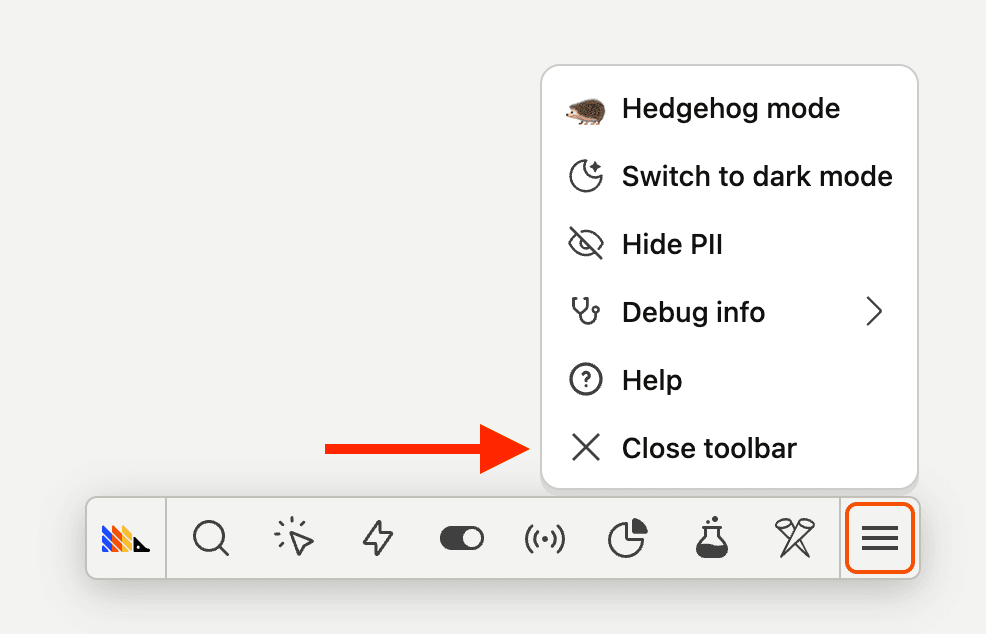
Note: we recommend closing the PostHog Toolbar when using the Chrome extension, to ensure the debugger is running in an environment most similar to your production site.