








Create and view analytics for Product Tours
Contents
Product Tours is currently in private alpha. Share your thoughts and we'll reach out with early access.
Currently only available on the web. Requires posthog-js >= v1.324.0.
Dashboard metrics
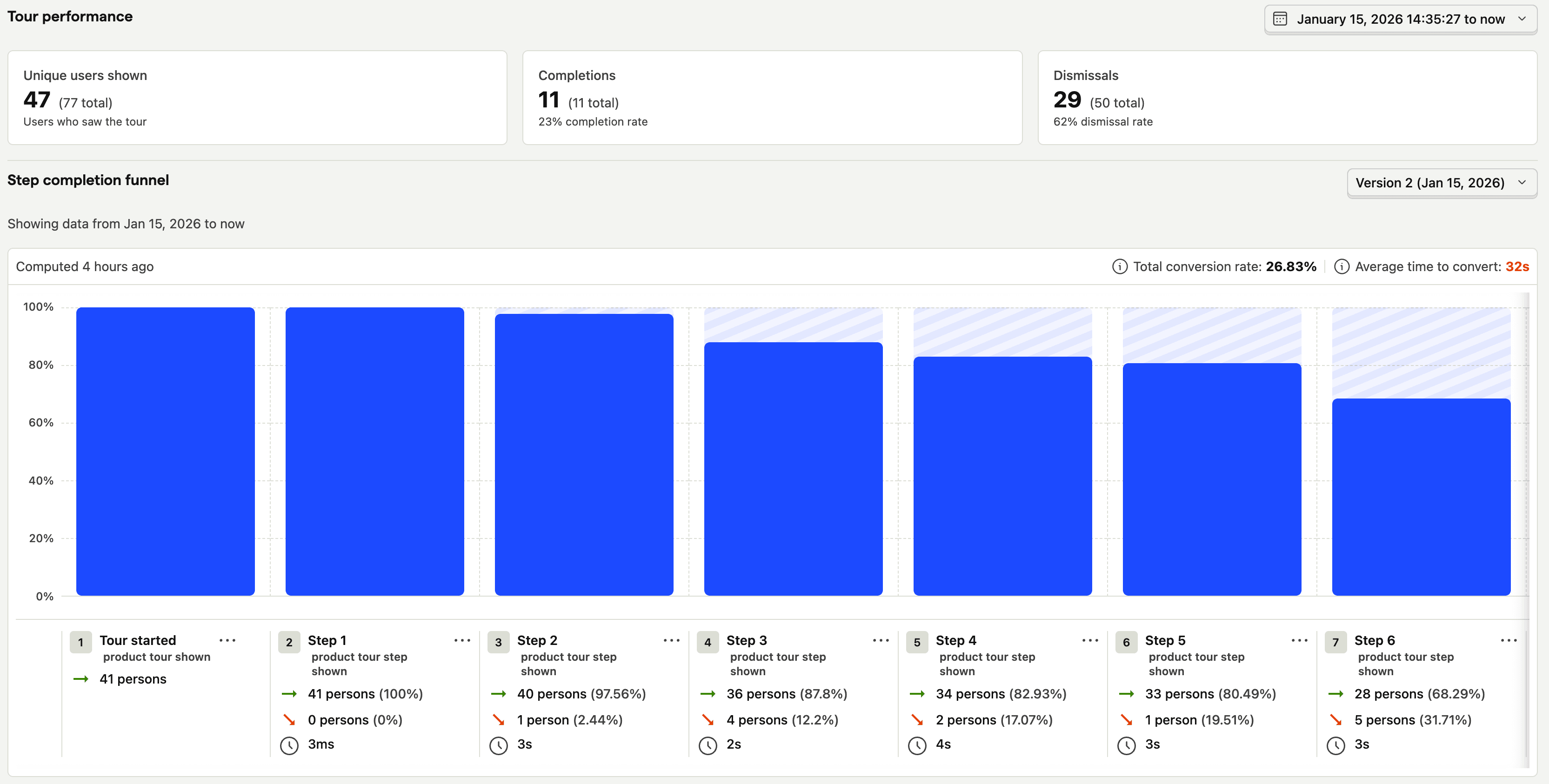
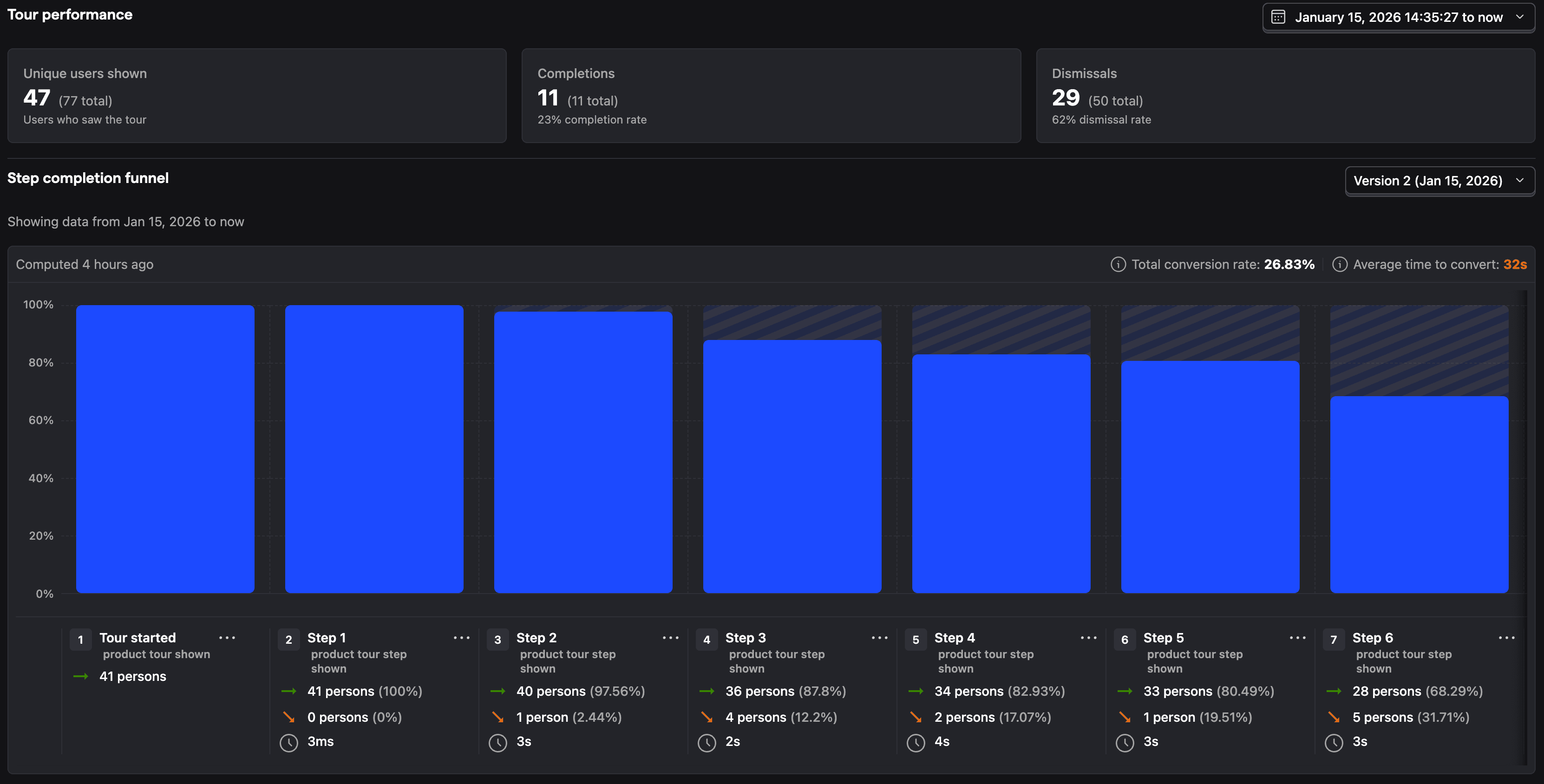
Every tour shows these metrics in the PostHog UI:
- Shown - How many users saw the tour (unique and total)
- Completed - How many users finished all steps
- Dismissed - How many users closed early
- Tour funnel - Shows step-by-step drop-off starting from step 1
Events
Product tours capture these events automatically:
| Event | Description |
|---|---|
product tour shown | Tour was displayed |
product tour completed | User finished all steps |
product tour dismissed | User closed early |
product tour step shown | A step was displayed |
product tour step completed | User advanced past a step |
product tour step selector failed | Element selector didn't find the target |
product tour button clicked | User clicked tour step button |
All product tour * events include $tour_id, $tour_name, and product tour step * events include $step_id and $step_index.
Tour events work with the rest of the PostHog platform. Integrate tour events with Product Analytics, create funnels to see if tours improve activation, or use cohorts to target users who haven't completed onboarding.
Person properties
These properties are set when users interact with tours:
$product_tour_shown/{tour_id}- Set totruewhen shown$product_tour_completed/{tour_id}- Set totruewhen completed$product_tour_dismissed/{tour_id}- Set totruewhen dismissed
These properties track when each tour type was last shown (used for wait period targeting):
$product_tour_last_seen_date/tour- Timestamp when a tour was last shown$product_tour_last_seen_date/announcement- Timestamp when an announcement was last shown$product_tour_last_seen_date/banner- Timestamp when a banner was last shown
Use these for targeting other tours or creating cohorts.