





PostHog Desktop Command Center
Contents
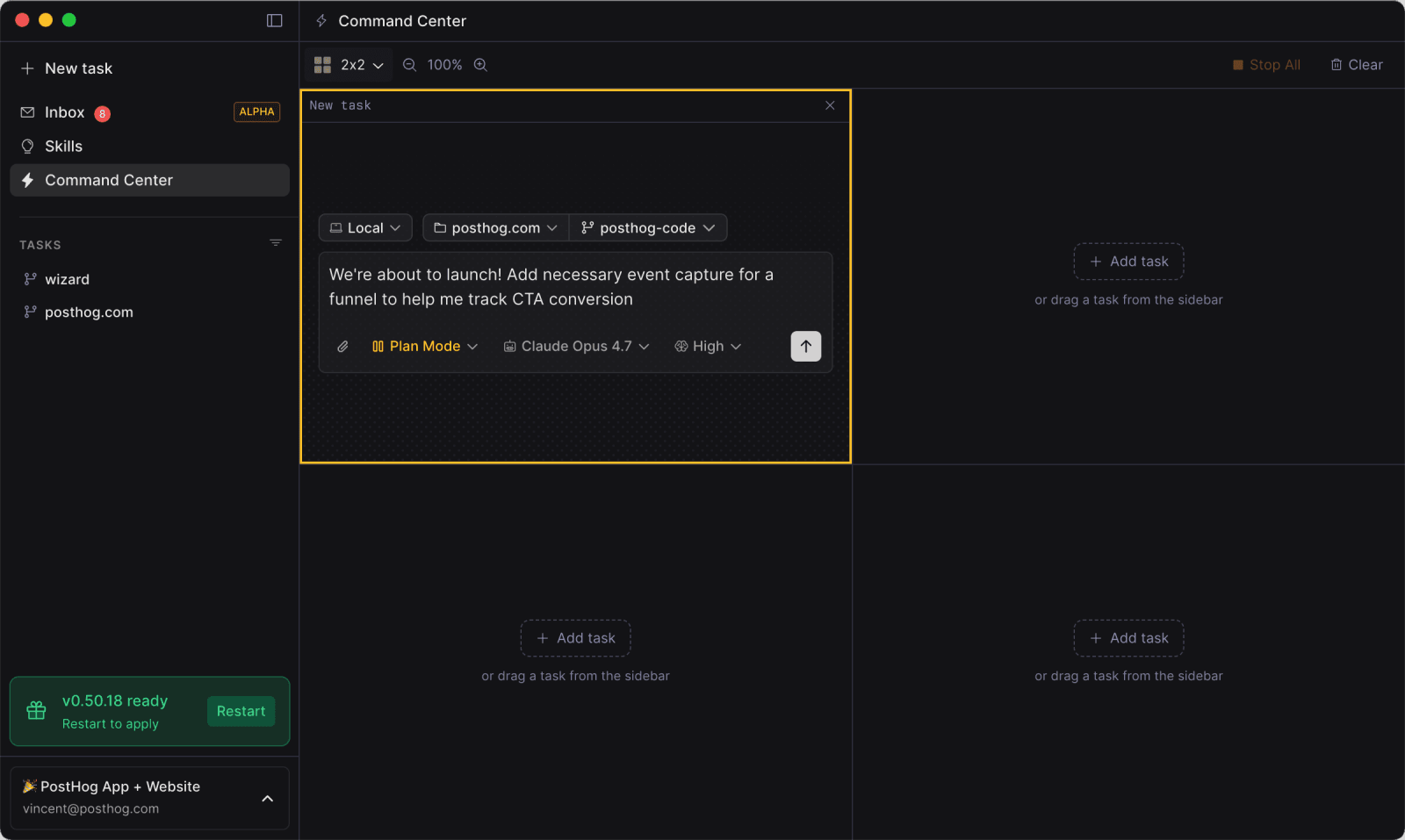
Command Center keeps several agent sessions in one view. Use it when one screen is easier than jumping between tasks.
When to use it
Command Center works well when you want to:
- Try different approaches to the same problem and compare the results
- Split a larger project into independent tasks
- Clear a batch of small fixes in parallel
- Keep an eye on long cloud runs while you work locally
- See which agents have finished or need your input
Each cell holds an independent task, so you can mix local tasks, worktrees, and cloud runs without one task affecting another.
Build your grid
Open Command Center from the grid icon in the sidebar. Add an existing task from the sidebar or start one in an empty cell.
Choose a layout from one focused task to a 3x3 grid. Optimize fits the grid to the tasks in use, and zoom controls change how much of each conversation you see. Your layout and zoom level persist across restarts.
The status summary shows how many agents are running or waiting. Clear the grid when you finish; this removes the cells from Command Center without deleting the tasks.