Mastra AI Observability installation


Let AI instrument your LLM calls for you
Skip the manual setup — run this in your project and the wizard installs the SDK and wires up AI Observability for you.

Contents
- 1
Install dependencies
RequiredFull working examplesSee the complete Node.js example on GitHub. If you're using the PostHog SDK wrapper instead, see the Node.js wrapper example.
Install Mastra with the official
@mastra/posthogexporter. Mastra's observability system sends traces to PostHog as$ai_generationevents automatically. - 2
Configure Mastra with the PostHog exporter
RequiredInitialize Mastra with an
Observabilityconfig that uses thePosthogExporter. Pass your PostHog project token and host from your project settings. - 3
Run your agent
RequiredUse Mastra as normal. The
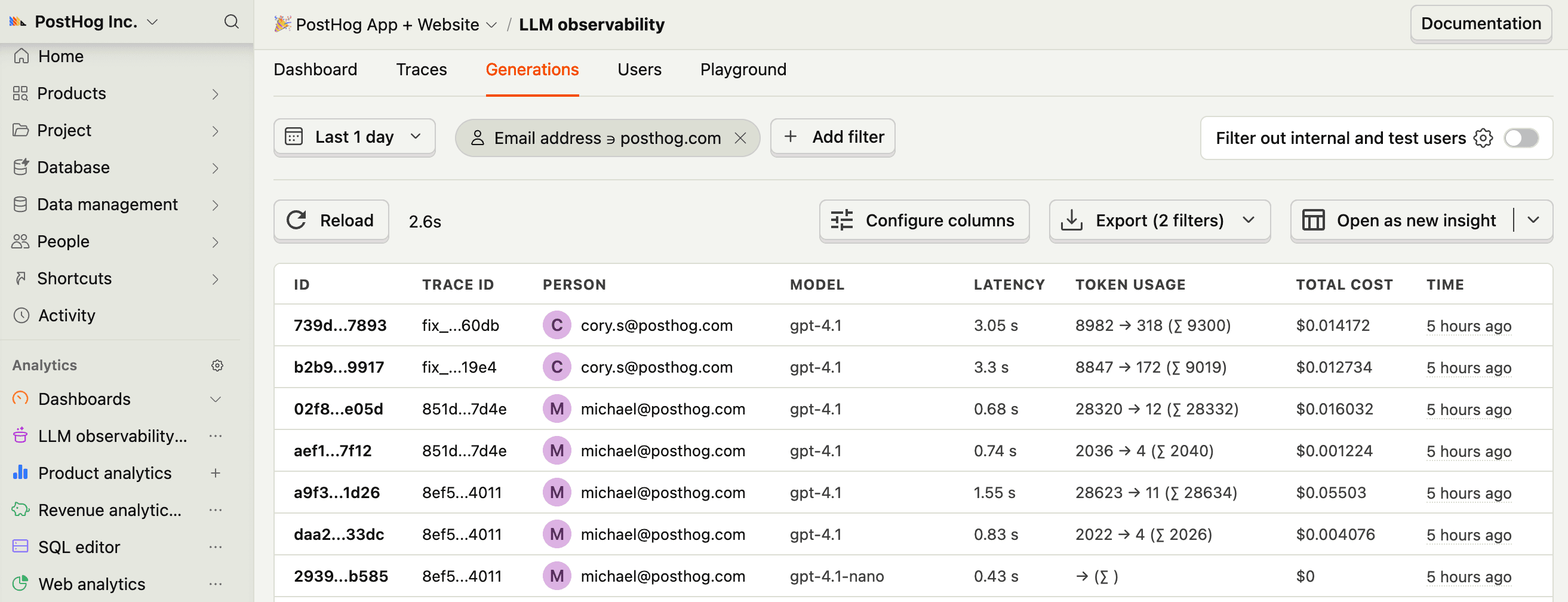
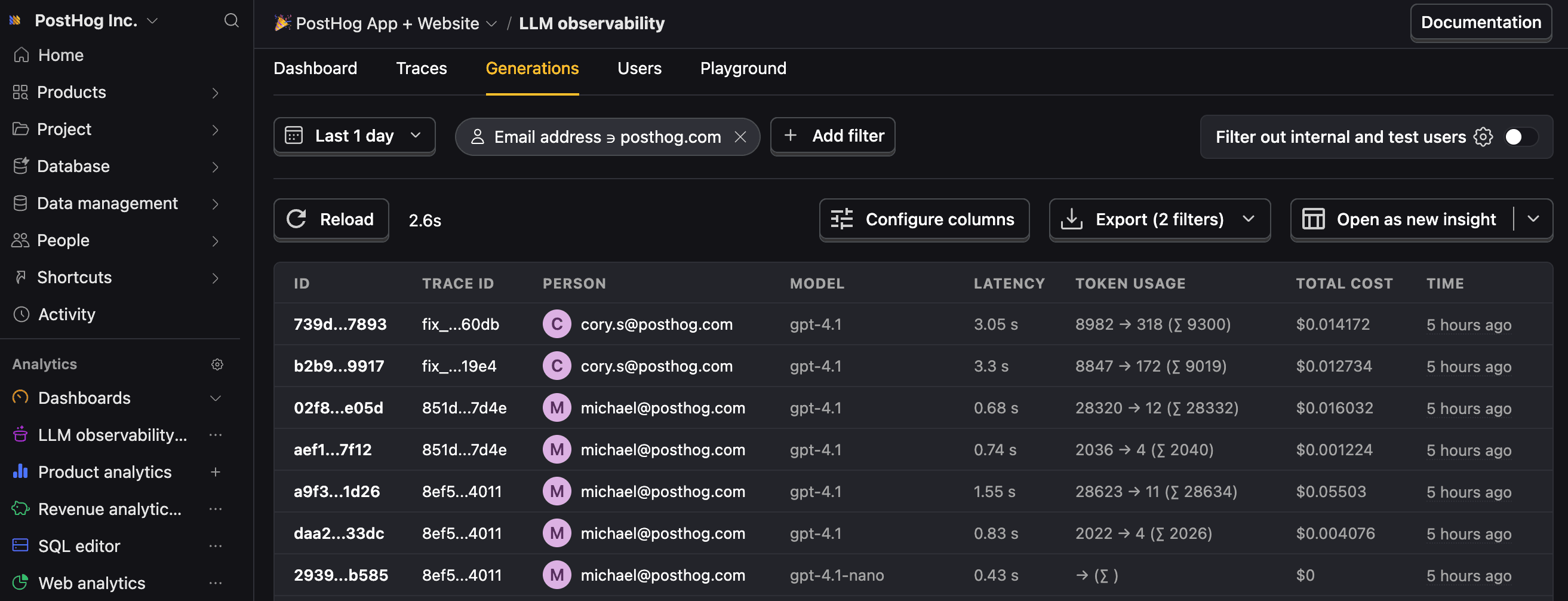
PosthogExporterautomatically captures$ai_generationevents for each LLM call, including token usage, cost, latency, and the full conversation.Pass
tracingOptions.metadatatogenerate()to attach per-request metadata. TheuserIdfield maps to PostHog's distinct ID,sessionIdmaps to$ai_session_id, and any other keys are passed through as custom event properties.Note: If you want to capture LLM events anonymously, omit
userIdfromtracingOptions.metadataand don't setdefaultDistinctId. See our docs on anonymous vs identified events to learn more.You can expect captured
$ai_generationevents to have the following properties:Property Description $ai_modelThe specific model, like gpt-5-miniorclaude-4-sonnet$ai_latencyThe latency of the LLM call in seconds $ai_time_to_first_tokenTime to first token in seconds (streaming only) $ai_toolsTools and functions available to the LLM $ai_inputList of messages sent to the LLM $ai_input_tokensThe number of tokens in the input (often found in response.usage) $ai_output_choicesList of response choices from the LLM $ai_output_tokensThe number of tokens in the output (often found in response.usage)$ai_total_cost_usdThe total cost in USD (input + output) [...] See full list of properties - 4
Next steps
RecommendedNow that you're capturing AI conversations, continue with the resources below to learn what else AI Observability enables within the PostHog platform.
Resource Description Basics Learn the basics of how LLM calls become events in PostHog. Generations Read about the $ai_generationevent and its properties.Traces Explore the trace hierarchy and how to use it to debug LLM calls. Spans Review spans and their role in representing individual operations. Anaylze LLM performance Learn how to create dashboards to analyze LLM performance.