





Content library and message templates
Contents
Our library lets you create reusable message templates for your workflows. You can access it from the Library tab in Workflows.
Templates are displayed in a grid view with visual HTML previews, making it easy to see what each email looks like at a glance. Use the search bar and Created by filter to find templates quickly.
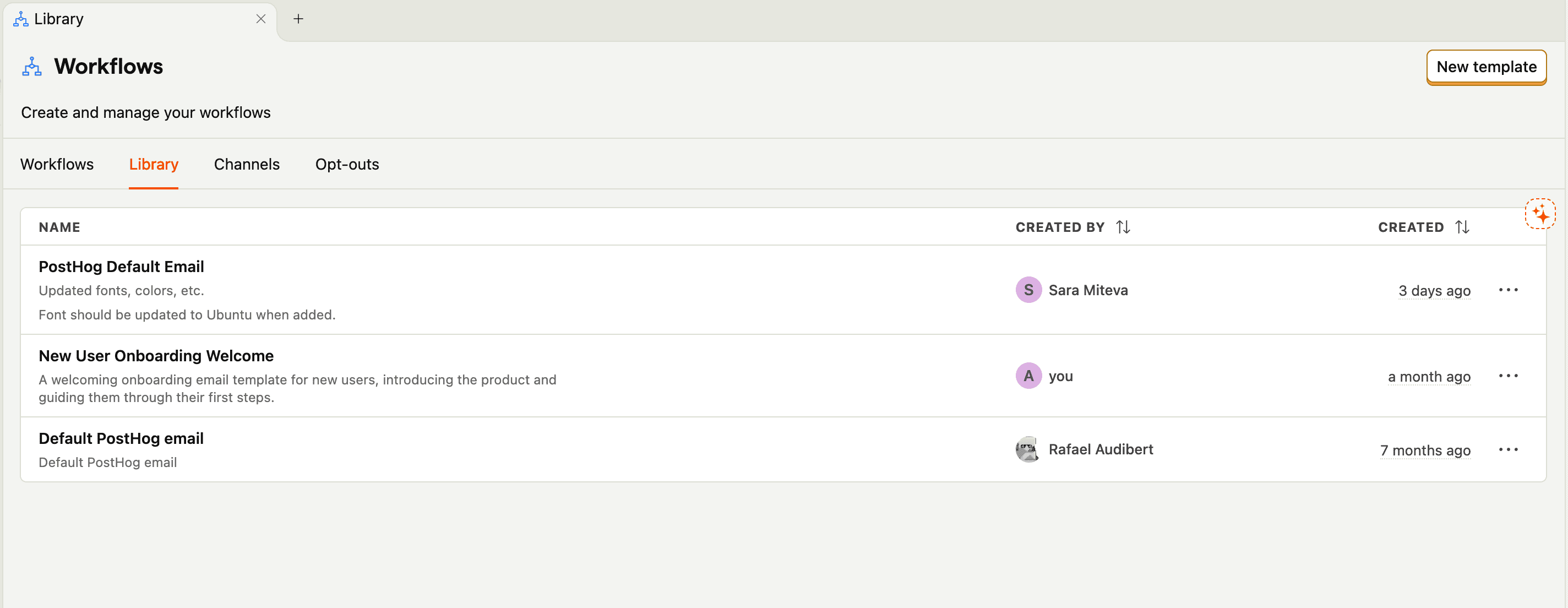
Currently, we support email templates, with push notifications and SMS templates coming soon.
Workflow templates
You can save workflows as reusable templates to share across your team. When saving a workflow as a template, select a scope to control visibility:
| Scope | Description |
|---|---|
| Project | Template is only visible within the current project (default) |
| Organization | Template is visible to all projects within your organization |
| Global | Official PostHog templates (staff-only) |
Organization-scoped templates are accessible to all teams within the same organization. Any team member can use and update these shared templates. Templates remain isolated to their organization and aren't visible to other organizations.
Liquid and merge tags
All template types support Liquid templating to personalize your messages with user properties and data. You can type liquid directly, or use the merge tag dropdown in your message templates, which will show you the entire list of available person properties (see email example below).
When using Liquid with existing user properties, you should include a default value if the property could be null or may not exist. For example:
Use single quotes around the fallback value. The email builder serializes templates to JSON, which escapes double quotes and causes a Liquid TokenizationError.
This ensures your message displays correctly even when a property is missing.
For a property whose name starts with $, such as $email, use brackets and single quotes: {{ person.properties['$email'] }}. Dot notation like {{ person.properties.$email }} doesn't work with these properties.
Email merge tags
In addition to person properties, PostHog provides these system merge tags for email templates:
| Merge tag | Description |
|---|---|
{{unsubscribe_url}} | Links to a page where recipients can manage their email preferences. When email tracking consent is enabled, this page also includes an option to manage open and click tracking consent. |
{{unsubscribe_url_one_click}} | Enables RFC 8058-compliant one-click unsubscribe. When email clients send a POST request to this URL, recipients are automatically unsubscribed from all marketing emails. When clicked directly, it displays an unsubscribe confirmation page. |
Use the one-click unsubscribe URL to improve email deliverability and comply with email regulations like CAN-SPAM. Most modern email clients display a prominent unsubscribe button when they detect proper one-click unsubscribe headers.
Email templates
When you click on new template you will see a page like this:
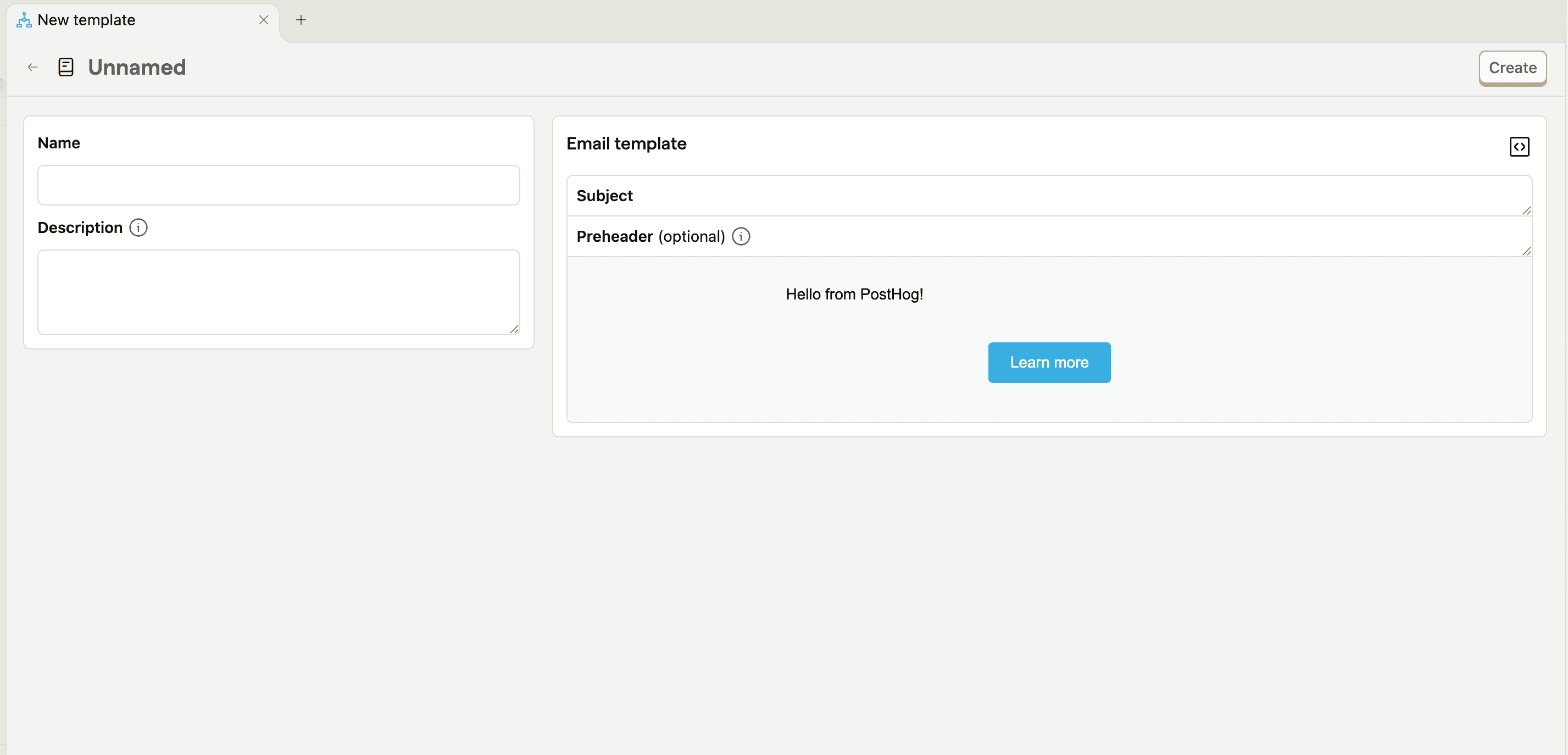
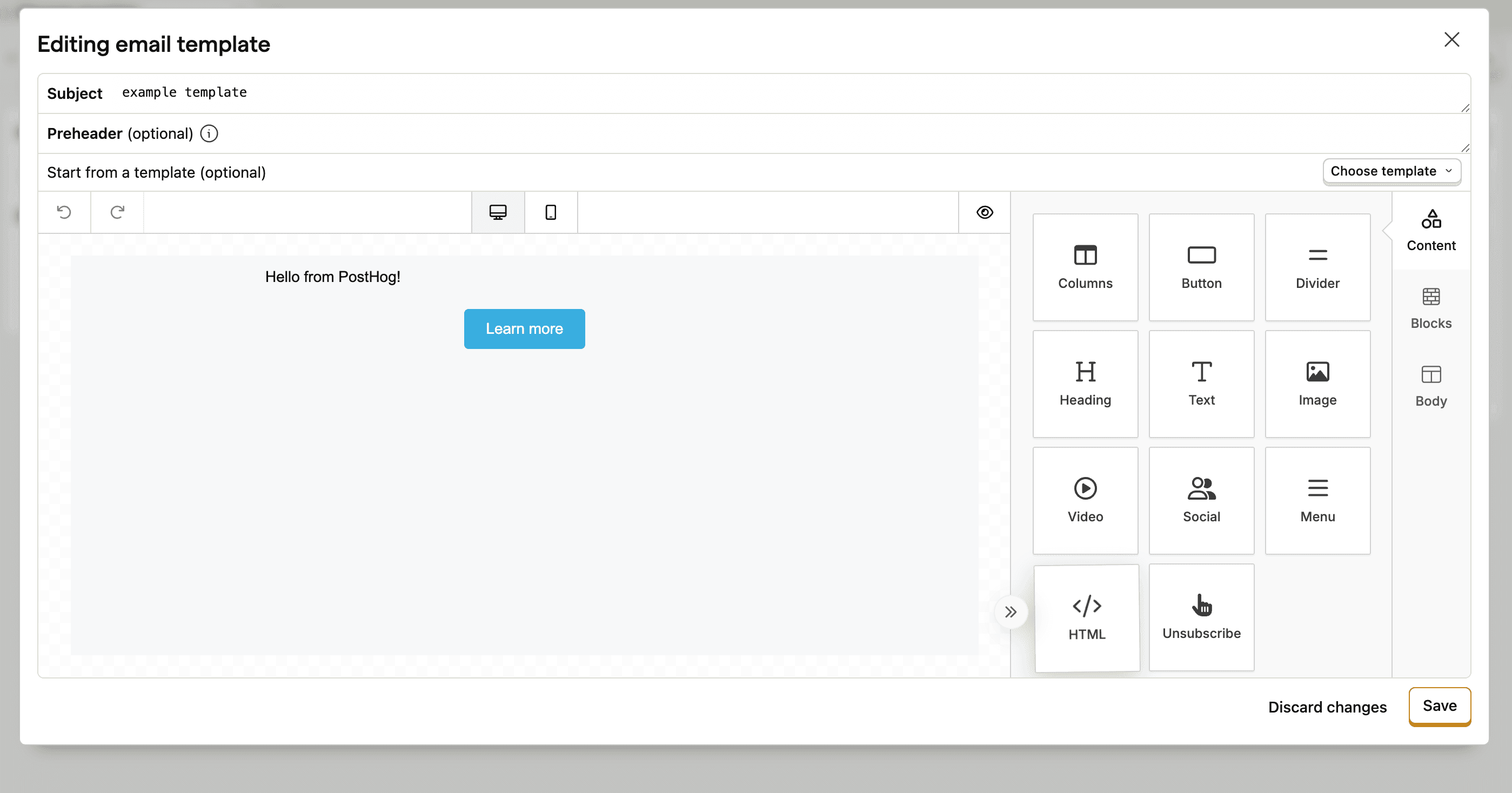
This is our drag-and-drop email builder, which you can use to quickly build email templates. To save the template, you will need to give the template a name, and a subject for the email.
The builder allows you to:
- Drag different types of content into the email like columns, buttons, text etc.
- Format the content with blocks, breaking up content into multiple sections for example
- Adjust fonts, colors and padding in the body selector
Additionally our builder also supports custom HTML — just drag the HTML box into your template to add custom HTML code.
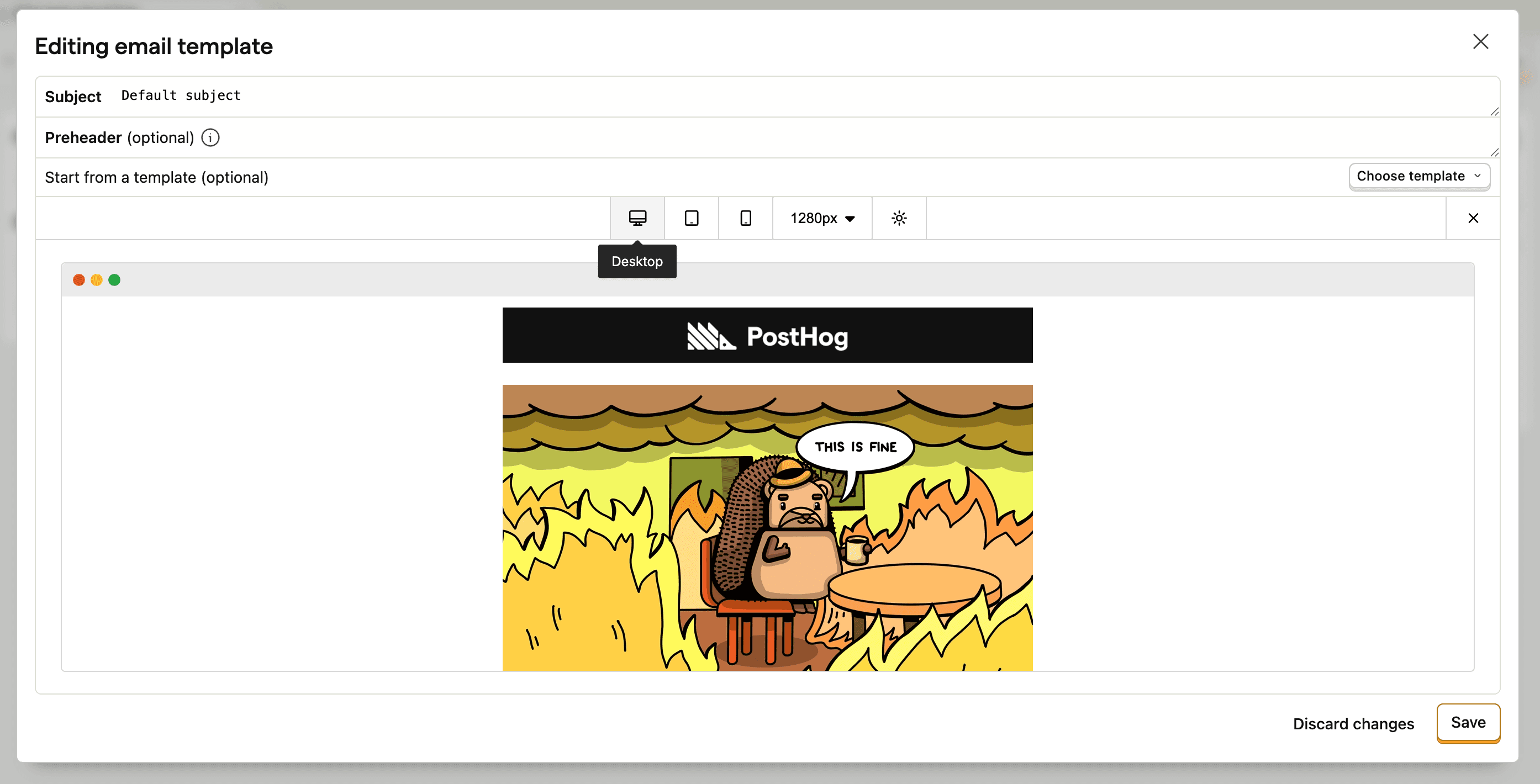
Once you've mocked up your email, you can preview what the email would look like on different device types (desktop, tablet, and mobile) to ensure it displays correctly across all platforms.
Using Liquid in email templates
You can type Liquid syntax directly into your email template. We also provide a merge tags dropdown that you can click to see all available user properties and easily insert them into your template.

If you type Liquid syntax directly and the Liquid doesn't compile correctly, the email won't be sent. Always verify your Liquid syntax is valid before starting a workflow.
Disabling link click tracking
Links in an email are rewritten for click tracking, which powers the $workflows_email_link_clicked engagement event.
If you need a link to reach its destination exactly as written, add an HTML block and mark the anchor with either clicktracking="off" or data-ph-no-track:
The attribute must be on the <a> tag itself, not a child element. Links marked this way keep their original URL and won't produce click events. Use this for app deep links and mobile universal links, which stop resolving to the app once they're rewritten.
Testing templates
It's best practice to test a message in a workflow before starting the workflow. This helps ensure your template displays correctly with real user data and that all Liquid variables resolve properly.
Create templates with MCP
You can create and manage email templates programmatically using the PostHog MCP server. AI coding assistants like Cursor and Claude can design templates using the same format as the visual editor, so templates created via MCP are fully editable in the drag-and-drop builder.
MCP tools for email templates:
workflows-create-email-template– Create a new email templateworkflows-get-email-template– Fetch a template for editingworkflows-update-email-template– Update an existing templateworkflows-list-email-templates– List all templates in the libraryworkflows-show-email-template– Preview a rendered template
See MCP use cases for example prompts.
Edit workflows with MCP
You can make surgical edits to a draft workflow's graph using the PostHog MCP server. Instead of re-transmitting every action and edge, send a small list of id-addressed operations that apply atomically – the graph is validated before saving.
MCP tools for workflow graph editing:
workflows-patch-graph– Apply operations to update, add, or remove actions and edges in a draft workflow
Supported operations include update_action (deep-merges a patch into an existing node), add_action, remove_action (auto-reconnects edges), add_edge, remove_edge, and replace_action_edges.
See MCP use cases for example prompts.