OpenClaw AI Observability installation
Contents
- 1
Prerequisites
RequiredOpenClaw is a self-hosted AI assistant gateway that connects messaging platforms such as Telegram, Slack, Discord, and WebChat to AI models. The
@posthog/openclawplugin captures LLM generations, tool executions, and conversation traces as$ai_generation,$ai_span, and$ai_traceevents.You need:
- A running OpenClaw gateway. The PostHog plugin supports Node.js 20 or later.
- A PostHog account with a project token.
- 2
Install the PostHog plugin
RequiredInstall the
@posthog/openclawplugin with the OpenClaw CLI: - 3
Configure the plugin
RequiredAdd the PostHog plugin to your OpenClaw config file (
~/.openclaw/openclaw.jsonoropenclaw.yaml):You can find your project token and host in your PostHog project settings.
Note:
diagnostics.enabledmust betrueto capture trace-level ($ai_trace) events. Generation and span events work without it. - 4
Start the gateway
RequiredStart or restart the OpenClaw gateway for the plugin to take effect:
The PostHog plugin initializes on startup. When users send messages through a connected channel, AI Observability events are captured and sent to PostHog.
- 5
Configuration options
OptionalAll options go under the
configkey inside theposthogplugin entry:Option Type Default Description apiKeystring(required) Your PostHog project token hoststringhttps://us.i.posthog.comPostHog ingestion host privacyModebooleanfalseWhen enabled, message content is not sent to PostHog. Token counts, latency, model information, and errors are still captured. traceGrouping"message"or"session""message""message": one trace per LLM call cycle."session": groups all generations in a conversation into one trace.sessionWindowMinutesnumber60Minutes of inactivity before starting a new session window. Applies in both trace grouping modes. Trace grouping modes
"message"(default): Each agent invocation gets its own trace. Tool-use iterations within one invocation share the same trace."session": All generations within a conversation window are grouped into one trace. A new trace starts aftersessionWindowMinutesof inactivity. Use this for chat channels where per-message traces fragment conversation flow.
What gets captured
The plugin captures three types of events:
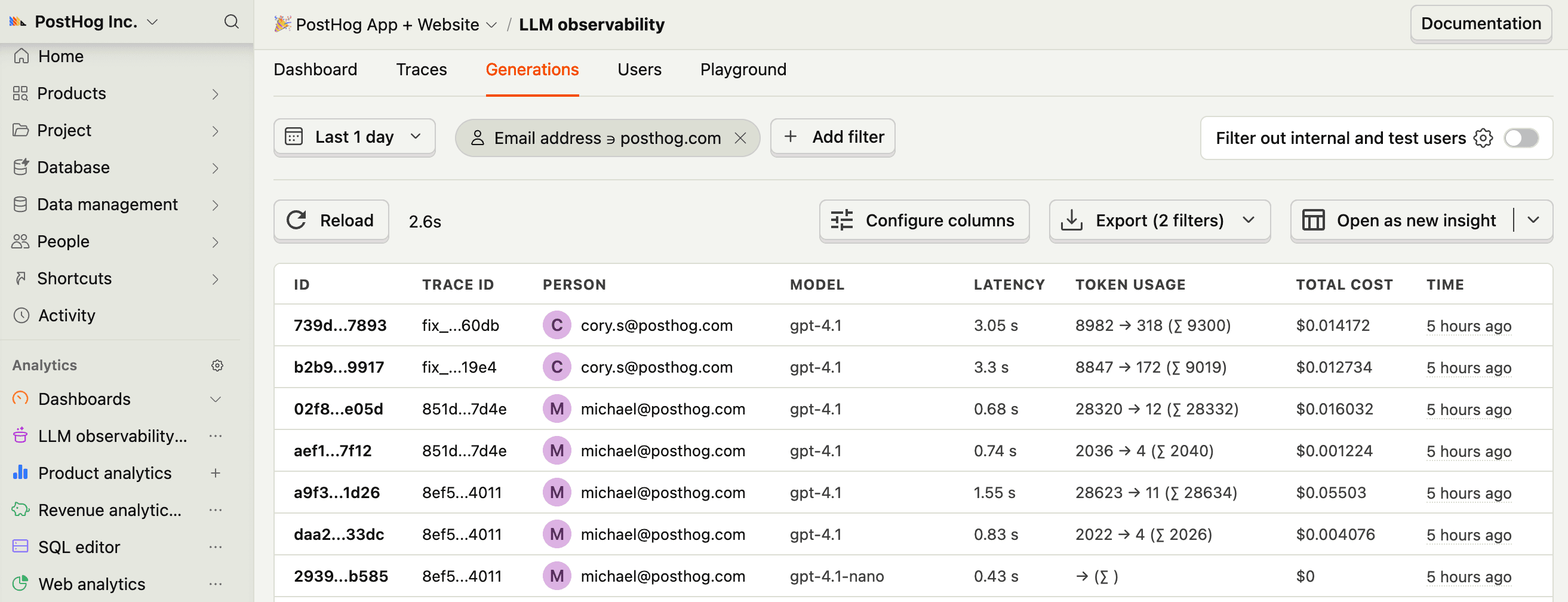
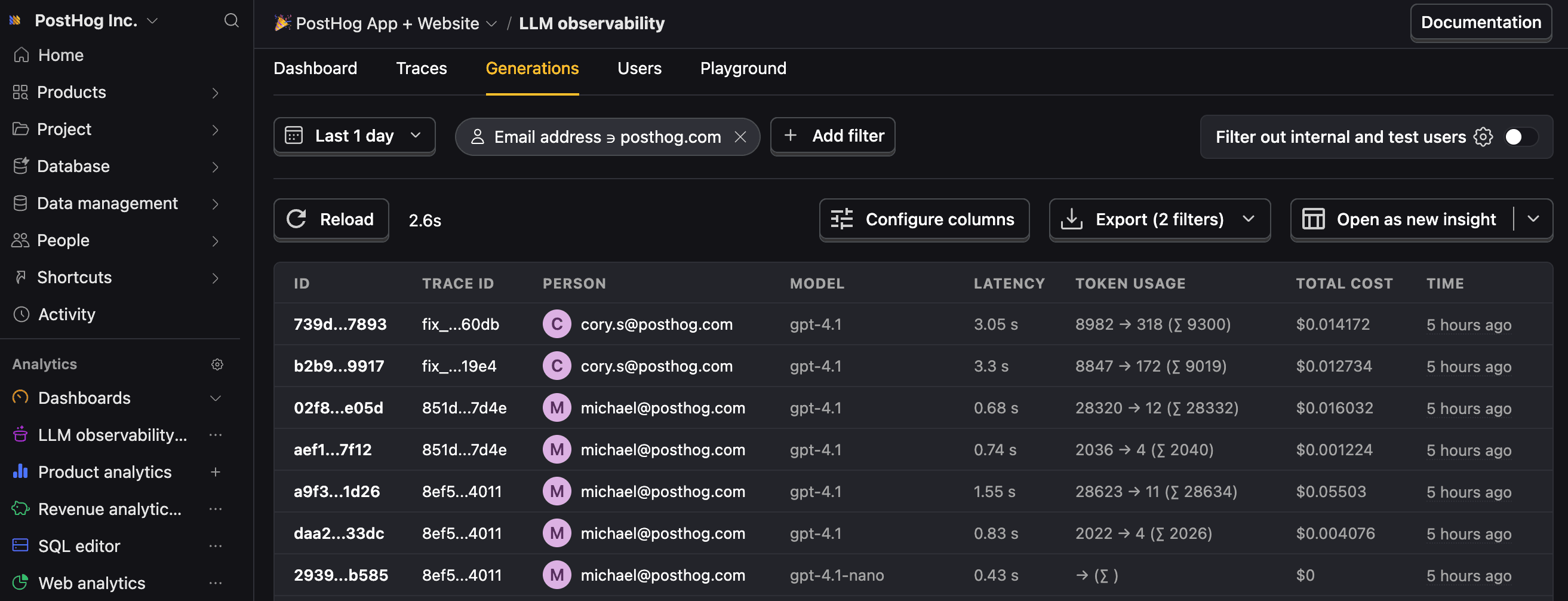
$ai_generation: Each LLM call, including model, provider, token usage, cost, latency, and input and output messages in OpenAI chat format.$ai_span: Each tool execution, including tool name, input parameters, output result, duration, and parent generation. Learn more about spans.$ai_trace: Completed message cycles with aggregated token totals and latency. Learn more about traces.
- 6
Next steps
RecommendedNow that you're capturing AI conversations, continue with the resources below to learn what else AI Observability enables within the PostHog platform.
Resource Description Basics Learn the basics of how LLM calls become events in PostHog. Generations Read about the $ai_generationevent and its properties.Traces Explore the trace hierarchy and how to use it to debug LLM calls. Spans Review spans and their role in representing individual operations. Anaylze LLM performance Learn how to create dashboards to analyze LLM performance.