





Rust Experiments installation
- 1
Install PostHog Rust SDK
RequiredInstall the
posthog-rscrate by adding it to yourCargo.toml.Cargo.tomlNext, set up the client with your PostHog project key.
RustBlocking client
Our Rust SDK supports both blocking and async clients. The async client is the default and is recommended for most use cases.
If you need to use a synchronous client instead – like we do in our CLI –, you can opt into it by disabling the asynchronous feature on your
Cargo.tomlfile.tomlWith the blocking client, the same methods are available without
.await. Either way,captureis non-blocking: it hands the event to a background worker that batches and sends it, so it returns immediately instead of waiting on the network. Because delivery happens in the background, callflush()orshutdown()before your program exits, or buffered events may be lost. - 2
Capture conversion event
RequiredOnce PostHog is initialized, you should be able to capture events. For your experiment to be meaningful, we need to capture an event that we want to measure, such as a conversion event.
For this tutorial, let's report a conversion event when a user clicks a CTA. In server SDKs like Rust, this can be called when a specific route is visited or reported from your client side app.
Rust - 3
Create an experiment
RequiredGo to the Experiments tab in the PostHog app and click on the New experiment button in the top right.
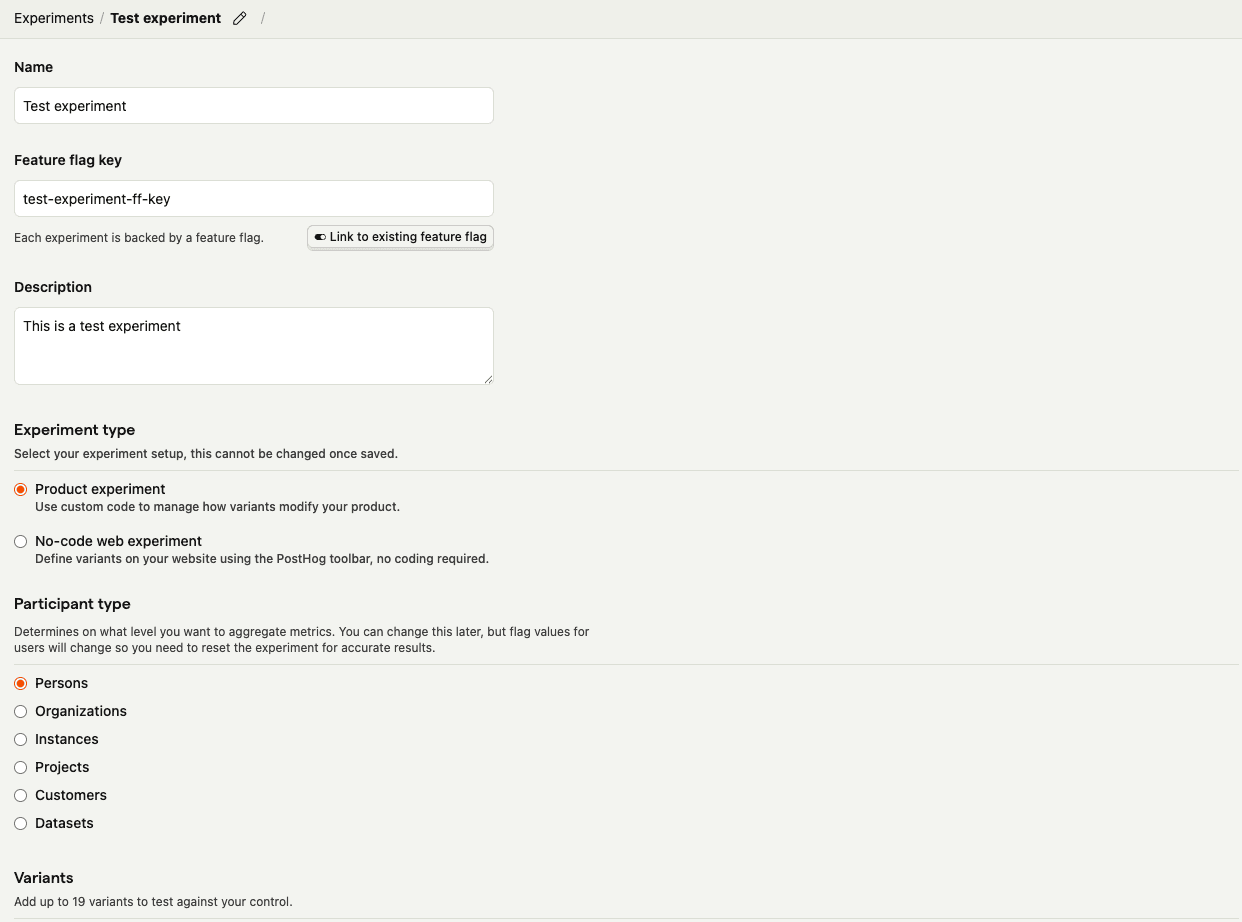
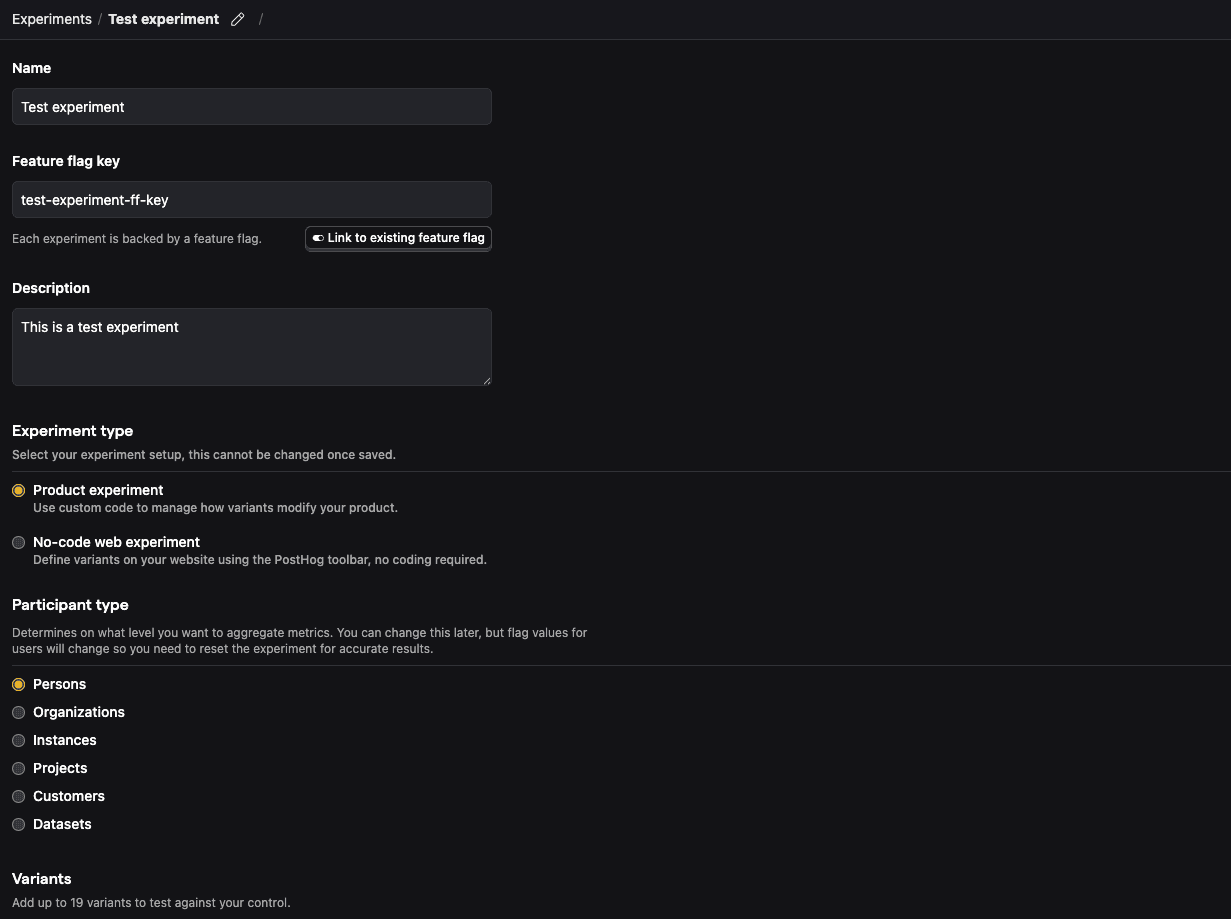
For this tutorial, let's create a new experiment using simplified test values:
- Name: "Test experiment"
- Description: "This is a test experiment"
- Feature flag key: "test-experiment-ff-key"
- Experiment type: "Feature flag"
- Variants: "control" and "test"
- Participant type: "Users"
Then click Save as draft.
- 4
Add primary metric and launch
RequiredScroll down to the Primary metrics section and click + Add primary metric.
Choose Single-use and select Type > Mean.
Then search for the event
cta clickedunder Metric and click Save.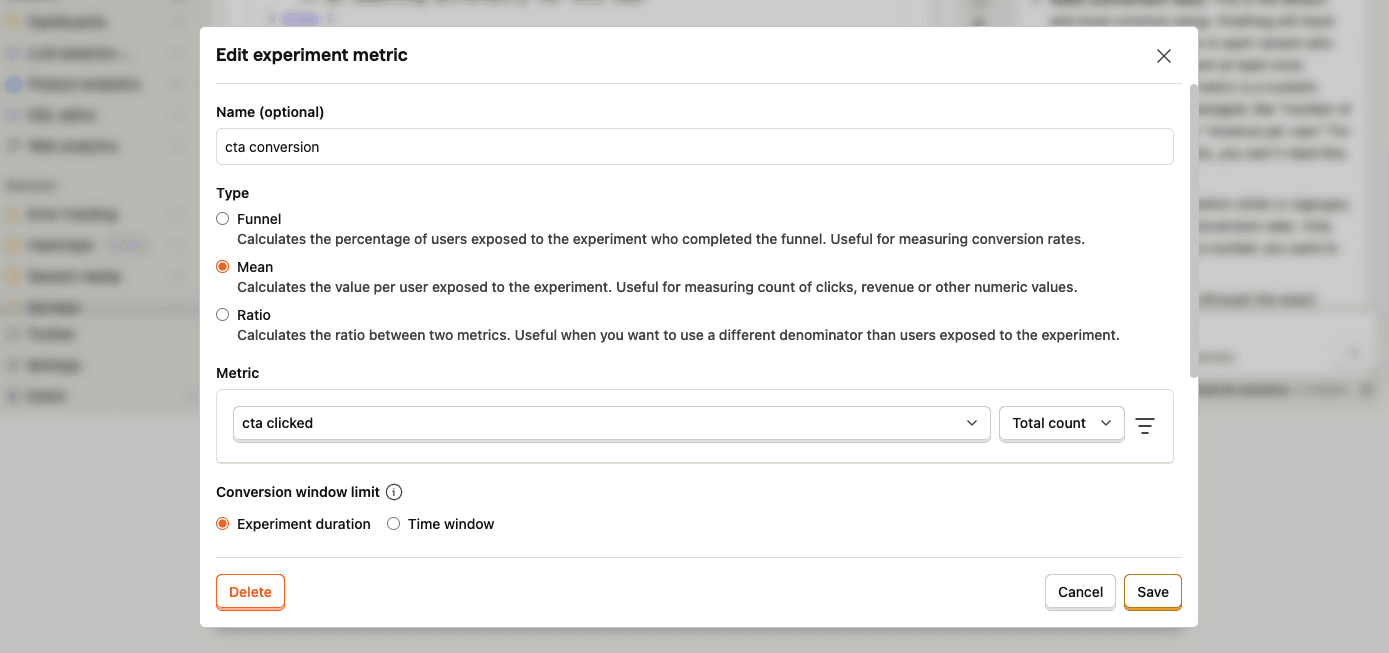
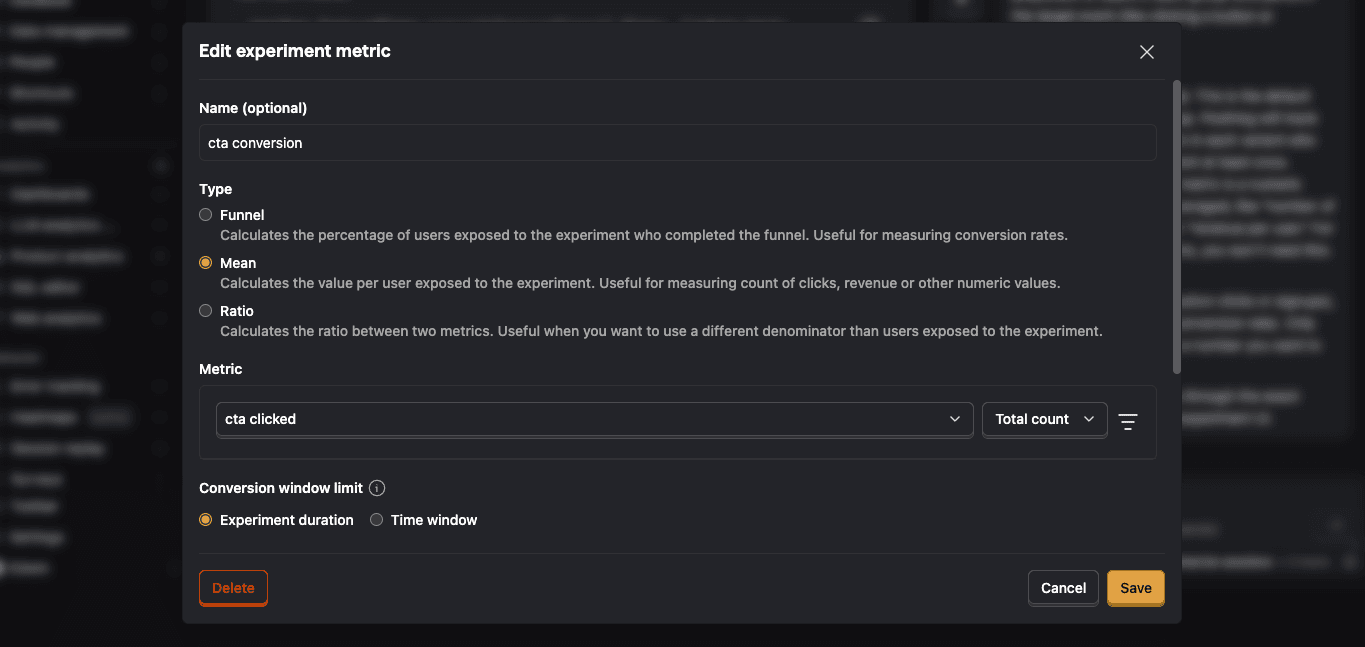
By default, experiments are exposed to 100% of users. You can customize release conditions to expose the experiment to a subset of users.
For this tutorial, we'll ship the experiment to all users and click Launch in the top right.
- 5
Call feature flag
RequiredUse the PostHog SDK to call the experiment flag and update how your page renders based on the assigned variant.
RustWhen your code evaluates the flag, PostHog assigns the user to a variant and records an experiment exposure. Conversion events the user sends after that, like
cta clicked, count toward the experiment's metrics.By default, users are split equally between variants. If you want to assign specific users to a specific variant, see more about distribution and release conditions.
- 6
Evaluate experiment results
RecommendedAs you capture more
cta clickedevents, more exposures will populate the primary metrics in your experiment.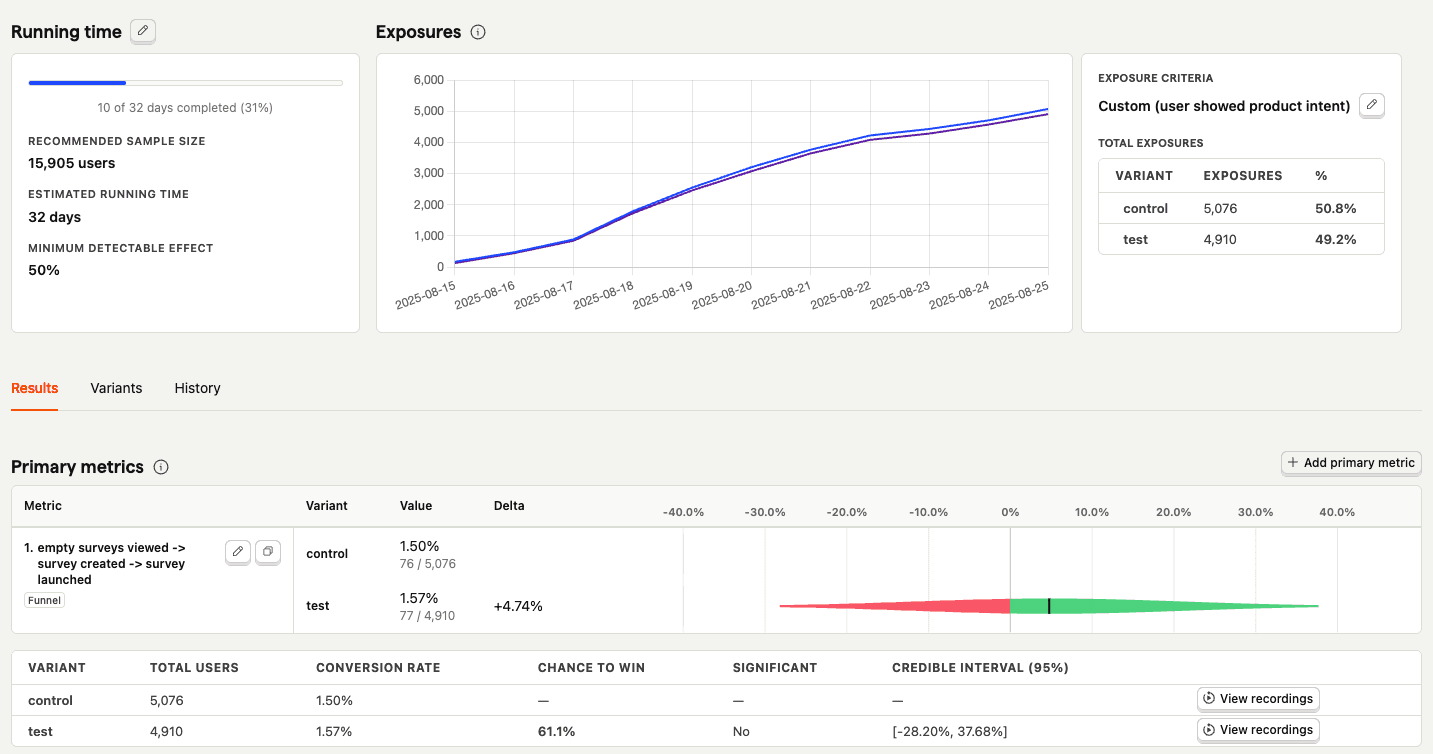
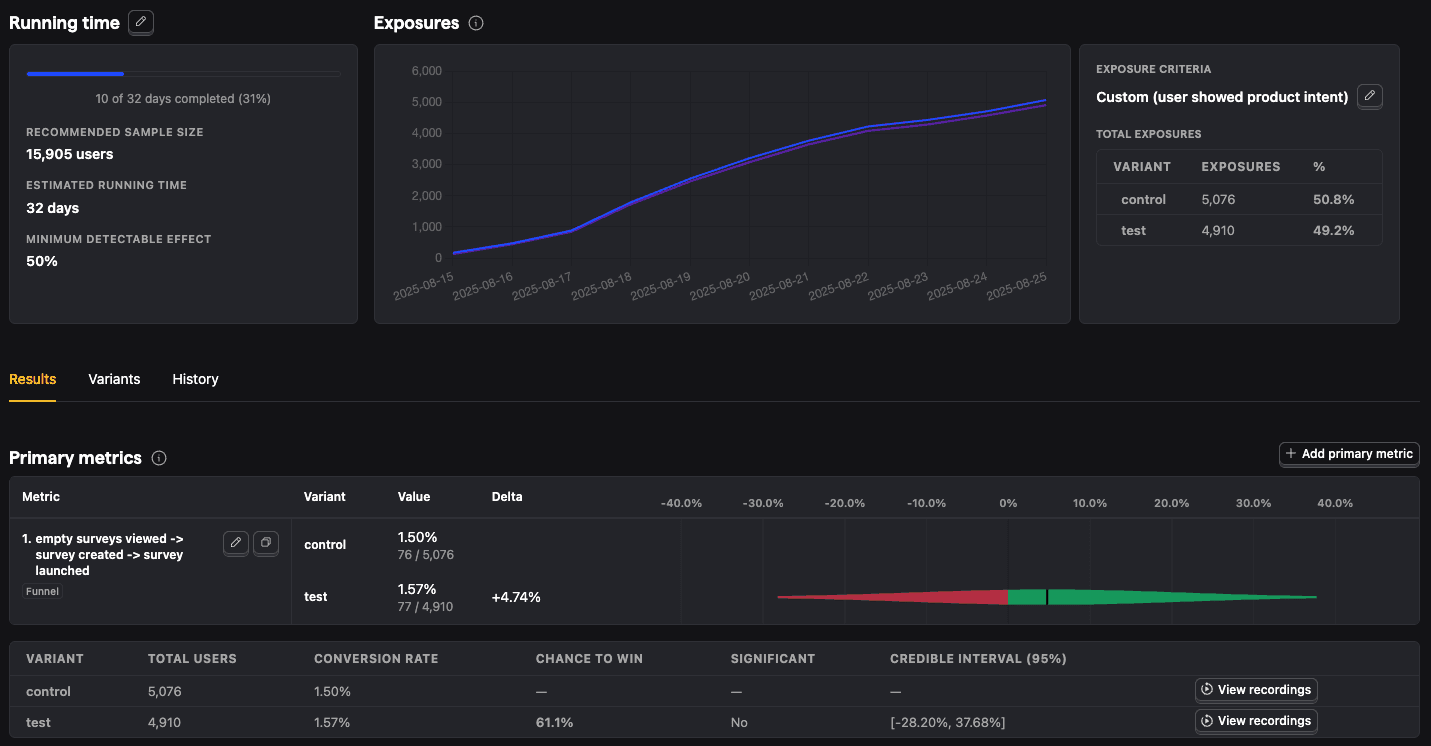
With enough data, you can analyze the experiment and its variants by:
- Conversion rates
- Statistical significance
- Credible intervals
- Chance to win %
- Minimum detectable effect
- And more