







Detect spikes in exception volume
Contents
Spike detection automatically monitors each issue for sudden increases in exception volume, so you can catch regressions and incidents the moment they happen — without manually watching dashboards.
How spike detection works
PostHog continuously tracks the exception rate for every issue using a rolling baseline. Every hour, we measure activity in 5-minute buckets. When the current bucket's exception count exceeds the baseline by a configurable multiplier, we emit a spike event for that issue.

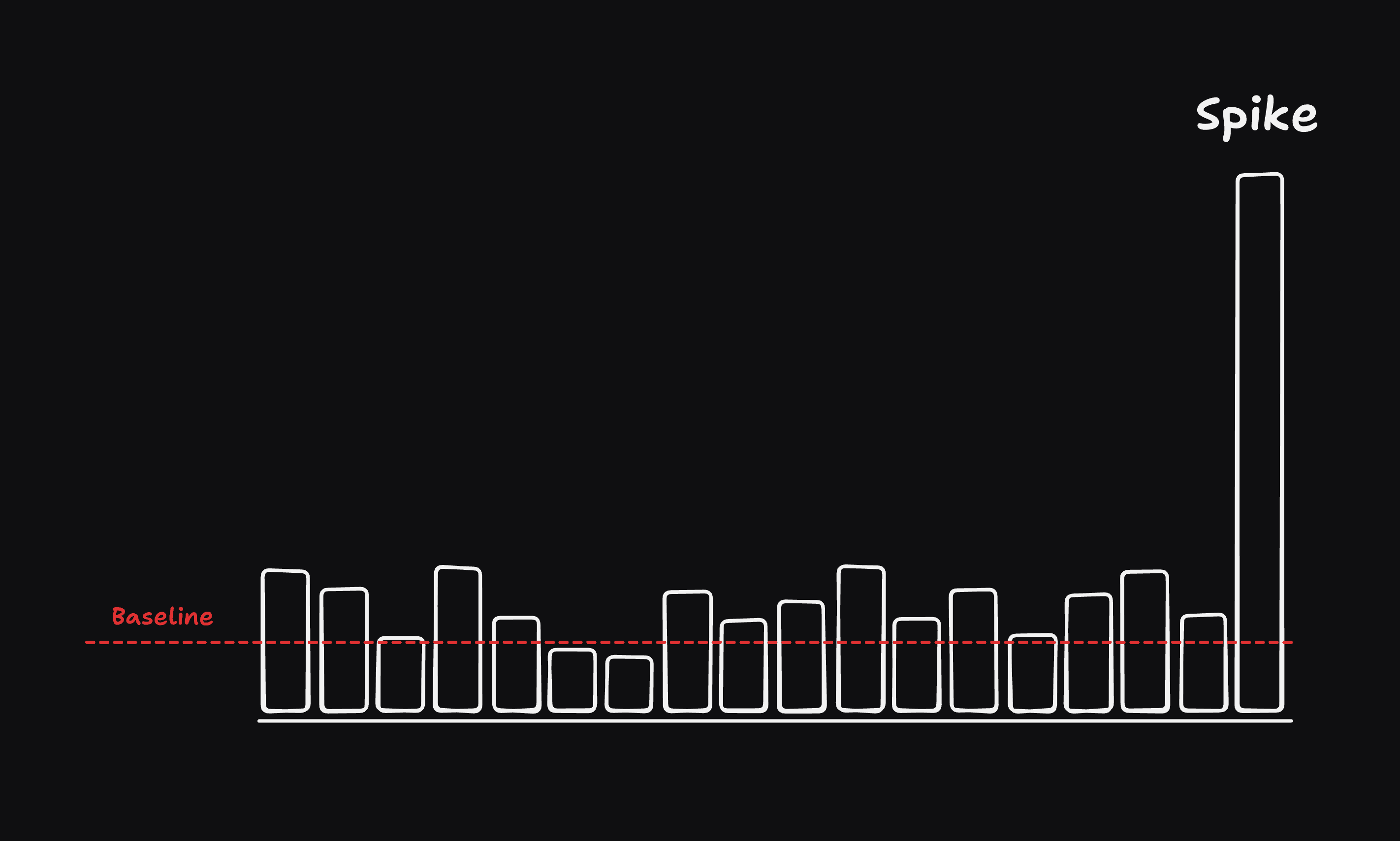
Baseline calculation
The baseline represents the expected exception rate for an issue. If an issue has enough historical data, we calculate its baseline from its own activity over the past hour.
If an issue is too new or hasn't had enough activity to establish a meaningful baseline, we fall back to an average baseline derived from your other existing issues. This ensures new issues can still trigger spikes without needing a warm-up period.
Configuring spike detection
You can configure spike detection in the error tracking configuration page.


The following options are available:
| Option | Description |
|---|---|
| Minimum threshold | Issues with fewer occurrences than this value in a 5-minute bucket will never trigger a spike. This prevents noise from low-volume issues. |
| Multiplier | How many times the current bucket must exceed the baseline for the spike to fire. A higher multiplier means only more dramatic surges trigger an alert. |
| Snooze duration | After a spike fires for an issue, you won't be notified again for this many minutes — even if the issue continues spiking. This prevents alert fatigue during sustained incidents. |
Getting notified about spikes
You can set up alerts to be notified when a spike occurs. Head to the alerts tab to configure notifications to Slack, Discord, Teams, HTTP Webhook and more