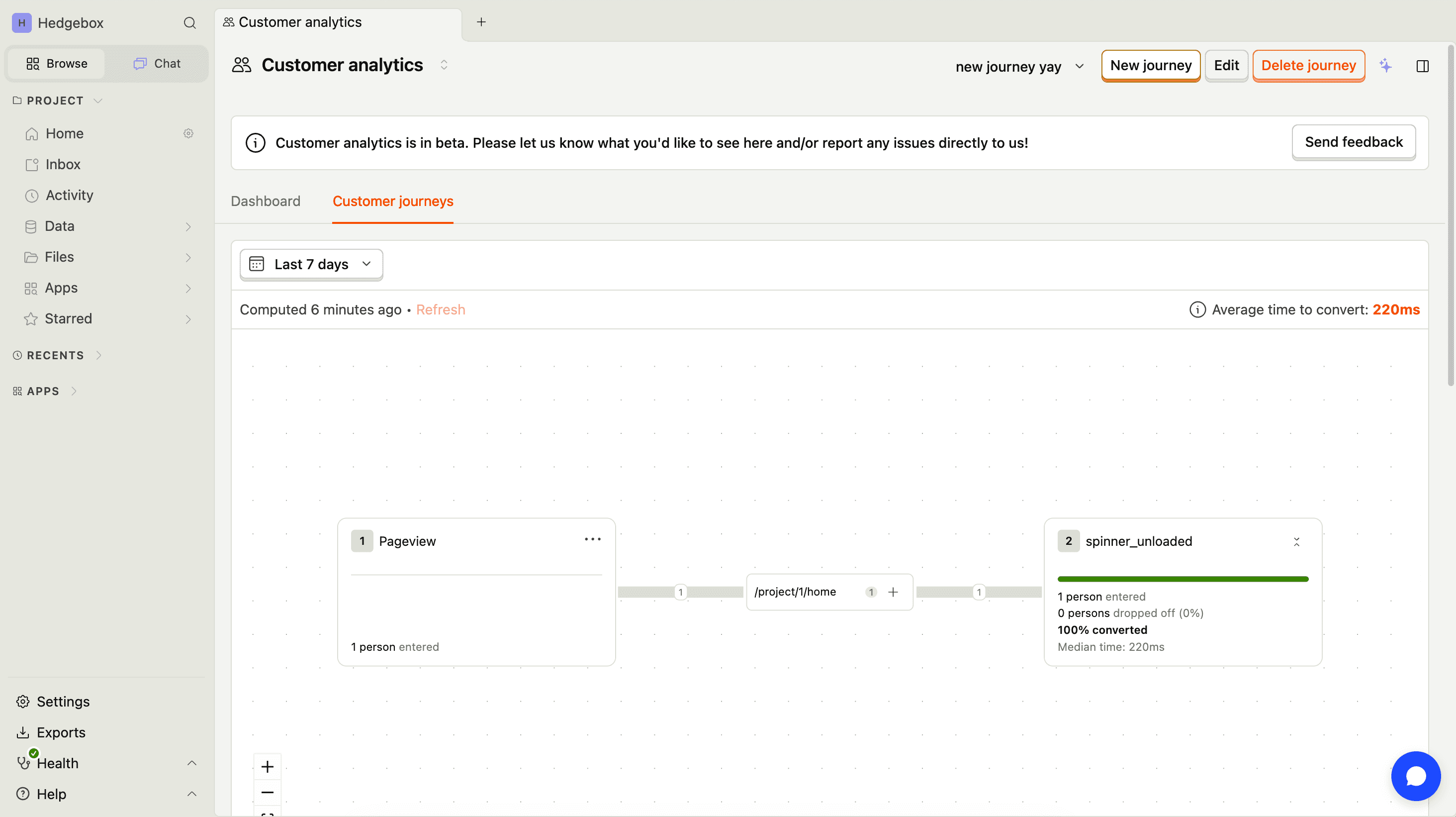
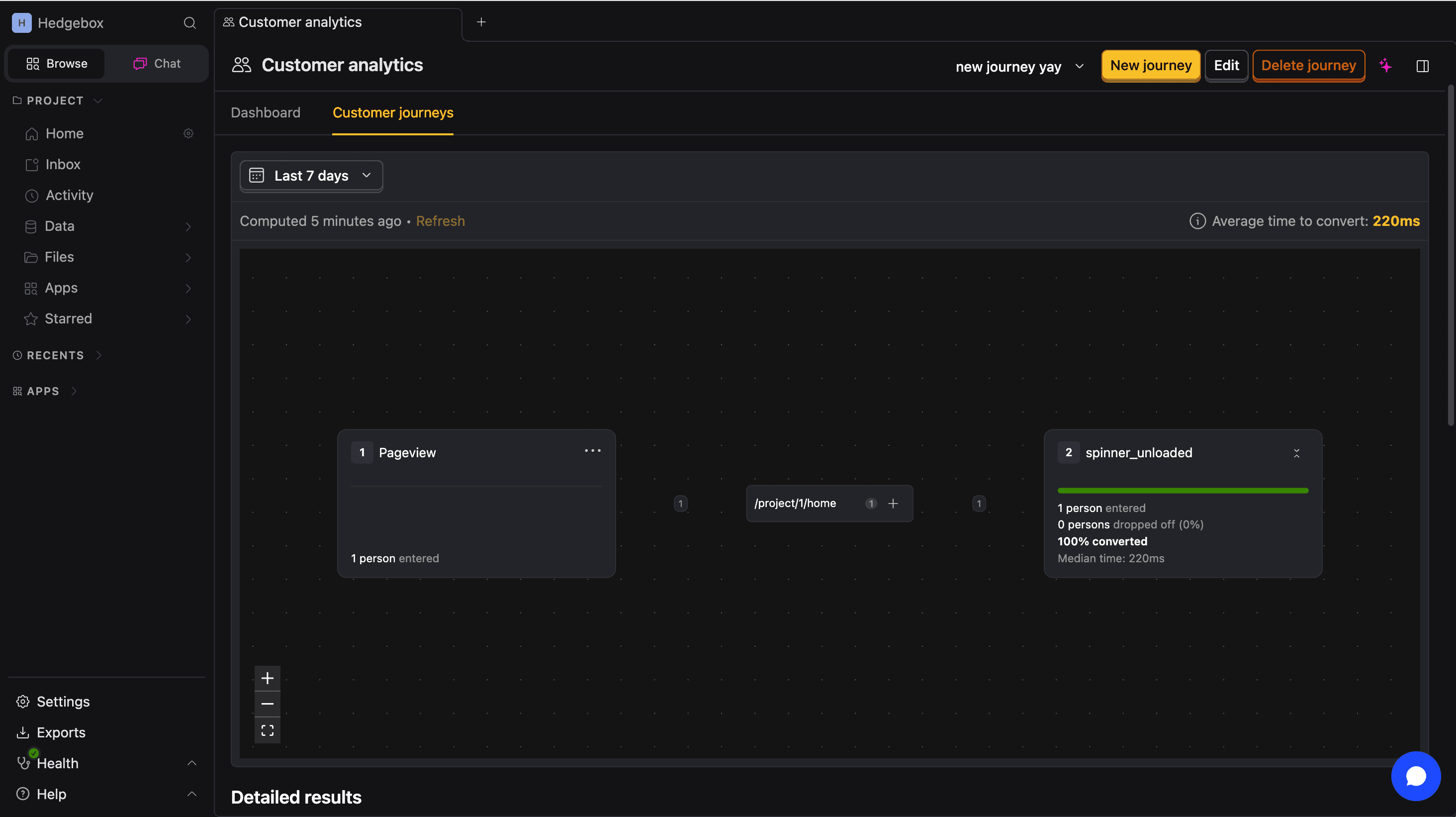
Getting started with customer analytics
Customer Analytics is currently in beta and free to use. We're actively developing this feature and would love your feedback.
Customer Analytics helps you understand your users without building dashboards from scratch. It tracks active users, signups, conversions, and engagement – the metrics that matter when you're building toward product-market fit.
Configure dashboard events
The customer analytics dashboard works immediately with $pageview events. To extract its full potential, configure it with your events in customer analytics configurations.
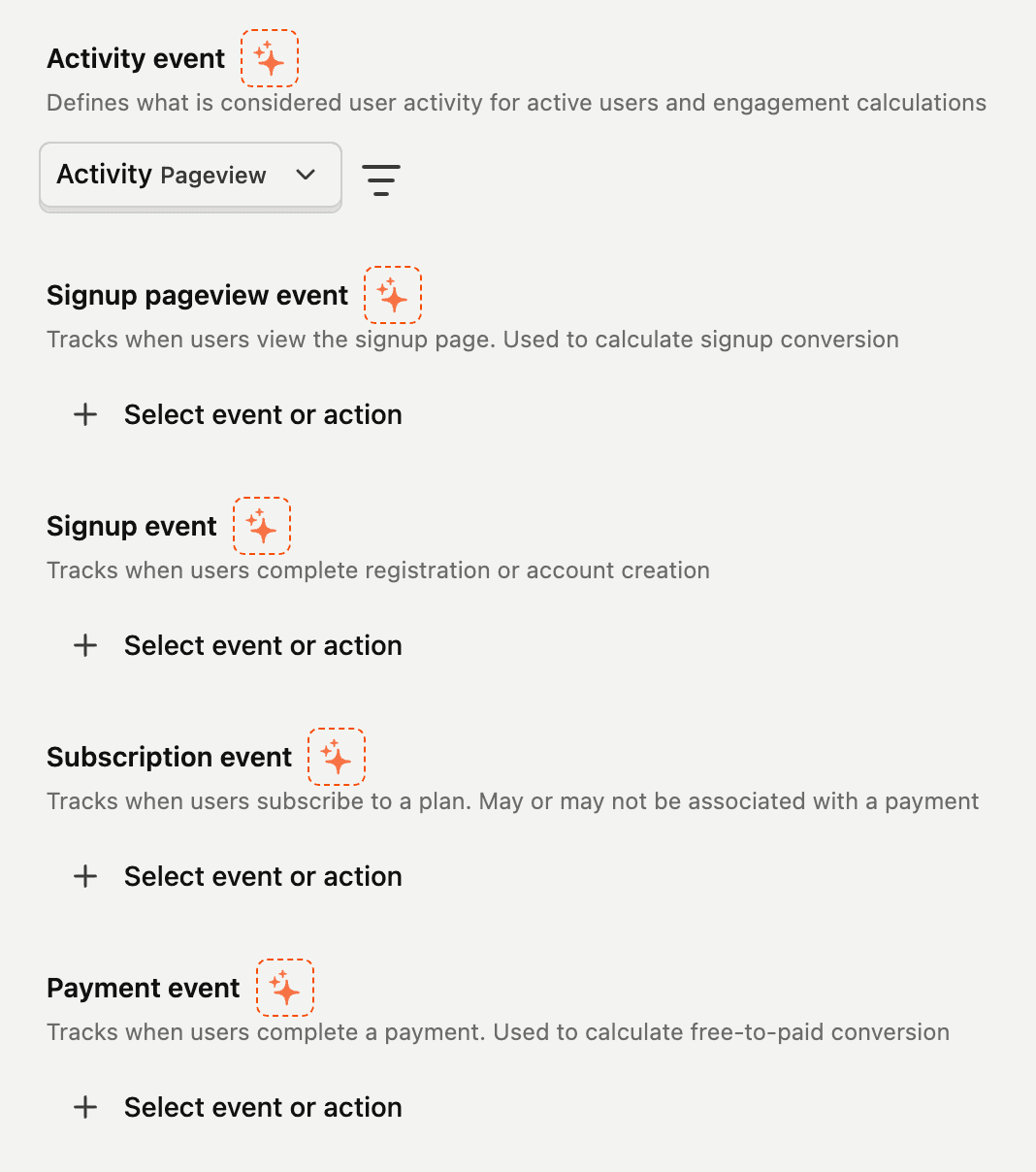

Tips for nailing the setup:
- Use PostHog AI to help you find the events
- Create actions to group multiple events under a single name for easier analysis
- Be as specific as possible with event definitions. Sloppy definitions = sloppy metrics.
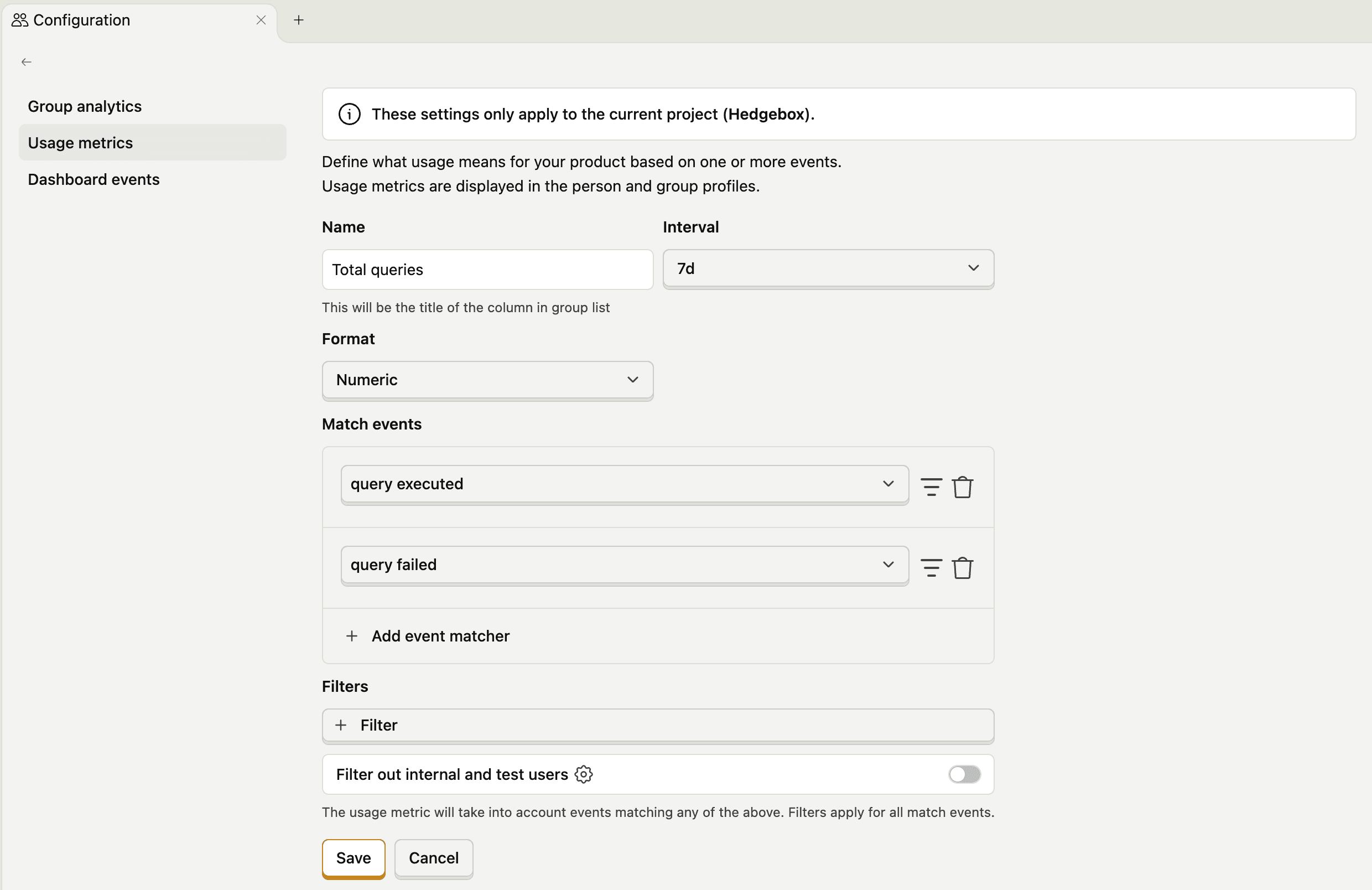
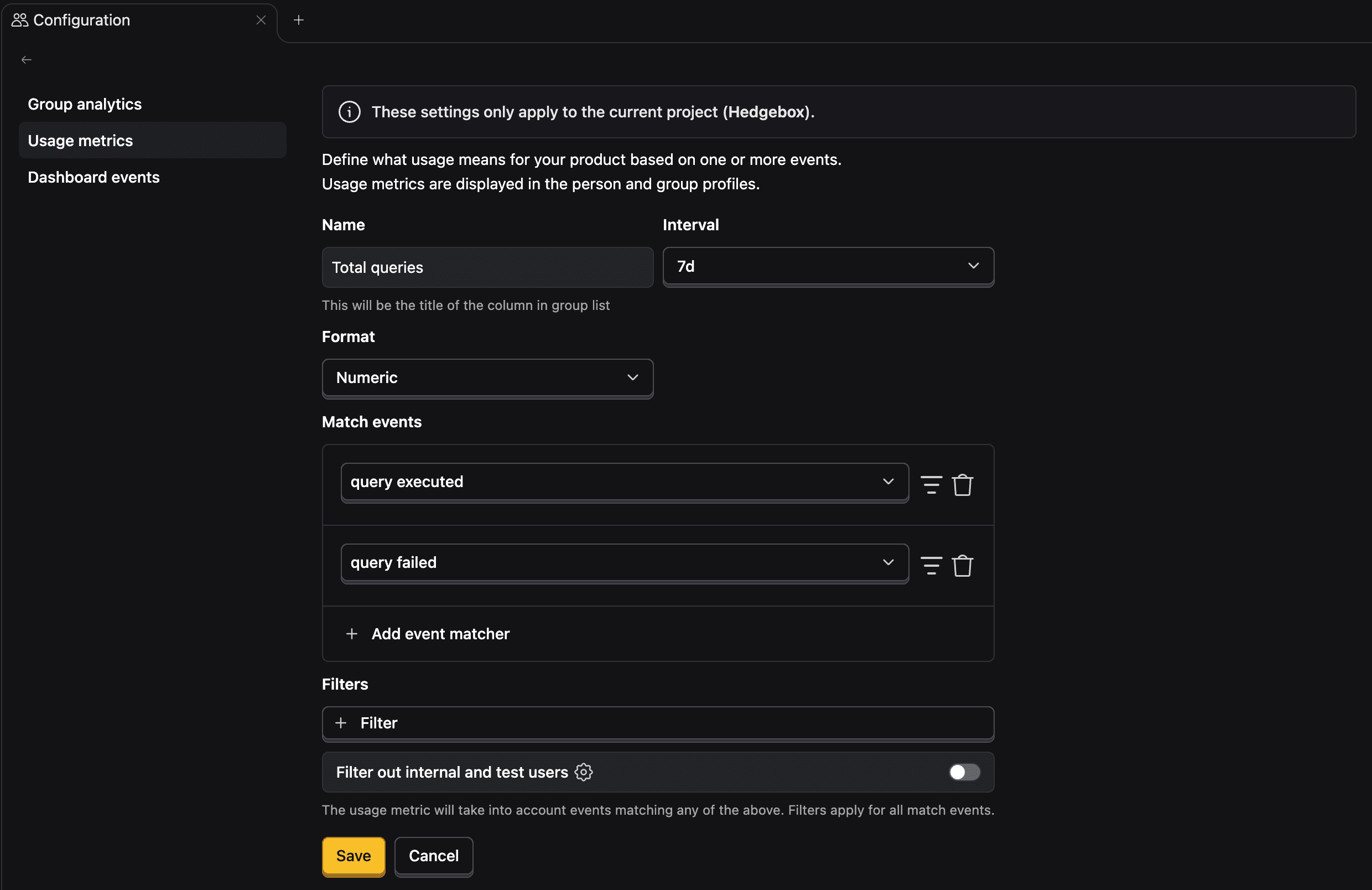
Define usage metrics
Create usage metrics to track custom activity for each interaction they have with your product. These appear on customer profiles and help you identify power users and churn risks.
Explore customer profiles
Customer profiles consolidate everything about a customer in one place: their events, errors, LLM traces, and support tickets.


Create customer journeys
Customer journeys let you visualize how users move through key conversion steps as interactive flow graphs. Create journeys from templates, import existing funnels, or build custom ones from scratch.