





Markdown and llms.txt
Contents
LLMs and AI agents love Markdown. Us too. So we've made PostHog's documentation available in Markdown for developers to copy, crawl, and reuse as prompts or context.
Markdown pages
Nearly every page in our developer docs has a raw Markdown version of itself – including this one!
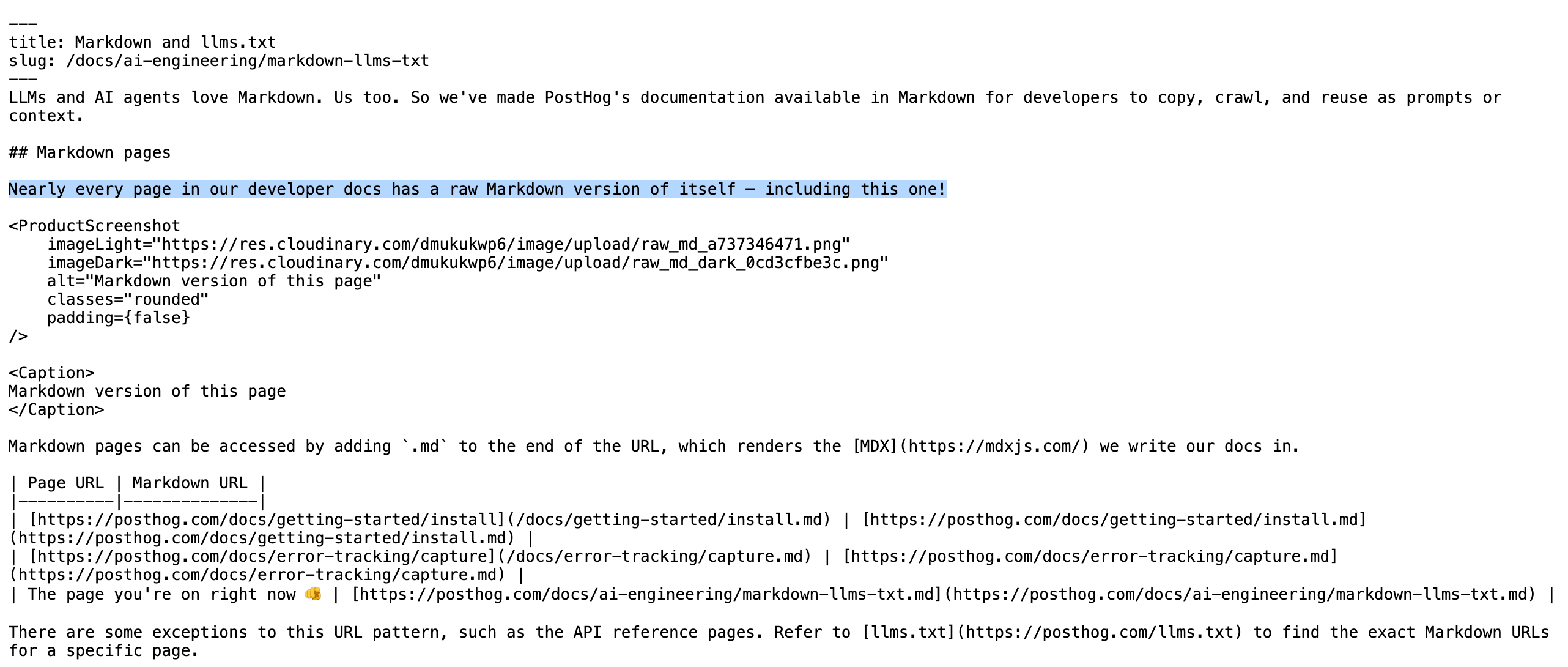
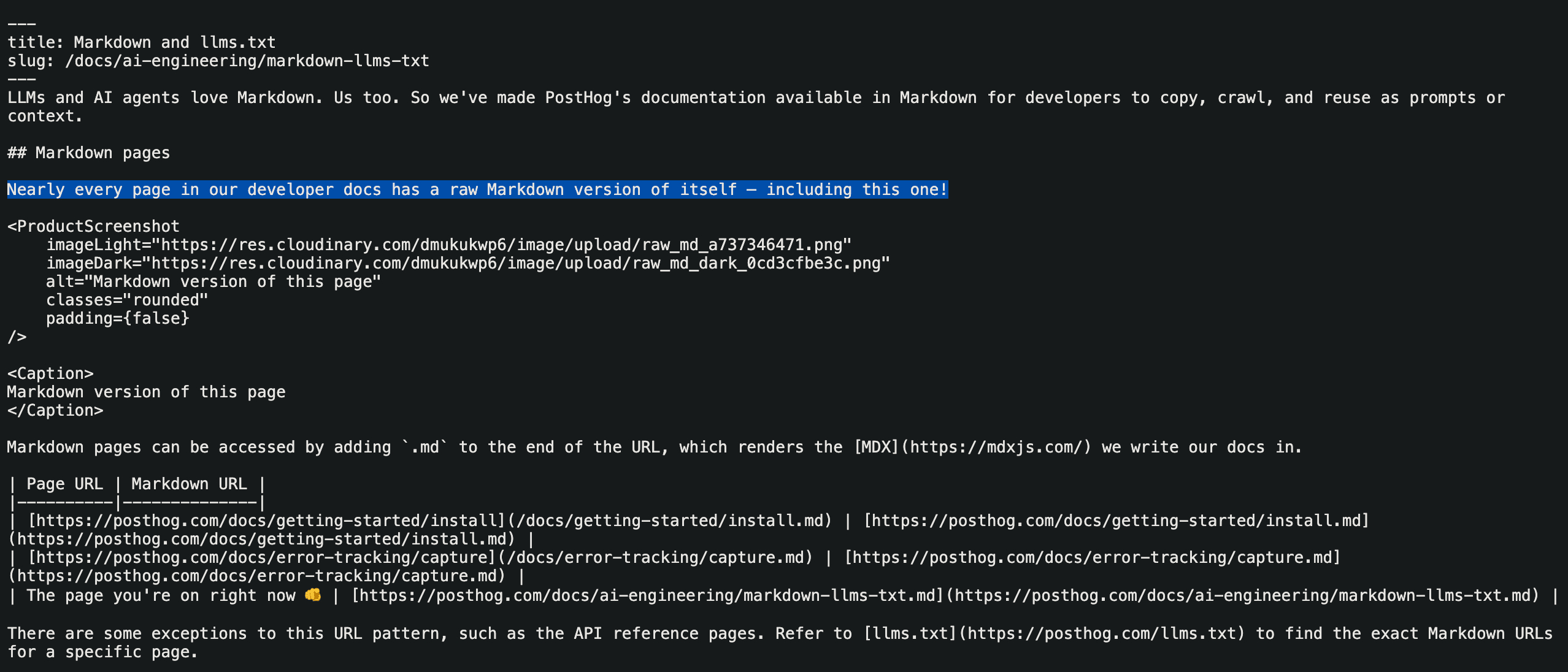
Markdown pages can be accessed by adding .md to the end of the URL, which serves the raw MDX we write our docs in.
There are some exceptions to this URL pattern, such as the API reference pages. Refer to llms.txt to find the exact Markdown URLs for a specific page.
llms.txt
You can find a directory of all our .md pages at https://posthog.com/llms.txt, a new proposed standard that helps LLMs index content.
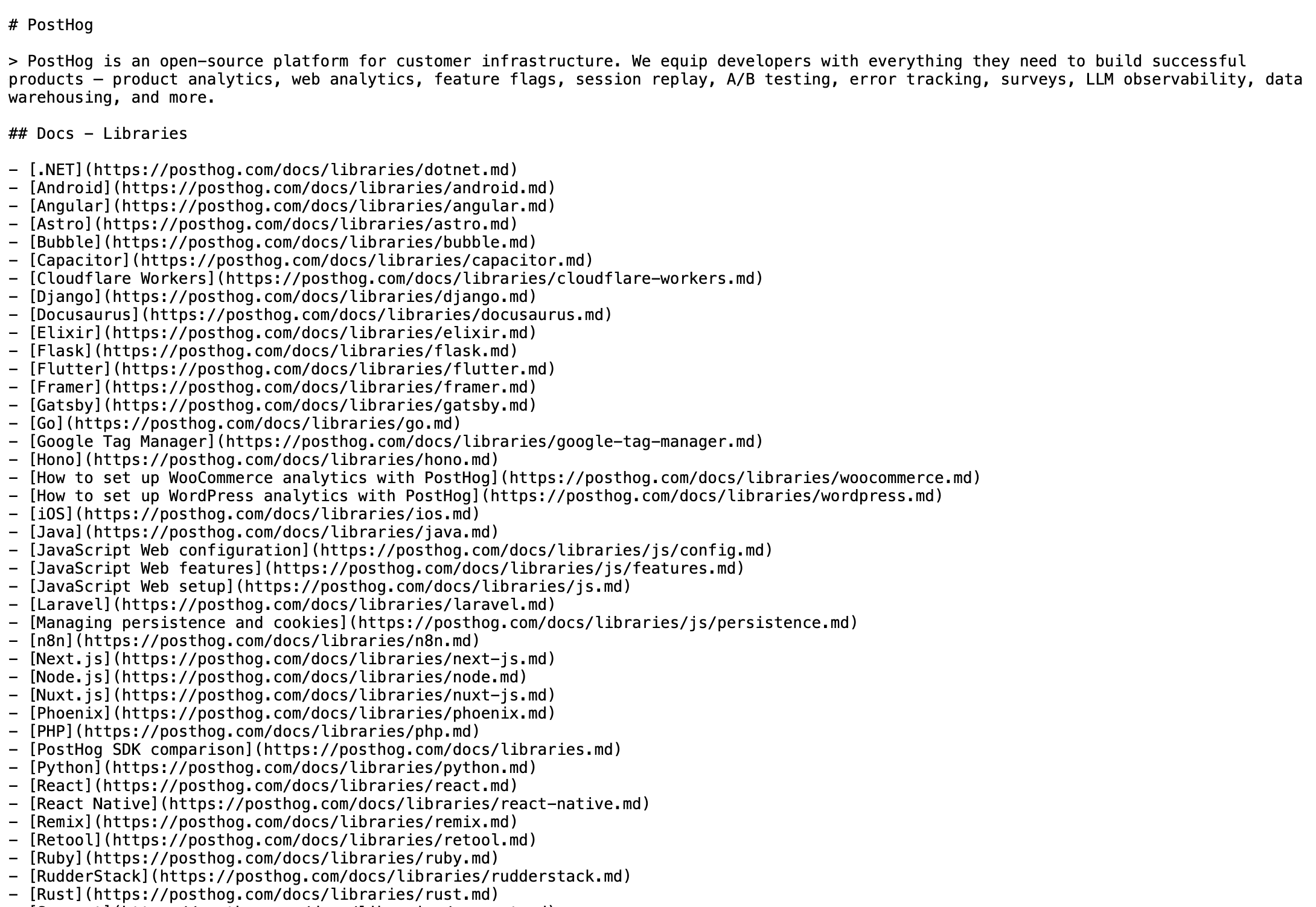
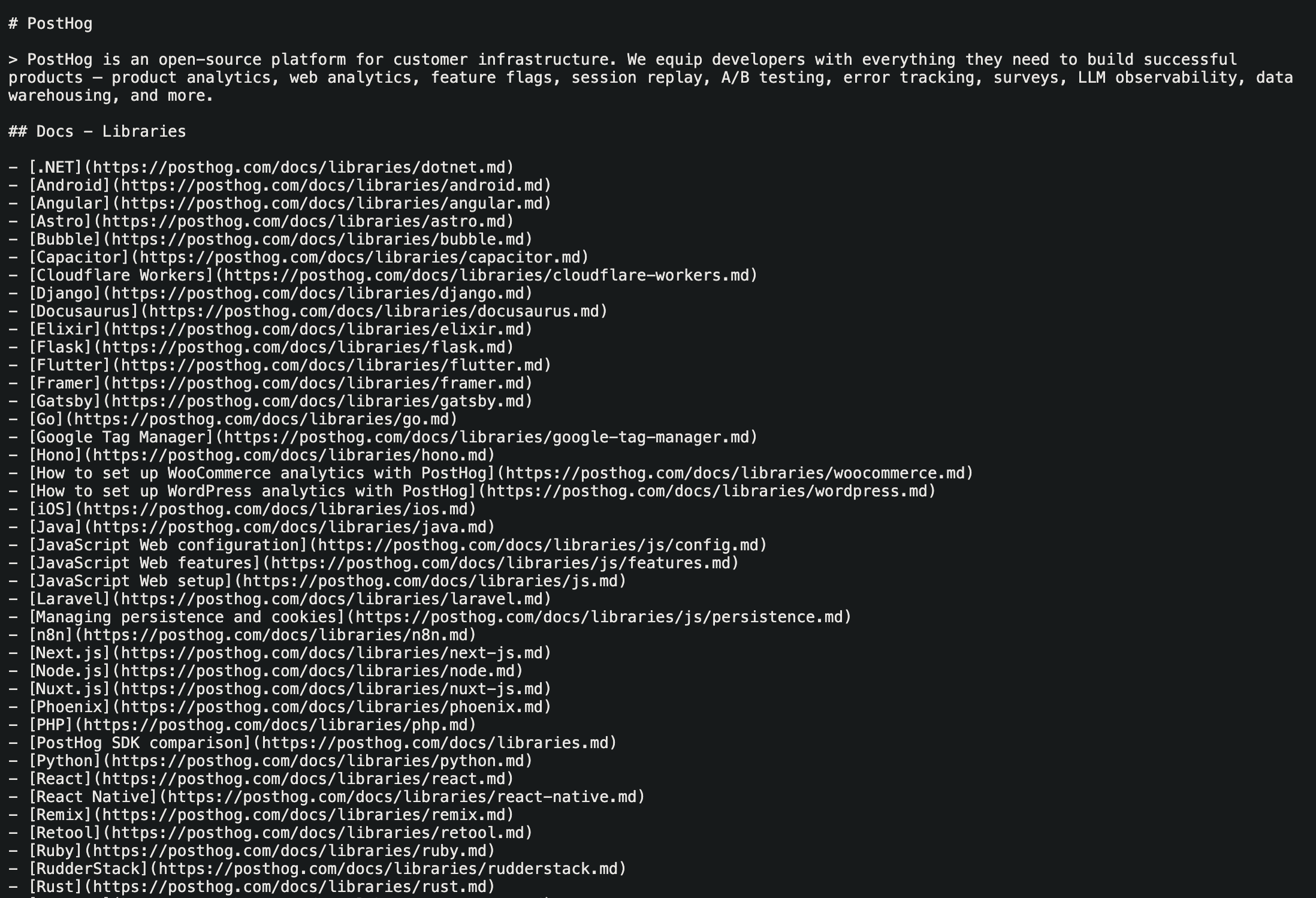
Copy page


Docs pages have a menu in the bottom right corner of the window with shortcuts to:
- Copy the Markdown content to your clipboard
- View the raw Markdown version of the page
- Open a prompt in ChatGPT to read the page
- Open a prompt in Claude to read the page
Browser tools (WebMCP)
If you browse posthog.com with an agent that supports WebMCP, the site registers a small set of tools the agent can call instead of reading the page. WebMCP is a proposed web standard that lets a page expose typed tools to the browser. Chrome ships it as an origin trial and plans to enable it by default in Chrome 157.
| Tool | What it does |
|---|---|
search_docs | Searches posthog.com and returns matching pages |
read_page | Returns a page as Markdown, using the .md versions above |
get_site_overview | Returns a short overview of the PostHog platform |
read_skill | Lists and reads PostHog agent skills |
navigate_page | Opens a posthog.com page in the current tab |
ask_max | Sends a question to PostHog AI on the page |
get_mcp_connection_info | Explains how to connect an MCP client to the PostHog MCP server |
get_install_instructions | Explains how to install PostHog with the wizard |
All tools are read-only, or only change what the page shows. None of them create accounts or change data in PostHog. In Chrome versions before 157, enable chrome://flags/#enable-webmcp-testing to see them. You might wanna use the WebMCP extension to test it.