# Sharing and embedding insights and dashboards - Docs

For any dashboard or insight, you can share a public link and/or embed it using an iframe. This is useful if you want to share your data with customers or partners, but don't want to share your entire account.

> **Note:** When you share an insight or dashboard, anyone with the link can view it. To better control this data, consider setting up [embedded analytics](/tutorials/embedded-analytics.md).

## Sharing an insight

To share an insight, click the `...` (more options) menu next to its name and choose **Share or embed**.
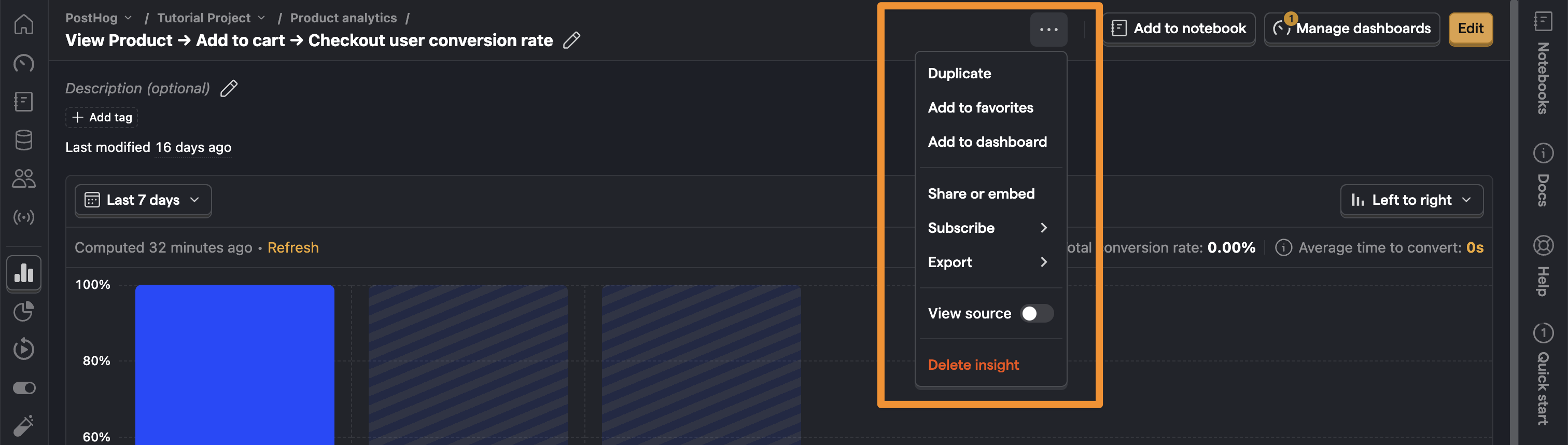
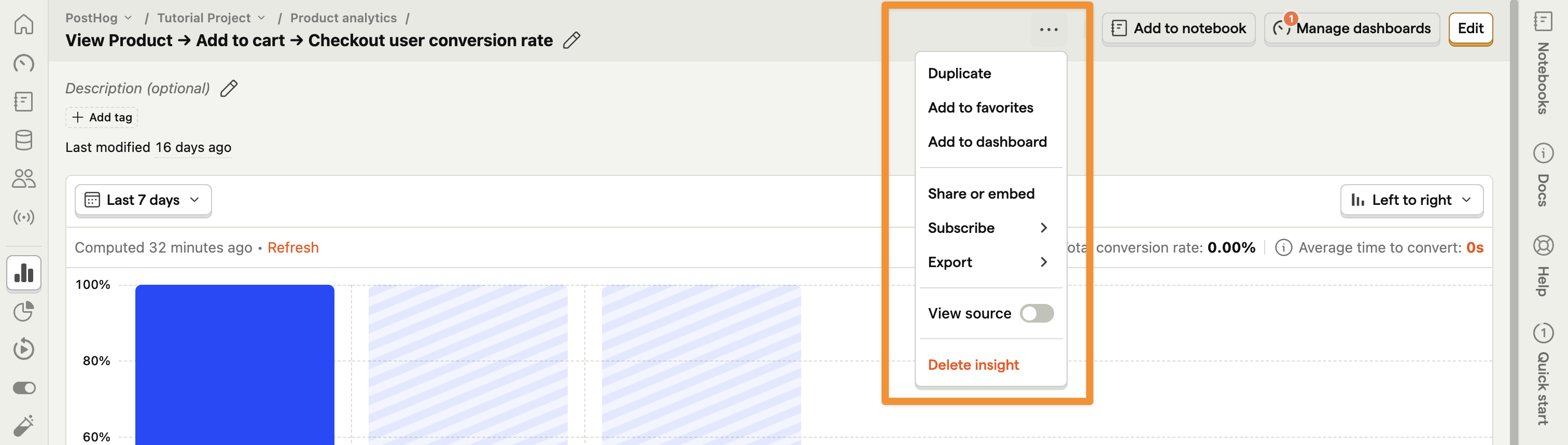
![Sharing an insight via the PostHog app](https://res.cloudinary.com/dmukukwp6/image/upload/v1710055416/posthog.com/contents/images/docs/product-analytics/share-or-embed-light-mode.png)![Sharing an insight via the PostHog app](https://res.cloudinary.com/dmukukwp6/image/upload/v1710055416/posthog.com/contents/images/docs/product-analytics/share-or-embed-dark-mode.png)

Next, toggle ON the option to share the insight publicly.
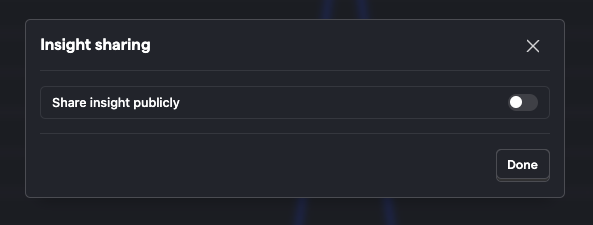
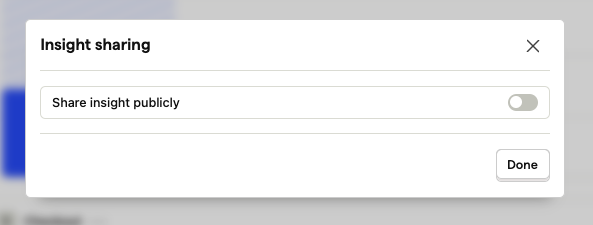
![Share PostHog insight publicly](https://res.cloudinary.com/dmukukwp6/image/upload/v1710055416/posthog.com/contents/images/docs/product-analytics/share-publicly-light-mode.png)![Share PostHog insight publicly](https://res.cloudinary.com/dmukukwp6/image/upload/v1710055416/posthog.com/contents/images/docs/product-analytics/share-publicly-dark-mode.png)

Adjust the details such as PostHog branding or legend. Once done, click **Copy public link** to share it with anyone. This link and insight won't require authentication to view.
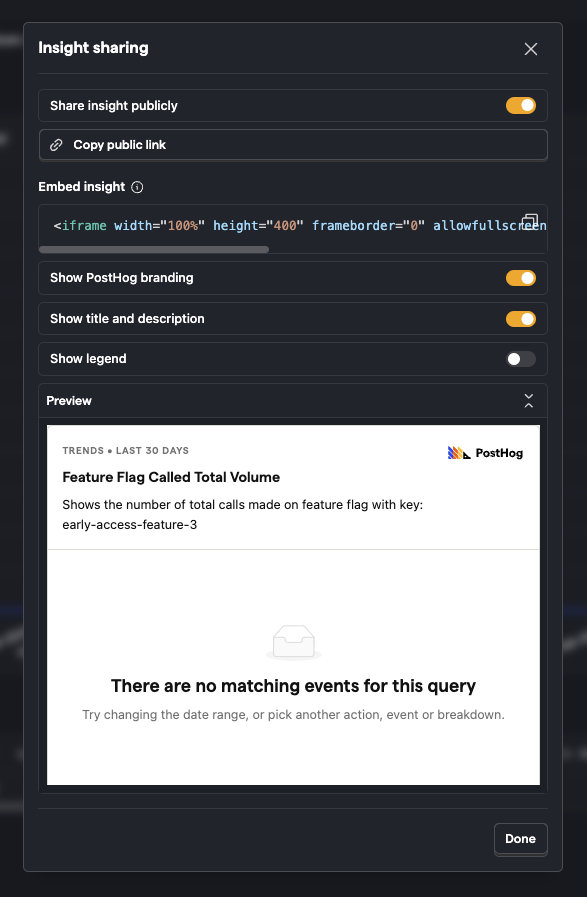
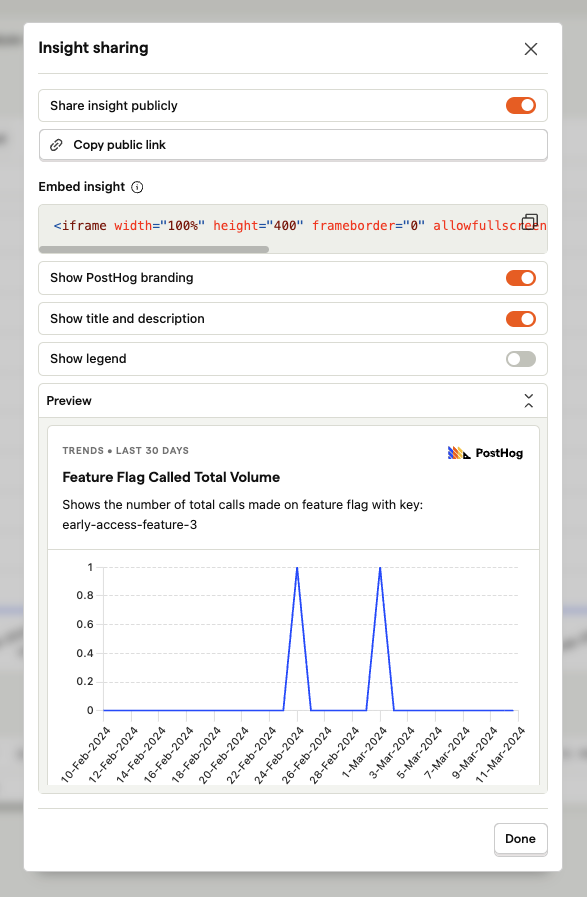
![Sharing an insight via the PostHog app](https://res.cloudinary.com/dmukukwp6/image/upload/v1710055416/posthog.com/contents/images/docs/product-analytics/embed-insight-light-mode.png)![Sharing an insight via the PostHog app](https://res.cloudinary.com/dmukukwp6/image/upload/v1710055416/posthog.com/contents/images/docs/product-analytics/embed-insight-dark-mode.png)

The insight is displayed exactly how it is set up. External users can't change the visualization or date range.

### Embedding an insight

In the same panel as above, copy the HTML code to embed the insight on a webpage.

HTML

PostHog AI

```html
<iframe
    width="100%"
    height="400"
    frameborder="0"
    allowfullscreen
    src="https://us.posthog.com/embedded/qLsGKZMMkpgibHcDcPcQUY0gUZzcRA"
></iframe>
```

You can adjust the width, height, and other attributes of the iframe to customize its appearance.

### Refreshing shared insights

If your insight needs to be refreshed on each load, add `?refresh=true` to the end of the insight ID in the iframe code. Example:

HTML

PostHog AI

```html
<iframe
    width="100%"
    height="400"
    frameborder="0"
    allowfullscreen
    src="https://us.posthog.com/embedded/123456?refresh=true"
></iframe>
```

## Sharing a dashboard

To share an entire dashboard, start by clicking the **Share** button in the top right of the dashboard.
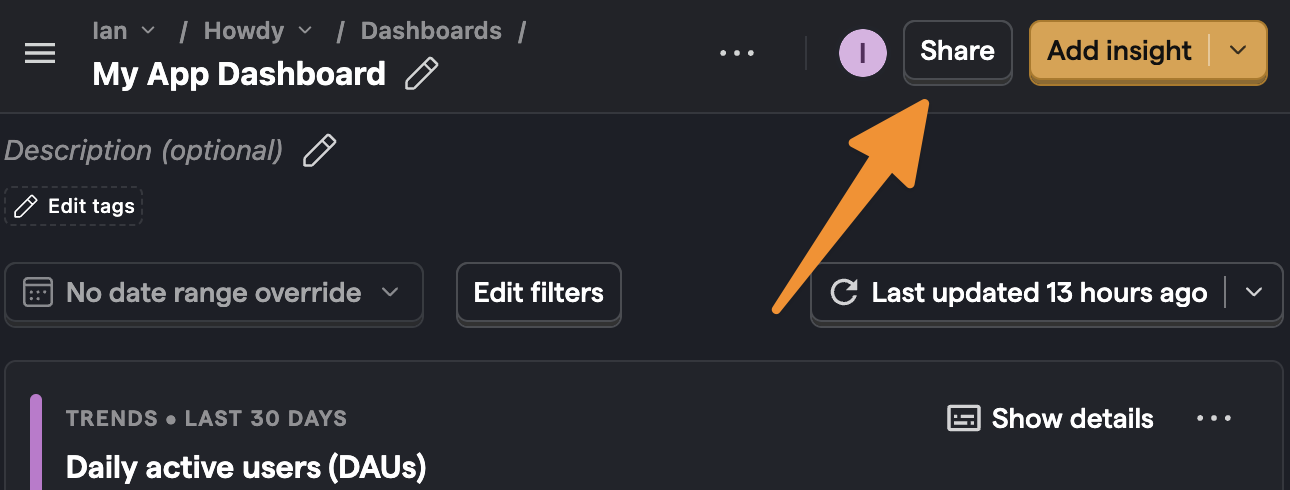
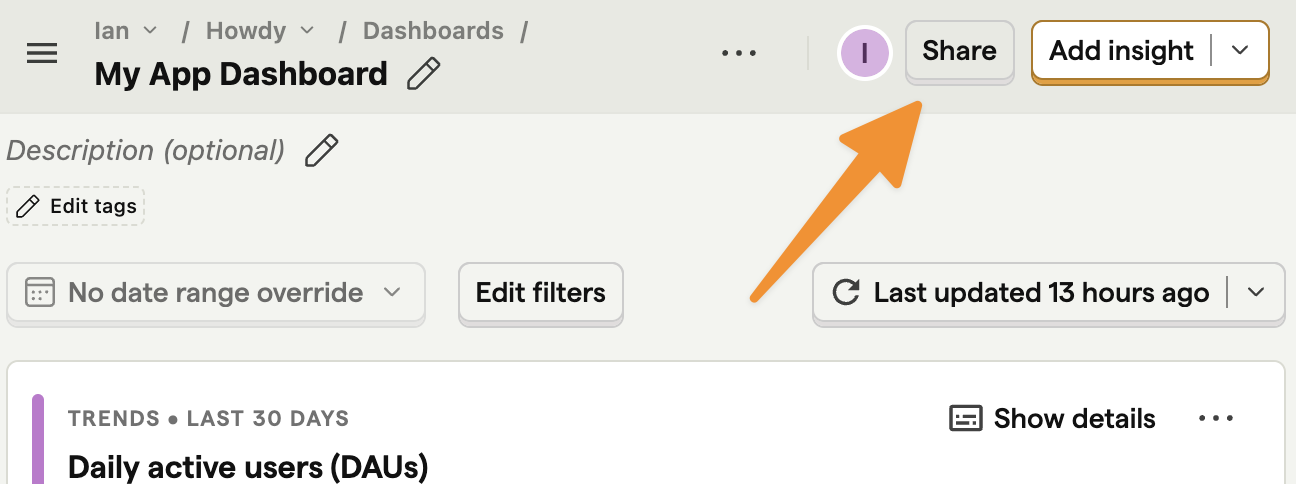
![Sharing a dashboard via the PostHog app](https://res.cloudinary.com/dmukukwp6/image/upload/v1715335397/posthog.com/contents/images/docs/product-analytics/embed-dash-light.png)![Sharing a dashboard via the PostHog app](https://res.cloudinary.com/dmukukwp6/image/upload/v1715335397/posthog.com/contents/images/docs/product-analytics/embed-dash-dark.png)

Next, toggle ON the option to share the dashboard publicly.

Finally, copy the public link and share with anyone. This link and dashboard won't require authentication to view.

### Embedding a dashboard

In the same panel as above, copy the HTML code to embed the dashboard on a webpage.

HTML

PostHog AI

```html
<iframe
    width="100%"
    height="400"
    frameborder="0"
    allowfullscreen
    src="https://us.posthog.com/embedded/2lMtXLAWsgsUDlPZaUSqQrQJZbOrFw"
></iframe>
```

Again, you can adjust the width, height, and other attributes of the iframe to customize its appearance.

The dashboard fires a `posthog:dimensions` event when it loads and you can use the height value from it to adjust the iframe like this:

HTML

PostHog AI

```html
<html>
    <iframe
        id="my-posthog-iframe"
        name="MyPostHogIframe"
        width="100%"
        height="400"
        src="https://us.posthog.com/embedded/2lMtXLAWsgsUDlPZaUSqQrQJZbOrFw"
    ></iframe>
    <script type="text/javascript">
        window.addEventListener('message', (e) => {
            if (e.data.event === 'posthog:dimensions' && e.data.name === 'MyPostHogIframe') {
                document.getElementById('my-posthog-iframe').height = e.data.height
            }
        })
    </script>
</html>
```

### Refreshing shared dashboards

Shared and embedded dashboards auto-refresh every 30 minutes while the page is open. Auto-refresh pauses when the browser tab is inactive and resumes when the tab becomes visible again.

### Community questions

Ask a question

### Was this page useful?

HelpfulCould be better