# Issues and exceptions - Docs
This page introduces the concept of issues and exceptions, how they fit into the error tracking workflow, and how you can work with them.
## What is an exception?
Errors are initially captured as individual `$exception` events. Like other [events](/docs/data/events.md) in PostHog, they contain properties that you can use to filter and group them. You can also use them to create insights, filter recordings, trigger surveys, and more.
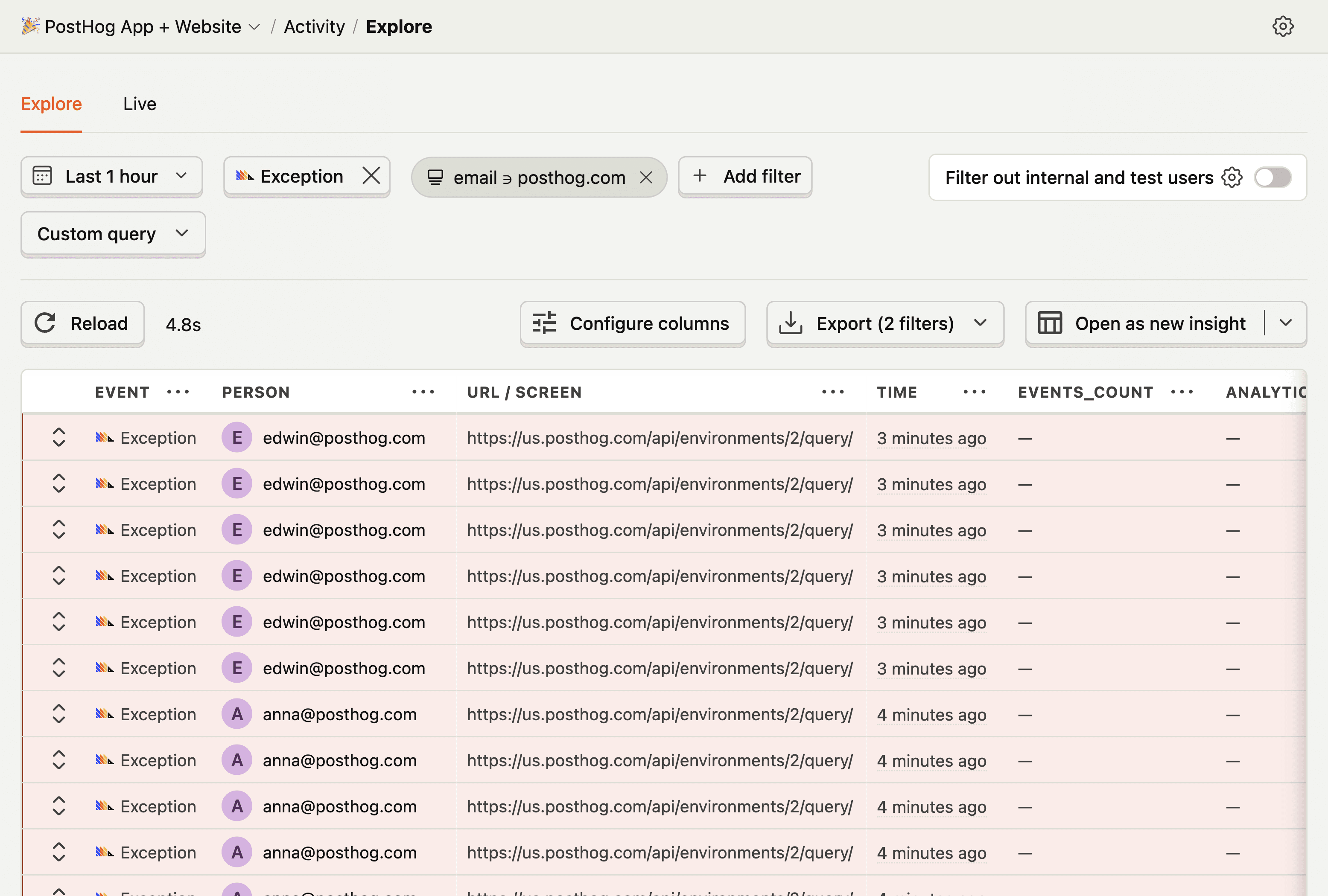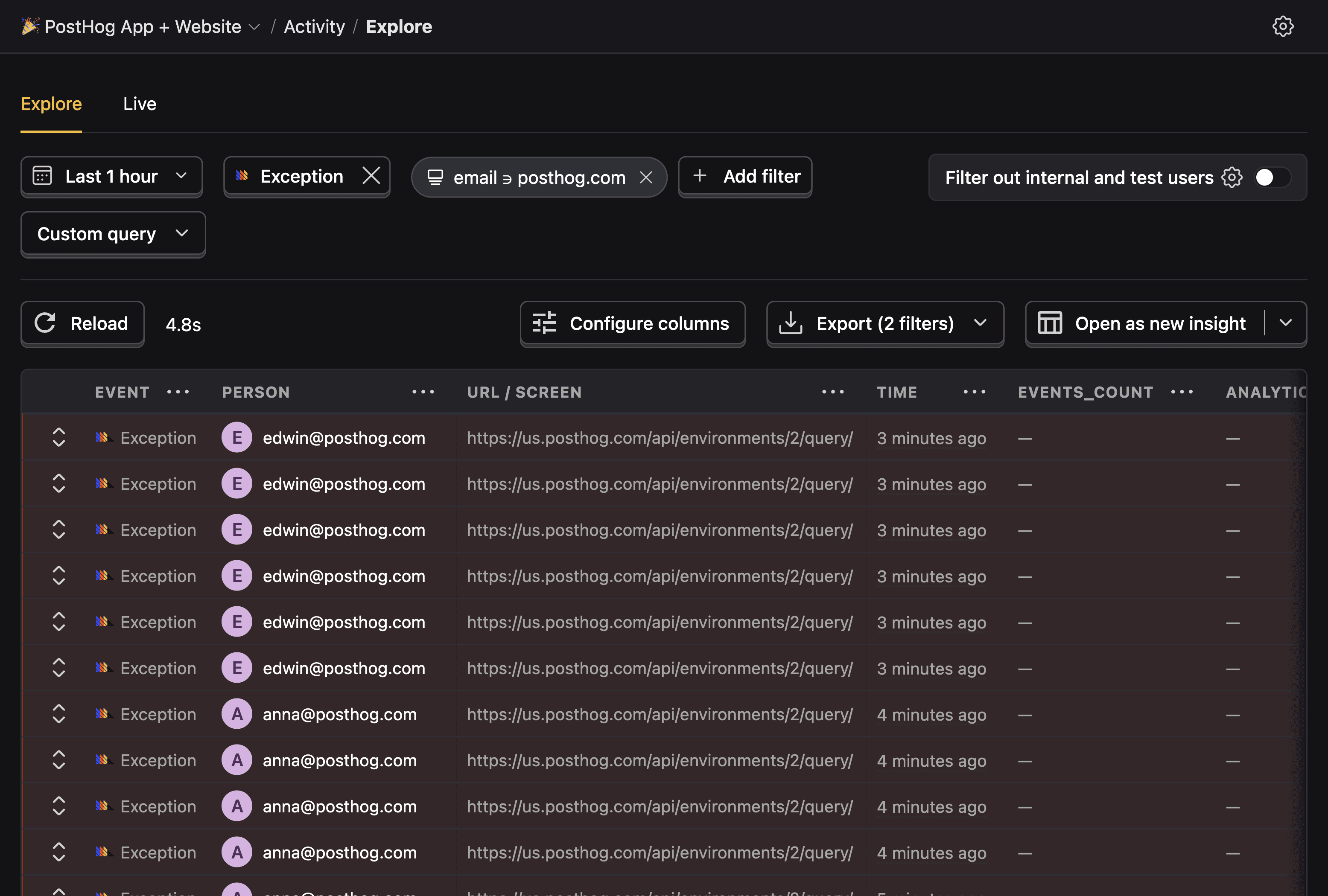
View recent exception events in the **Activity** tab
You can expect the following properties to be present in the exception events (in addition to the [standard event properties](/docs/data/events.md#default-properties)):
| Name | Key | Example value |
| --- | --- | --- |
| $exception_list | List | A list of exceptions that occurred. In languages that support chained exceptions, the list will contain multiple items. Contains the following properties: |
| └─ type | String | The type of exception that occurred |
| └─ value | String | The message of the exception that occurred |
| └─ stacktrace | Object | Contains a list of stack frames that occurred |
| └─ mechanism | Object | If the stacktrace is handled and if it's synthetic |
| $exception_fingerprint | String | A fingerprint of the exception |
| $exception_level | String | The level of the severity of the error |
These captured properties are used to build a [fingerprint](/docs/error-tracking/fingerprints.md) of the exception, which is used to group similar exceptions into issues.
## What is an issue?
Issues are groups of similar `$exception` events that share common event information, such as the exception type, message, and stack trace. They're the primary way you interact with captured exceptions in error tracking.
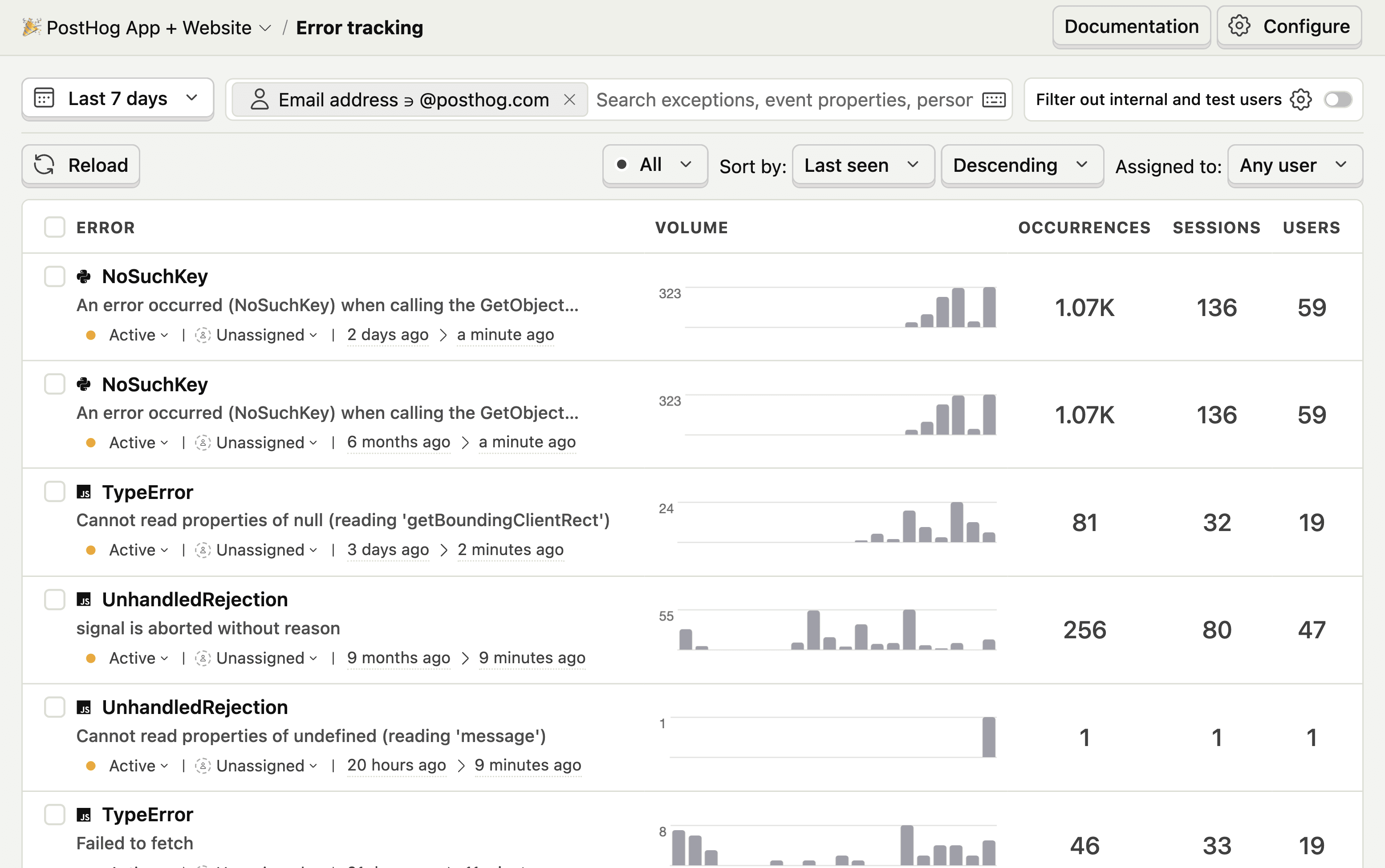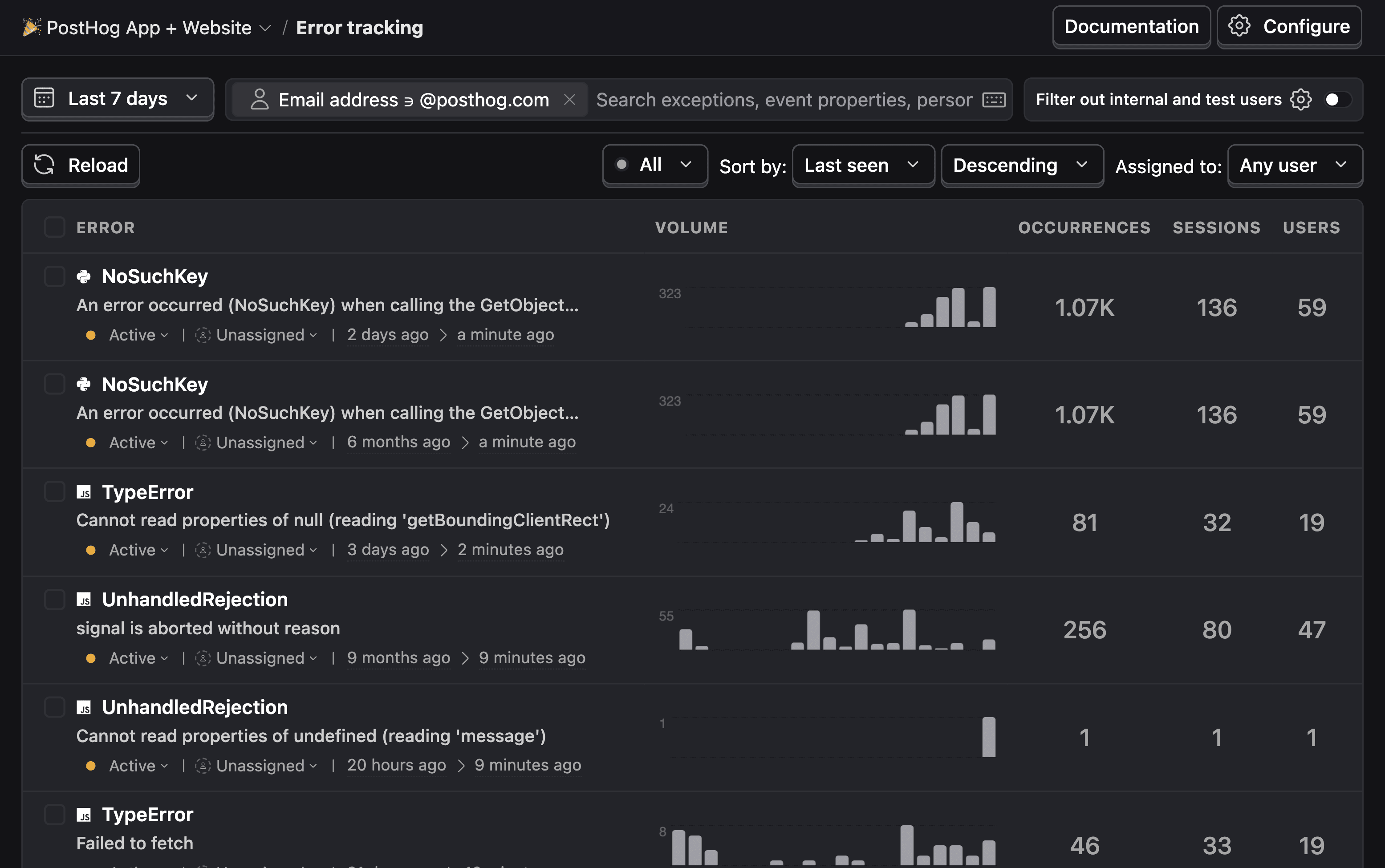
The error tracking dashboard displays a list of issues
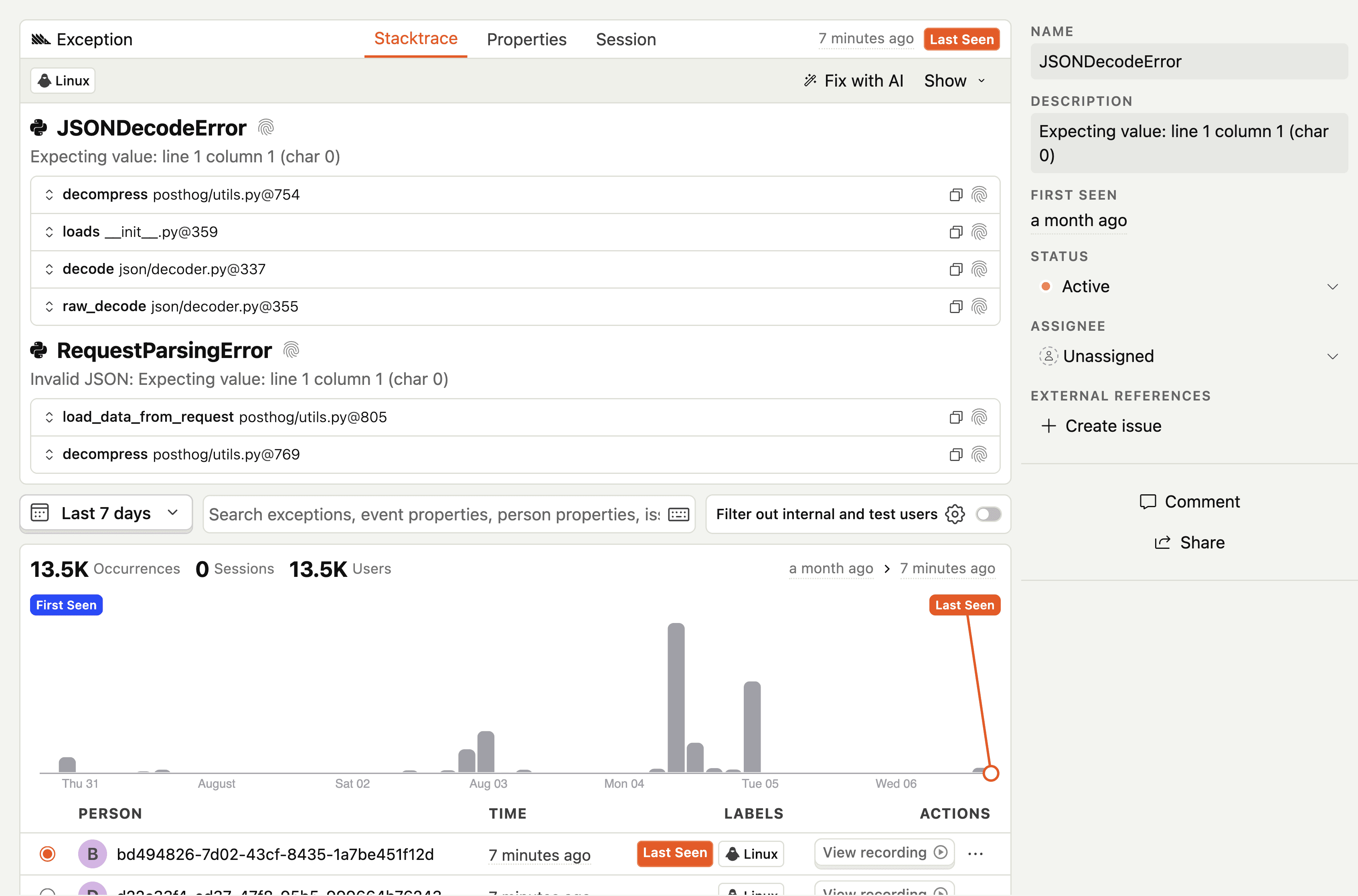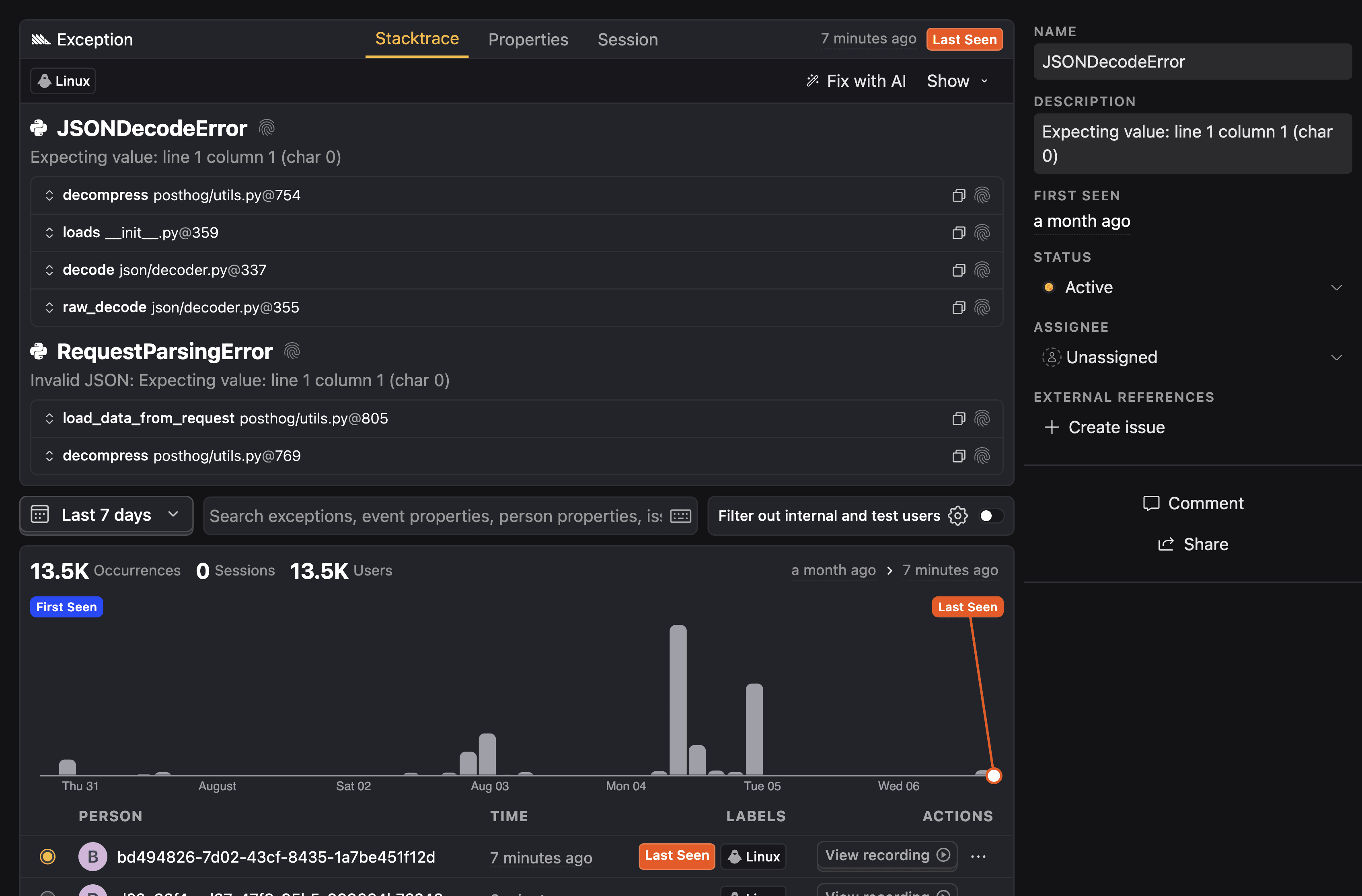
Opening an issue shows detailed information about its exceptions
When working in the context of error tracking, PostHog [groups similar exception events](/docs/error-tracking/grouping-issues.md) into issues to help you triage them and take action. You can do the following with issues:
- [Mark the issue as active, suppressed, or resolved](/docs/error-tracking/managing-issues.md#resolving-and-suppressing-issues)
- [Assign the issue to a team member or role](/docs/error-tracking/assigning-issues.md)
- [Connect the issue to an external tracking system like GitHub issues or Linear](/docs/error-tracking/external-tracking.md)
- [View session replays to help root cause the issue](/docs/error-tracking/monitoring.md#viewing-session-replays)
## How exceptions are grouped into issues
PostHog attempts to group similar exceptions into an issue automatically by their exception type, exception message, and [stack traces](/docs/error-tracking/stack-traces.md). The quality of automatic grouping can vary depending on the data available.
flowchart TD I1\["Issue #1 – TypeError
Status: Active
Assigned: David
Volume: 5.2K
Message: #quot;Cannot read properties of undefined#quot;"\] I2\["Issue #2 – ReferenceError
Status: Resolved
Assigned: Olly
Volume: 1.5K
Message: #quot;userId is not defined at dashboard.js#quot;"\] I3\["Issue #3 – NetworkError
Status: Suppressed
Assigned: Hugues
Volume: 3.9K
Message: #quot;Failed to fetch from API endpoint#quot;"\] E1\["Latest exception
service.py:1316
21 hours ago"\] E2@{ shape: processes, label: "Grouped exceptions
service.py:1316
5.2K events" } E3@{ shape: processes, label: "Grouped exceptions
dashboard.js:15
1.5K events" } E4@{ shape: processes, label: "Grouped exceptions
main.go:248
3.9K events" } I1 --> E1 I1 --> E2 I2 --> E3 I3 --> E4
You can customize issue grouping logic by using [custom grouping rules](/docs/error-tracking/grouping-issues.md#option-1-custom-grouping-rule), [merging issues](/docs/error-tracking/grouping-issues.md), or labeling exceptions with a [custom fingerprint](/docs/error-tracking/grouping-issues.md#option-2-client-side-fingerprint).
When multiple issue grouping methods apply, PostHog applies them in the following order:
flowchart LR A\[Exception Event\] --> B{Custom fingerprint
set?} B -->|Yes| C\[Use custom fingerprint\] B -->|No| D{Custom grouping rules
match?} D -->|Yes| E\[Use custom grouping rules\] D -->|No| F\[Use automatic fingerprinting\] C --> G\[Create/update issue\] E --> G F --> G
1. Client-side defined [custom fingerprint](/docs/error-tracking/capture.md#customizing-exception-capture) using `$exception_fingerprint`
2. Match [custom grouping rules](/docs/error-tracking/grouping-issues.md#option-2-custom-grouping-rule) defined in PostHog
3. If no user defined logic, fall back to [automatic fingerprinting](/docs/error-tracking/fingerprints.md)
> We're working on improving our grouping algorithm. If you spot two issues that you think should have been one, or one issue that you think should have been split into two, please [let us know in-app](https://app.posthog.com#panel=support%3Afeedback%3Aerror_tracking%3Alow%3Atrue).
### Community questions
Ask a question
### Was this page useful?
HelpfulCould be better